
Support Guide
Hall Effect Controller Calibration Guide: Deadzone, Centering, and Input Tests
Short answer: test the stick at rest, recalibrate if your platform supports it, raise the deadzone only as much as needed, then test in the game that caused the issue.
Choose: the right test before changing settings
- Open a joystick tester on PC or use your platform’s controller test screen.
- Put the controller on a flat surface and keep your thumbs off the sticks.
- Watch whether the stick center moves while untouched.
- Test wired mode if Bluetooth results look inconsistent.
Compare: calibration vs deadzone
Calibration teaches the system where the stick center and edges should be. Deadzone tells the game to ignore tiny movements near center. Start with calibration when available, then adjust deadzone gently. A deadzone that is too high can make aiming or camera control feel mushy.
Use: a practical deadzone workflow
- Set the game deadzone to its default.
- Test the stick with no thumb pressure.
- If the camera or character moves, raise deadzone one small step.
- Stop once unwanted movement disappears.
- Test a slow camera pan and a fast turn before saving.
Fix: when calibration does not solve it
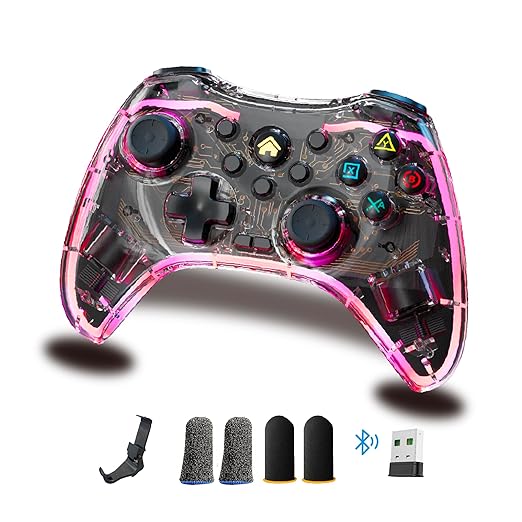
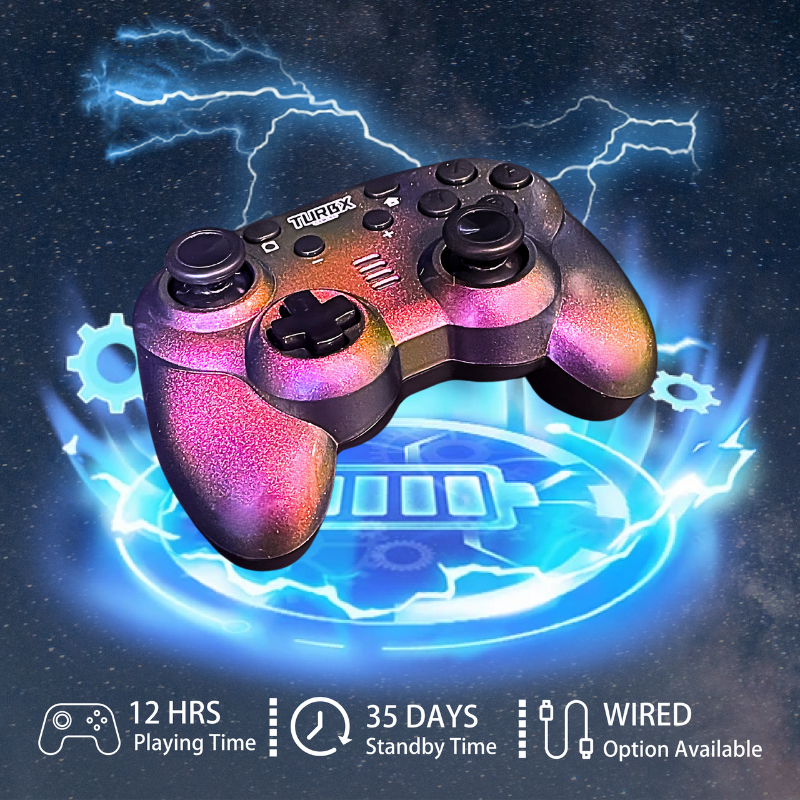
If unwanted input returns after cleaning, calibration, and moderate deadzone tuning, the old controller may have hardware wear or sensor offset. Astra is the conversion path for buyers who want a drift-aware replacement with TMR / Hall Effect-style sticks, Bluetooth, 2.4GHz receiver, USB-C wired fallback, and cross-platform support.
Calibration Questions
Should I set deadzone to zero on a Hall Effect controller?
Not always. Some games and systems still need a small deadzone because stick centering, sensitivity, and game input handling vary.
Can calibration fix all drift?
No. Calibration can help with center offset or software interpretation. It cannot reliably fix every worn or damaged controller.
Why test wired mode?
Wired mode removes Bluetooth instability from the diagnosis, so you can tell whether the issue is stick input or wireless behavior.
When should I replace the controller?
Replace it when unwanted movement keeps returning after cleaning, calibration, and reasonable deadzone tuning.
Video
Reserved social slot: replace with the next official Astra calibration or setup short from @turbXOfficial / @playturbx when published.
Need a replacement instead of another workaround?
If the old controller keeps creeping, move to a controller designed around magnetic sensing sticks and multiple connection fallbacks.
Shop TurbX Astra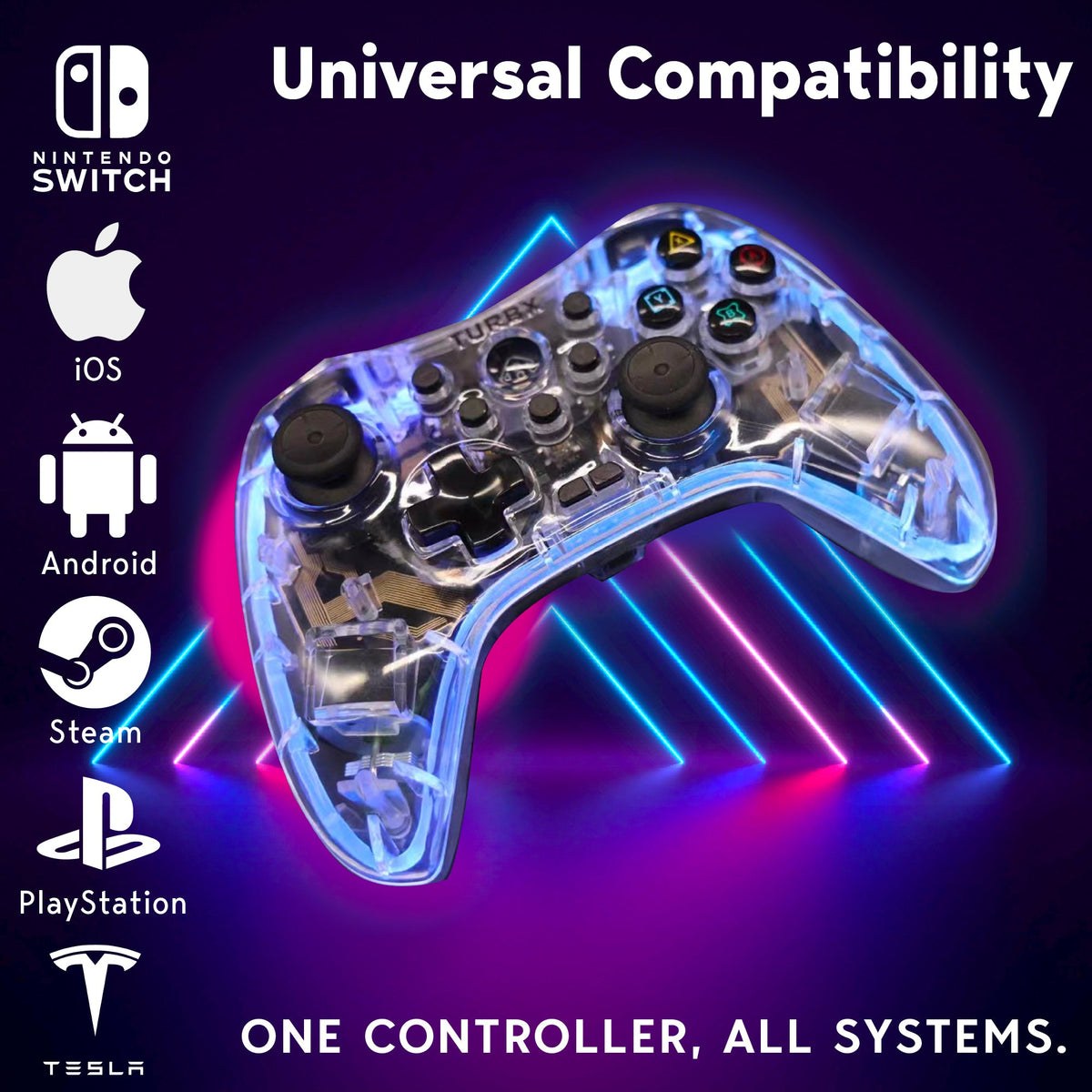


Leave a comment
This site is protected by hCaptcha and the hCaptcha Privacy Policy and Terms of Service apply.