Cross-Platform Gaming Controllers
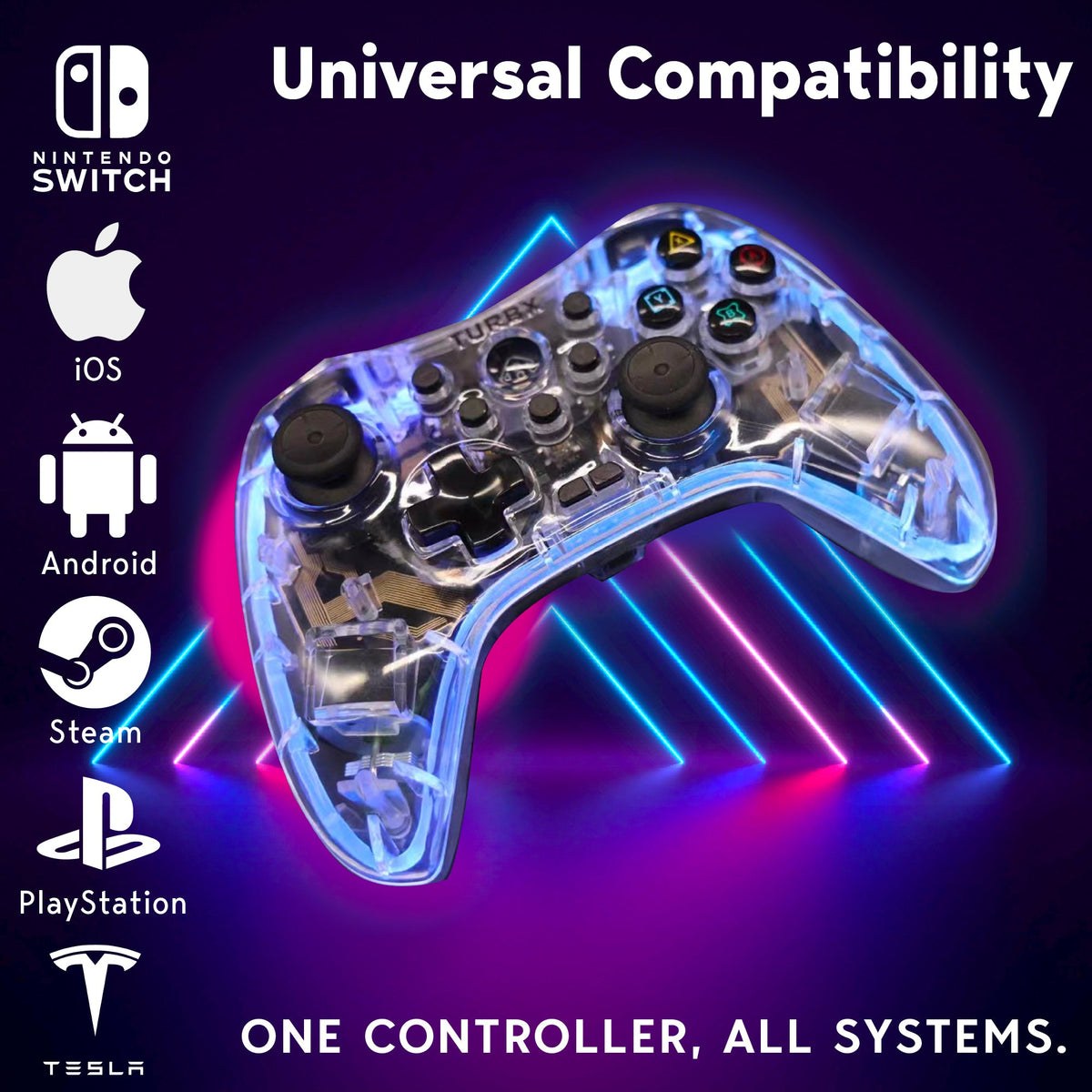
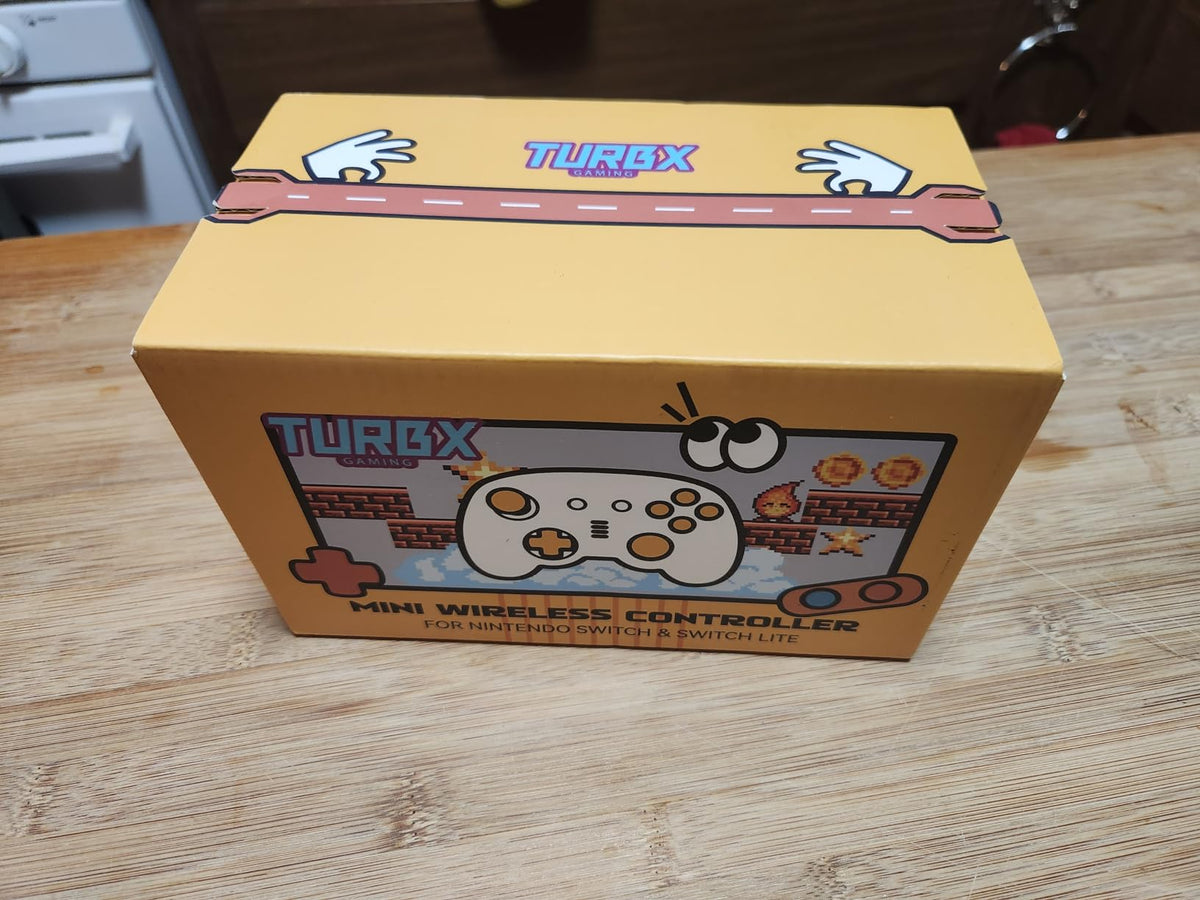
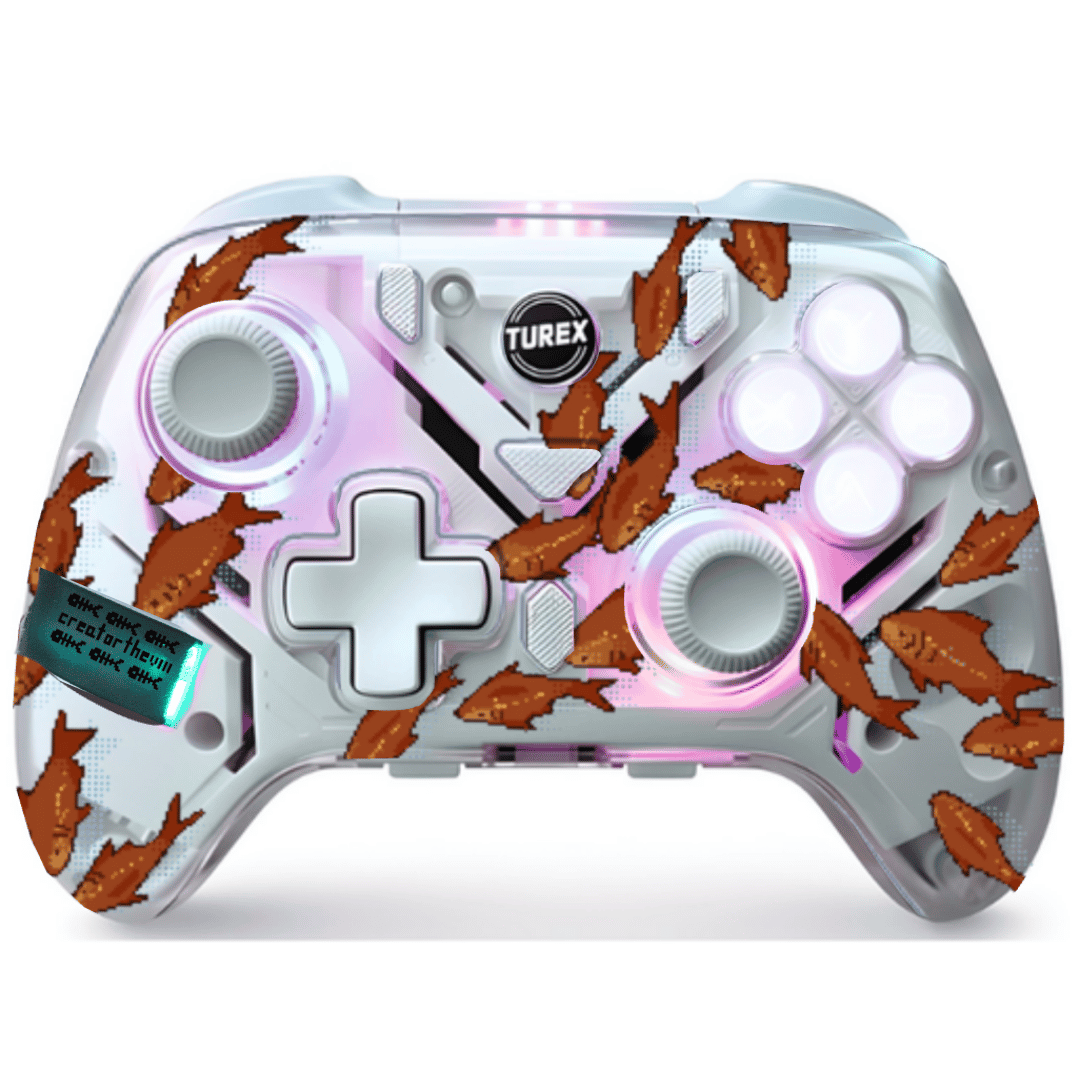
Choose a cross-platform gaming controller when you want one controller path for PC, Nintendo Switch, Steam Deck, mobile, Mac, and Linux instead of a single-device accessory. This collection routes shoppers toward TurbX controllers that make sense for multi-device play, setup support, and custom shell styling.
Last updated: July 6, 2026
Quick answer: one controller for Switch, PC, Steam Deck, and mobile
If your search is "bluetooth controller for switch and pc," "wireless controller for switch and pc," or "bluetooth controller switch pc steam deck," use this collection as the cross-platform hub. The goal is to choose one controller path without mixing up PC-first, Switch-first, mini-controller, or no-stick-drift intent.
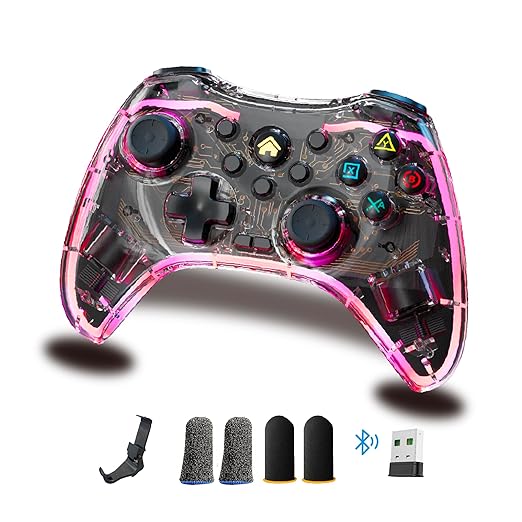
- Main cross-platform route: TurbX Astra for Switch, PC, Steam Deck, mobile, Mac, and Linux.
- Compatibility explainer: Wireless Controller for Switch, PC, Steam Deck, and Mobile.
- PC-first route: Wireless PC Gaming Controllers.
- Switch-first route: Switch Controllers.
- Steam Deck route: Steam Deck Wireless Controller Guide.
- Custom printed route: Upload-and-print custom controller when artwork is the main buying reason.
Should I buy Astra, Mini Mate, or a 7-in-1 controller?
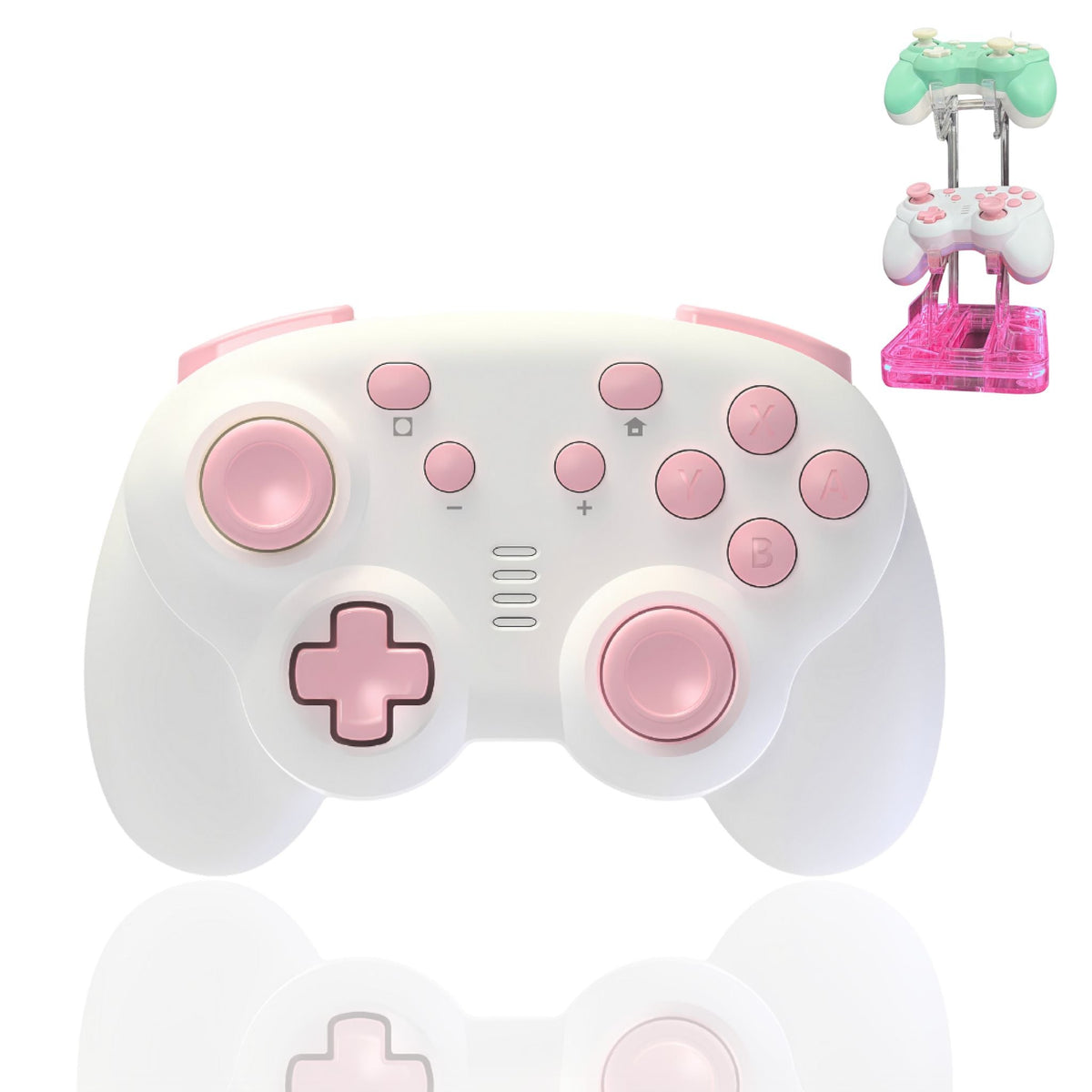
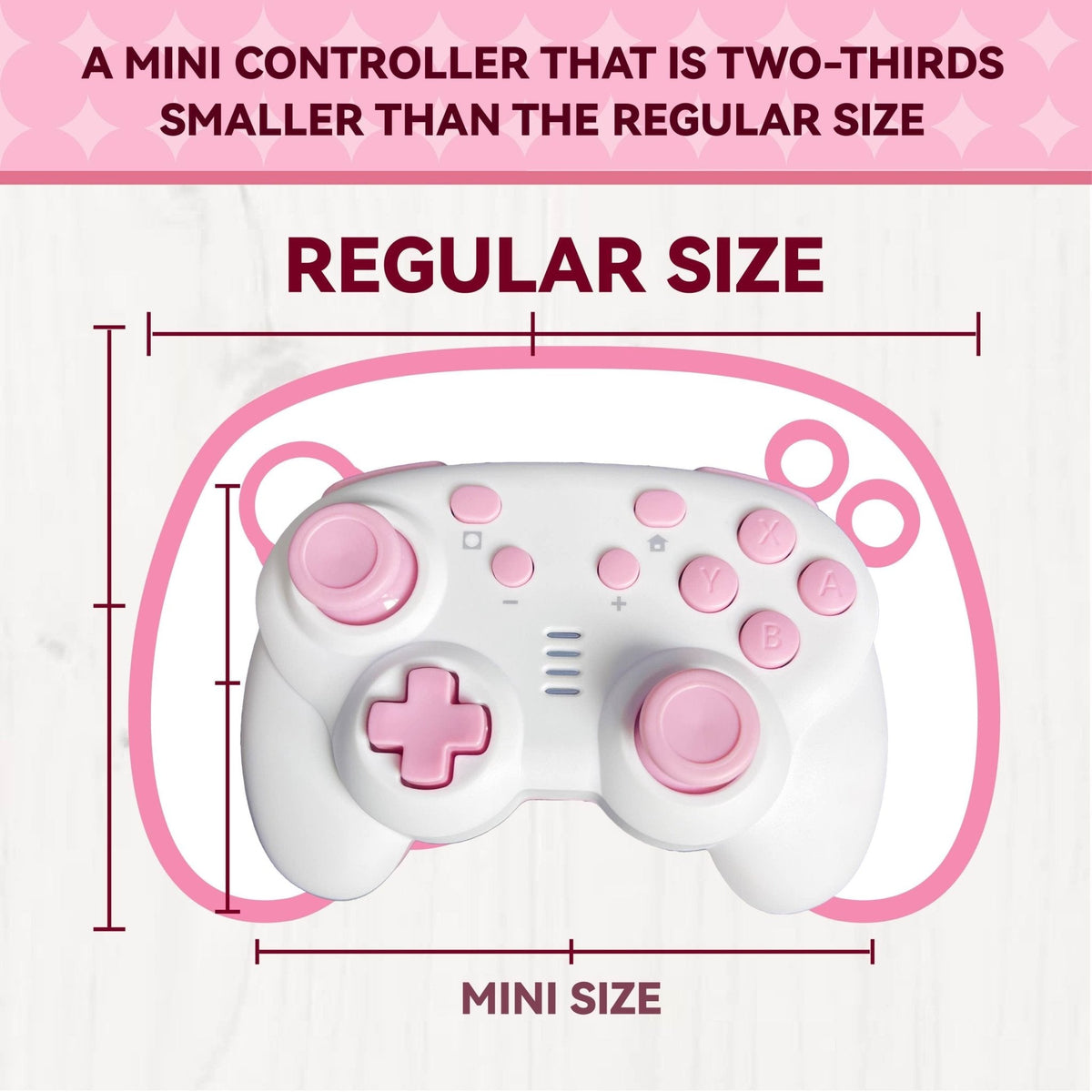
Choose Astra when you want the main modular platform; choose a Mini Mate path when compact size is the reason to buy; choose the 7-in-1 set when the accessory bundle is the main value.
Quick pick: cross-platform controller paths
| Buyer need | Best PlayTurbX path | Why it fits |
|---|---|---|
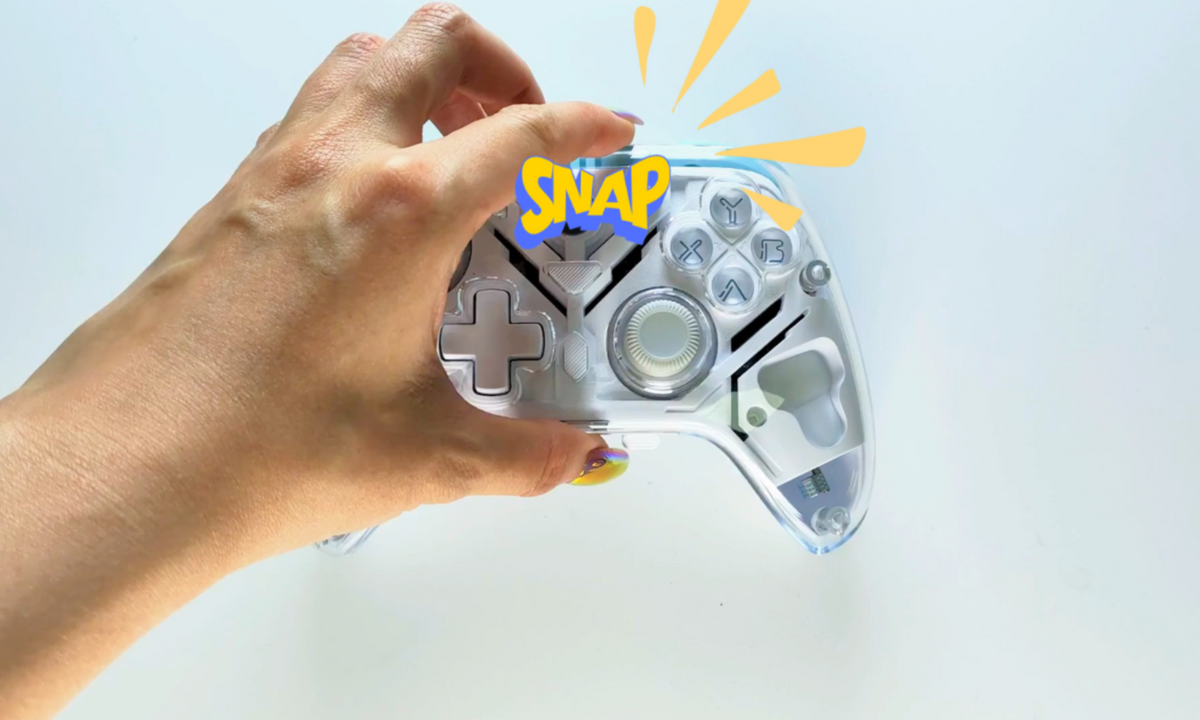
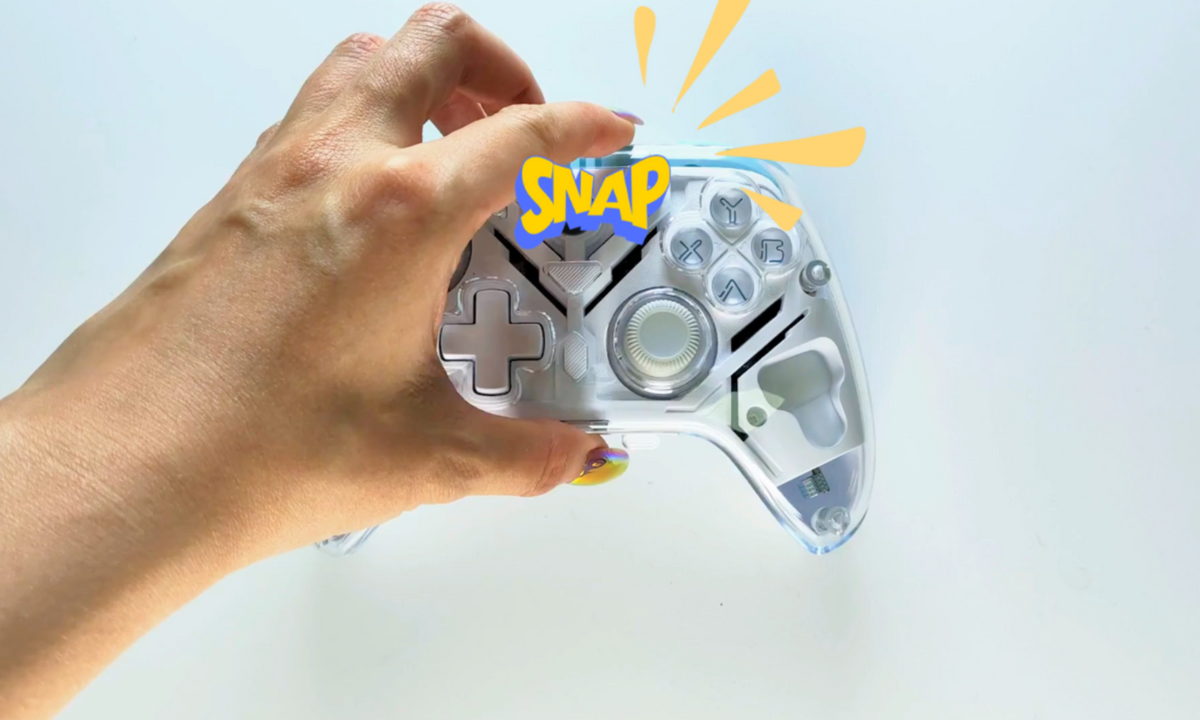
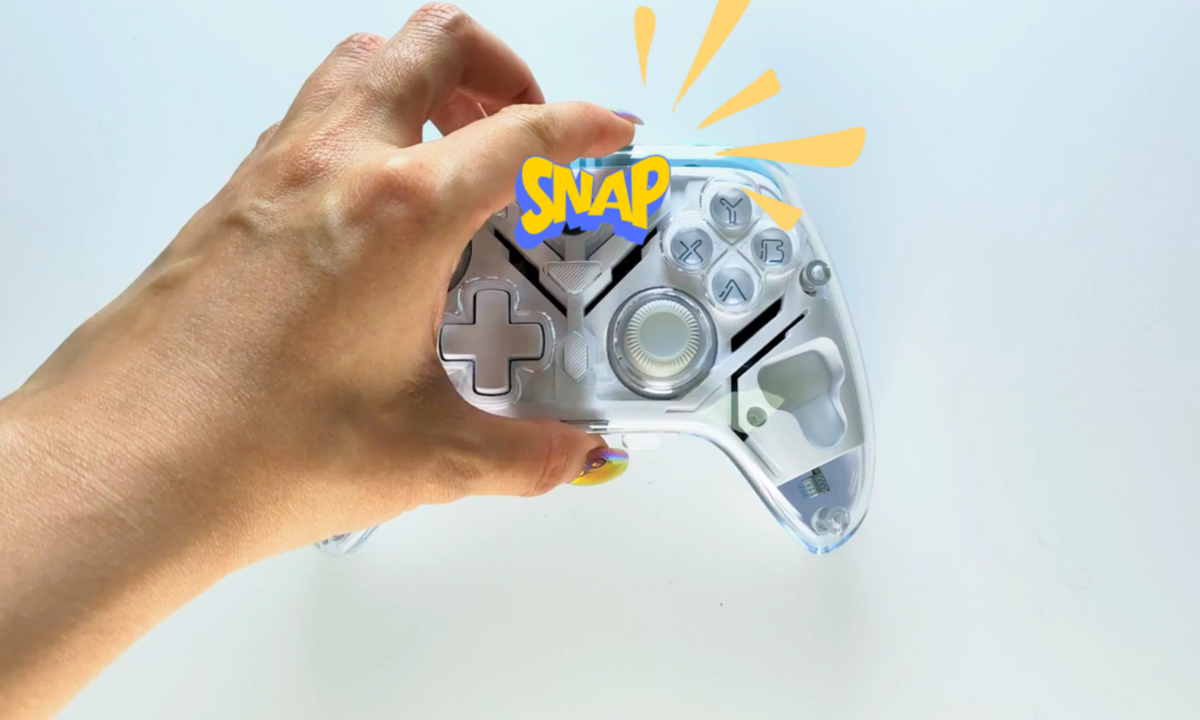
| One ready-to-buy controller for Switch, PC, and Steam Deck | TurbX Astra | Use Astra when platform coverage, drift-resistant stick sensing, and modular magnetic shells matter more than a single-console layout. |
| Personalized controller for a desk setup or gift | Custom Gaming Controller Builder | Use the customizer when the buyer wants cross-platform function with a more personal shell style. |
| Compact controller for travel, dorms, or smaller hands | Small-Hand Gaming Controllers | Use the compact collection when controller size and reach are the main objection. |
Choose: what matters for multi-device play
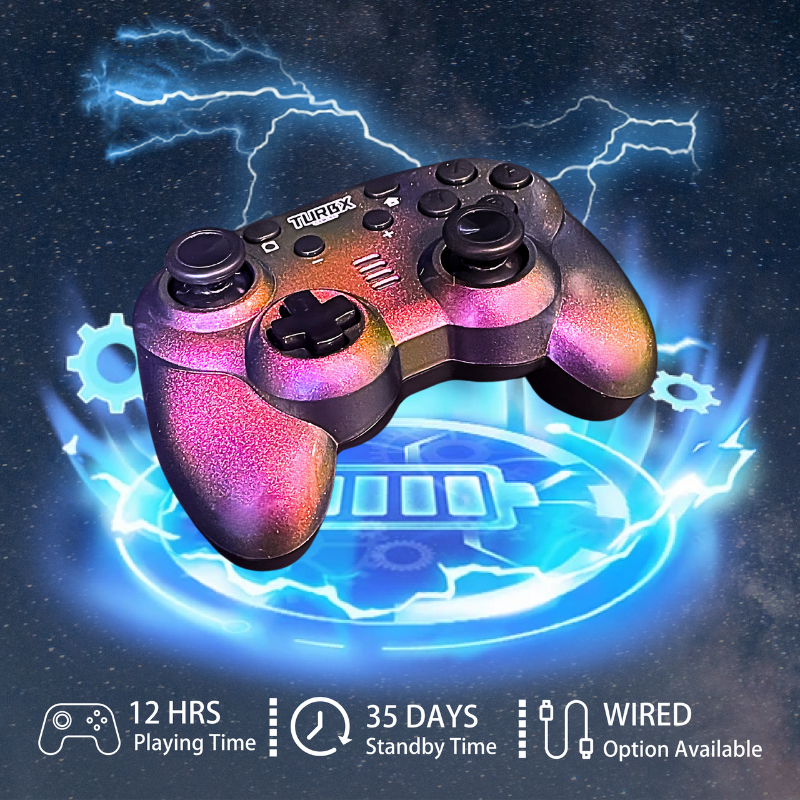
- Connection path: check whether you need Bluetooth, 2.4 GHz receiver, USB-C wired play, or a specific Switch/PC mode.
- Platform priority: start with wireless PC gaming controllers if Windows and Steam are the main use case.
- Stick sensing: choose no-stick-drift controller options if drift resistance is the reason you are replacing an older controller.
- Setup support: review the PlayTurbX support hub before checkout if the controller will be used across several devices.
Setup guides before you buy
- Connect a TurbX controller to PC: use this for Windows, Steam, and desk setup questions.
- Connect a TurbX controller to Nintendo Switch: use this for couch, docked, and Switch pairing checks.
- Steam Deck wireless controller guide: use this when Steam Deck overlaps with PC and Switch play.
- Wireless controller not connecting to Switch: use this troubleshooting path after the scheduled guide is public.
FAQ
What is the best cross-platform controller path on PlayTurbX?
Start with TurbX Astra if you want one ready-to-buy controller for Switch, PC, Steam Deck, mobile, Mac, and Linux. Use the customizer if the controller also needs to match a desk setup or gift style.
Should I choose a PC controller or a Switch controller first?
Choose based on the device you use most often. If you play mostly on PC, start with the wireless PC controller collection. If Switch is the priority, use the Hall Effect or custom Switch collection paths.
Does cross-platform support replace setup checking?
No. Multi-device controllers still require the correct pairing mode, cable, receiver, or in-game input setting. Use the support hub before gifting or replacing a controller.
Where should drift-risk shoppers go?
Use No Stick Drift Controllers when stick drift is the core replacement reason, then choose Astra or the customizer based on style and platform fit.
Filters
8 products