PlayTurbX compatibility guide
Switch 2 Wireless Controller Compatibility Guide
Answer first: For Switch 2 controller shopping, do not assume every Switch wireless controller works the same way. Start with Nintendo's current accessory compatibility notes, then verify third-party firmware, pairing mode, and seller support before buying specifically for Switch 2.
Last updated: July 9, 2026
Switch 2 controller quick answer
If you are searching for "nintendo switch 2 controllers," "nintendo switch 2 controller," or "nintendo switch 2 wireless controller," use this guide as a compatibility checklist before choosing a controller. PlayTurbX is not an official Nintendo product, so the safest path is to compare platform notes, connection method, and current product-page compatibility before checkout.
| Search intent | Best next step | What to check |
|---|---|---|
| Nintendo Switch 2 controller | Switch controller collection | Compare Switch-first controller routes and current product notes. |
| Switch 2 wireless controller | Cross-platform controller hub | Check whether Switch, PC, Steam Deck, and mobile support all matter. |
| Switch 2 Hall Effect controller | Hall Effect controller collection | Use Hall Effect sensing as a drift-risk-reduction mechanism, not a guarantee. |
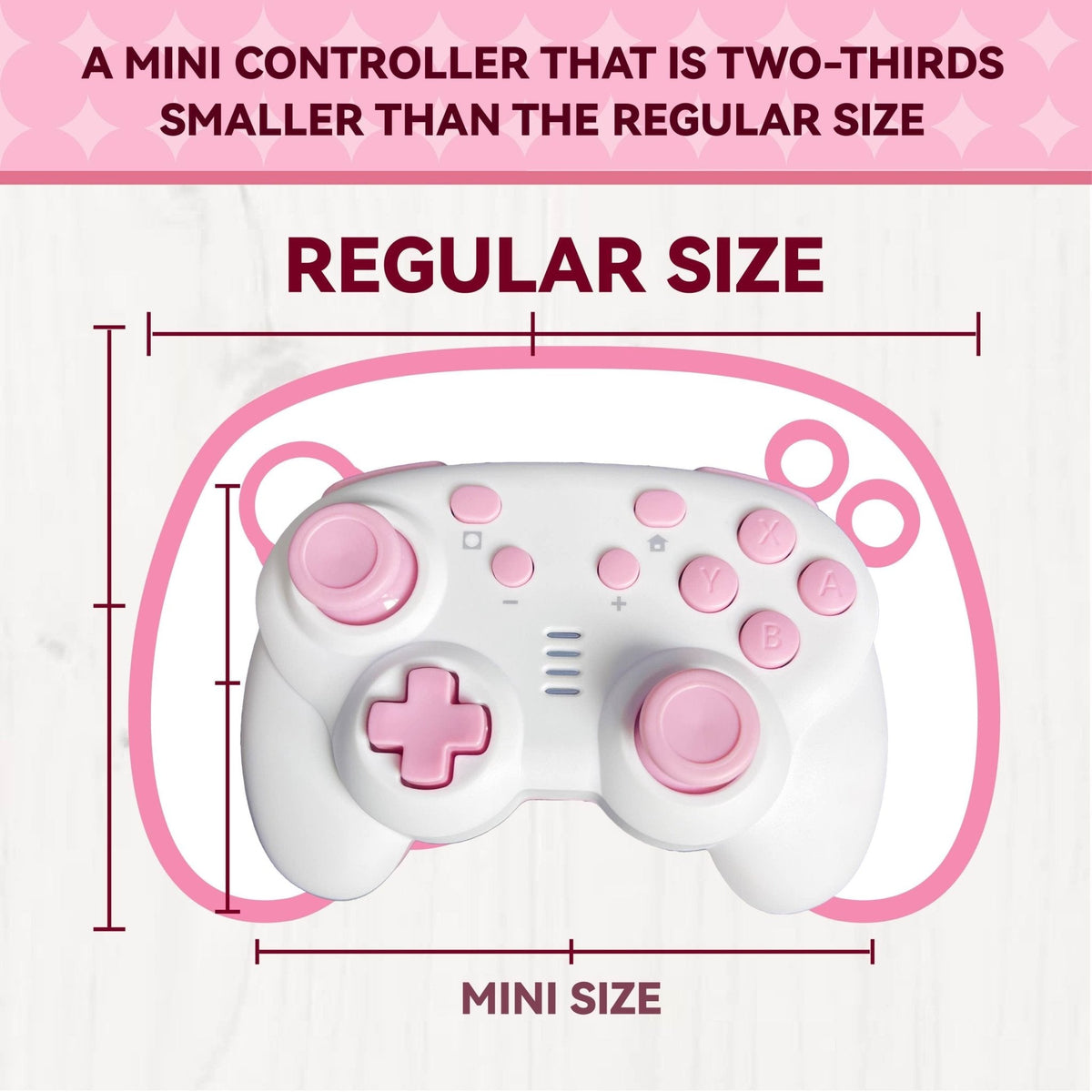
| Switch 2 controller for small hands | Small-hand controller hub | Check body size, grip reach, and whether a compact controller is the better fit. |
| Custom Switch 2 controller | Upload-and-print custom controller | Use this when artwork or giftability is the main reason to buy. |
Common Switch 2 controller questions
Is PlayTurbX an official Nintendo controller? No. PlayTurbX controllers are third-party controllers for compatible platforms and do not imply Nintendo endorsement.
Can I use a Hall Effect controller for Switch 2 searches? Hall Effect stick sensing can reduce common potentiometer wear-related drift risk, but it should not be described as an absolute drift guarantee.
Are Joy-Con-style searches the same as a full wireless controller? No. If your query mentions Joy-Con replacements or rail-mounted controllers, confirm the product shape first. TurbX Astra is a full wireless controller path, not a Joy-Con rail replacement.
What should I check before purchase? Check the product page, connection method, current platform notes, and return/custom-print policy before relying on a broad Switch 2 query.
Quick compatibility checklist
| Question | Why it matters | Next path |
|---|---|---|
| Is this a first-party Nintendo accessory? | First-party accessories have Nintendo-published compatibility notes. | Check Nintendo support |
| Is this a third-party wireless controller? | Support can depend on firmware and pairing mode. | Check the seller's current product and support pages. |
| Do you need new Switch 2-specific features? | Some older controllers may not provide every new feature. | Compare feature needs before purchase. |
| Do you also play PC or Steam Deck? | Cross-platform fit may matter more than Switch 2 alone. | Review cross-platform controllers |
Also comparing Steam Deck wireless controller support?
If your Switch 2 controller search overlaps with PC or Steam Deck play, check the Steam Deck wireless controller guide next. That page explains docked Steam Deck, Bluetooth controller, Steam Input, and cross-platform setup considerations without creating another generic controller URL.
- Read the Steam Deck wireless controller guide for docked Steam Deck and Steam Input questions.
- Use the Switch, PC, Steam Deck, and mobile compatibility hub when you are choosing one controller across devices.
- Compare cross-platform gaming controller paths if Switch, PC, and mobile all matter.
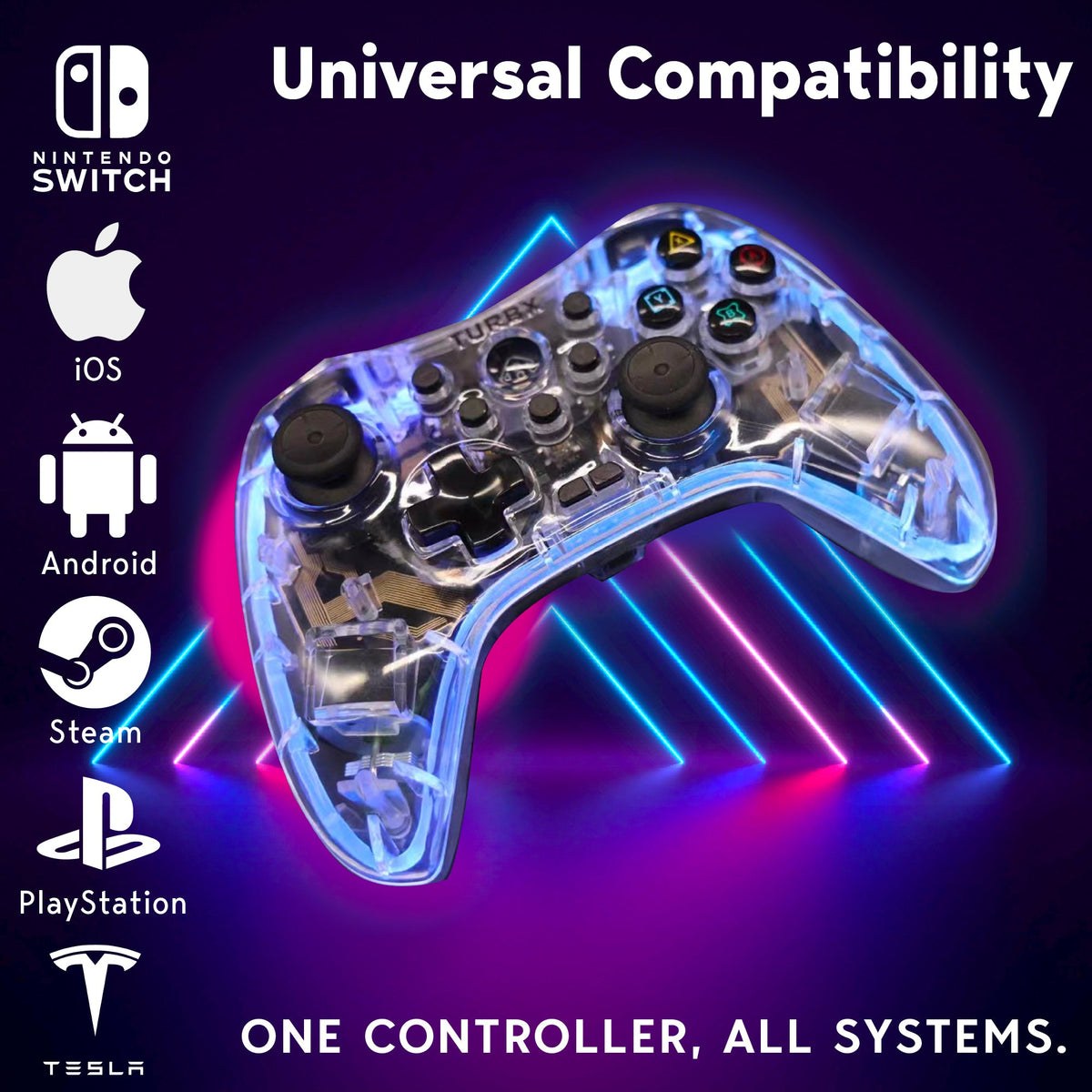
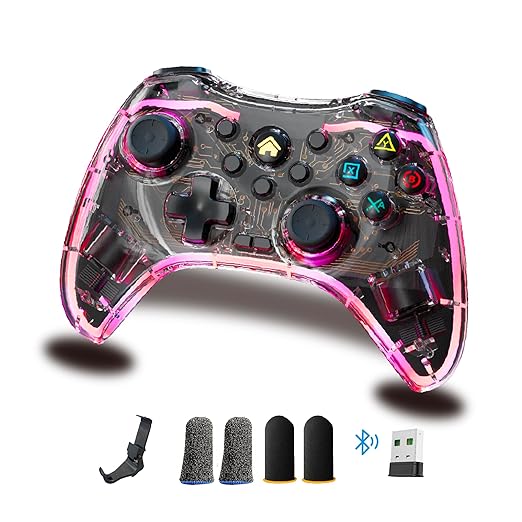
- View TurbX Astra when you want the main modular controller path.
Choose: compatibility first, features second
A search for Switch 2 wireless controller is high intent, but it is also easy to overstate. Switch 2 compatibility depends on the exact accessory, firmware, pairing path, and whether the buyer expects new Switch 2-specific features.
The safe buying order is compatibility, then features, then style. If a third-party controller page does not clearly state current Switch 2 support, treat it as unverified until the seller confirms it.

PlayTurbX path
Use PlayTurbX pages for current support, not assumptions
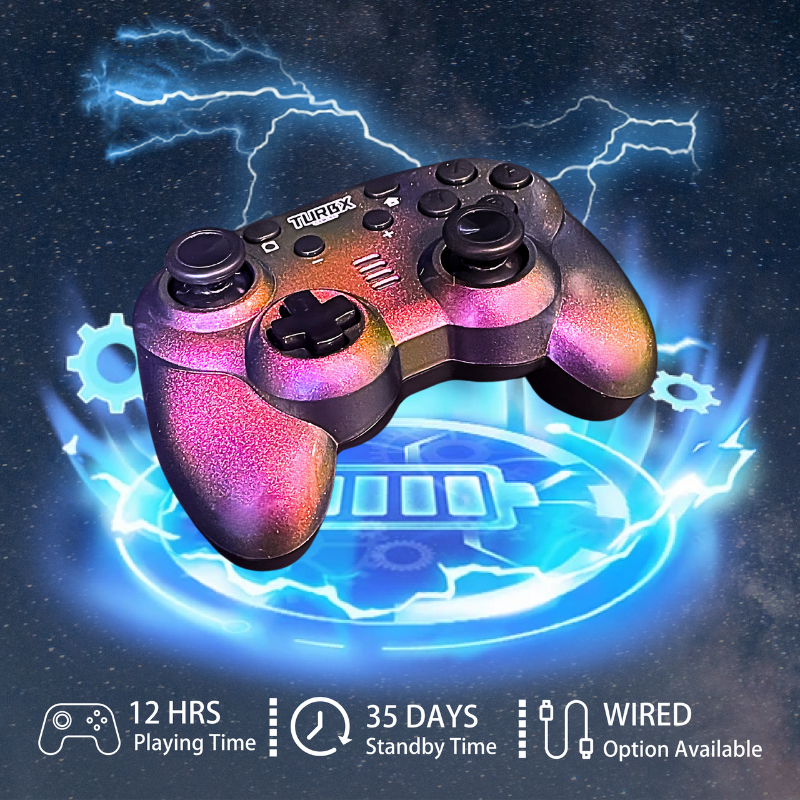
TurbX Astra is a cross-platform PlayTurbX controller path for shoppers comparing Switch, PC, Steam Deck, mobile, Mac, Linux, and Android TV use. For Switch 2-specific buying, verify current PlayTurbX product and support notes before purchase.
Compare: Switch 2 compatibility versus cross-platform value
If Switch 2 is your only device, compatibility is the first gate. If you also play on PC, Steam Deck, mobile, Mac, Linux, or Android TV, cross-platform value becomes part of the decision. A controller that covers multiple places you actually play can be more useful than a controller bought for one console feature you may not use.
For drift-resistant buying intent, compare Hall Effect Switch controller options and no-stick-drift controller options. For PC-first buying intent, use the wireless PC gaming controller hub.

Use: questions to ask before buying a third-party controller for Switch 2
- Does the current product page explicitly mention Switch 2?
- Does the brand offer firmware or pairing support?
- Does the controller support the Switch 2 features you actually need?
- Will you also use it on PC, Steam Deck, mobile, Mac, Linux, or Android TV?
- Can you find a clear support page if pairing fails?
Fix: if a controller will not connect to Switch 2
First confirm that the controller is meant to pair with Switch 2. Then check battery, pairing mode, distance, firmware, and whether the device is remembered by another console. If you are using a TurbX controller with a supported Switch setup, start from the TurbX Switch connection guide and then move to the support hub.
FAQ
Can I assume every Switch wireless controller works with Switch 2?
No. Nintendo documents accessory compatibility for its own ecosystem, but third-party controller support can depend on firmware, pairing mode, and manufacturer updates. Verify current compatibility before buying for Switch 2 specifically.
Do older Nintendo Switch controllers work with Switch 2?
Nintendo's public compatibility guidance says many Nintendo Switch accessories have specific Switch 2 compatibility notes and limitations. Always check the current Nintendo support page for exact accessory behavior.
How should I evaluate a Switch 2 wireless controller?
Check current compatibility notes, pairing method, whether the controller supports the Switch 2 features you care about, and whether the seller provides support for firmware or pairing updates.
Where does TurbX fit in this guide?
Use TurbX pages to evaluate current PlayTurbX support paths and cross-platform controller options. Do not assume unsupported Switch 2 compatibility unless PlayTurbX states it on the current product or support page.
Recommended next paths
| Link role | Destination | Purpose |
|---|---|---|
| Official reference | Nintendo Switch 2 accessory compatibility | Ground compatibility claims in current official notes. |
| Primary PDP | TurbX Astra modular gaming controller | Route qualified cross-platform buyers to the product. |
| Cross-platform hub | cross-platform gaming controllers | Support multi-device controller intent. |
| Support page | connect a TurbX controller to Nintendo Switch | Give buyers a setup path before and after purchase. |


Leave a comment
This site is protected by hCaptcha and the hCaptcha Privacy Policy and Terms of Service apply.