
Target keyword: controller buttons wrong on PC
Controller Buttons Wrong On PC: XInput, DInput, Steam Input, And Remap Fixes
If your controller connects but A/B or X/Y feel swapped, the controller may not be broken. Most PC button-layout problems come from mode mismatch, Steam Input settings, game-level prompts, or double remapping.
Choose: Start With The Connection Mode
- Disconnect the controller from the PC.
- Reconnect using the mode intended for PC games, usually XInput first.
- If the game is older or unusual, test DInput next.
- Try USB-C wired once to separate mapping problems from wireless problems.
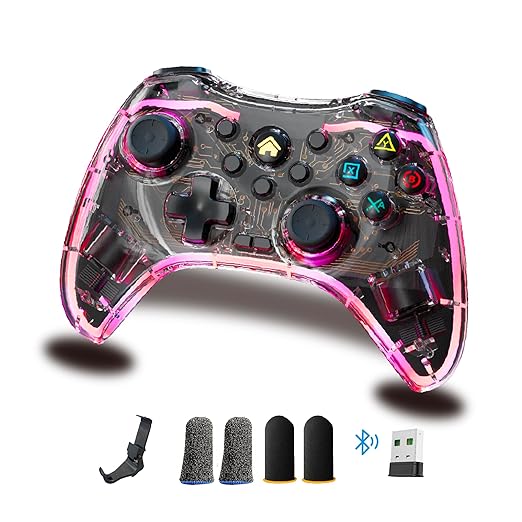
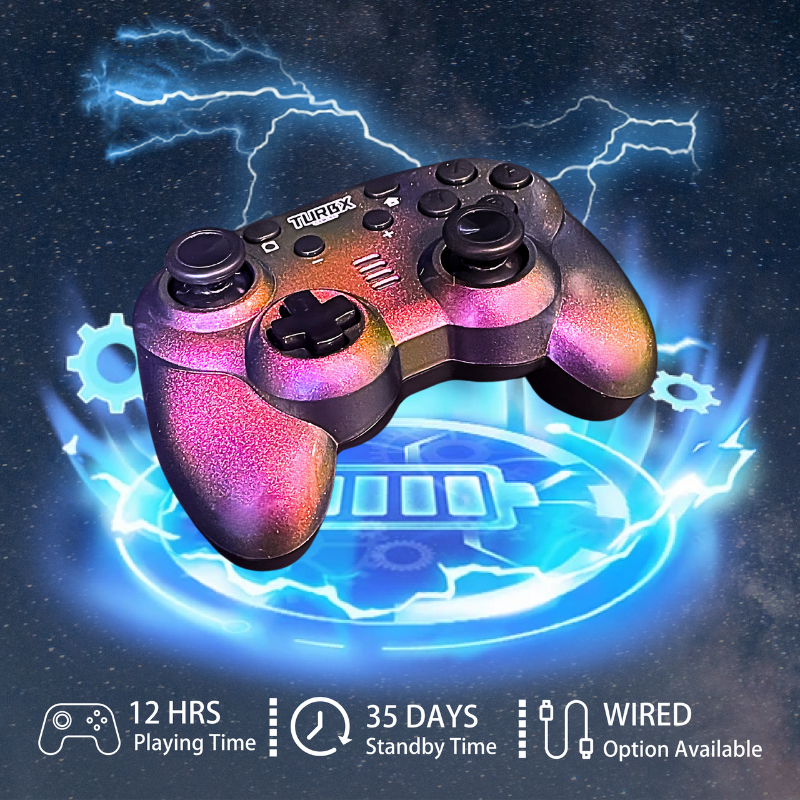
Astra supports XINPUT and DINPUT modes, plus Bluetooth, 2.4GHz receiver, and USB-C wired play, so users can test the controller in more than one PC setup path.
Compare: Steam Input Vs Game Settings
Steam Input can help, but it can also create double mapping if the game already has controller support. If the same button performs two actions, disable one layer. If button prompts are wrong but inputs work, the game may simply be showing Xbox-style or Nintendo-style labels.
Use: Fast Fix Checklist
- Forget the controller in Bluetooth settings, then pair clean.
- Use the 2.4GHz receiver if Bluetooth mapping feels inconsistent.
- Open Steam controller settings and check whether Steam Input is enabled.
- Reset in-game controller bindings to default.
- Use ABXY remap only after the correct mode is selected.
Fix: When To Replace The Controller
Replace the controller only after you test mode, cable, Steam Input, and game settings. If your current pad has no clear PC mode, no remap support, and no wired fallback, upgrading to a controller like Astra can reduce repeat setup problems across PC, Switch, Steam Deck, and mobile.
PC Mapping Questions
Why are A and B swapped on PC?
Many PC games expect Xbox-style labels, while Nintendo-style layouts reverse confirm/cancel habits. Check the game’s layout setting before assuming the controller is faulty.
Should I use XInput or DInput?
Use XInput first for most modern PC games. Test DInput for older games, emulators, or titles that do not read XInput correctly.
Can Steam Input make mapping worse?
Yes. If Steam Input and the game both remap the same button, the result can feel wrong. Use one mapping layer at a time.
Does Astra help with button-layout issues?
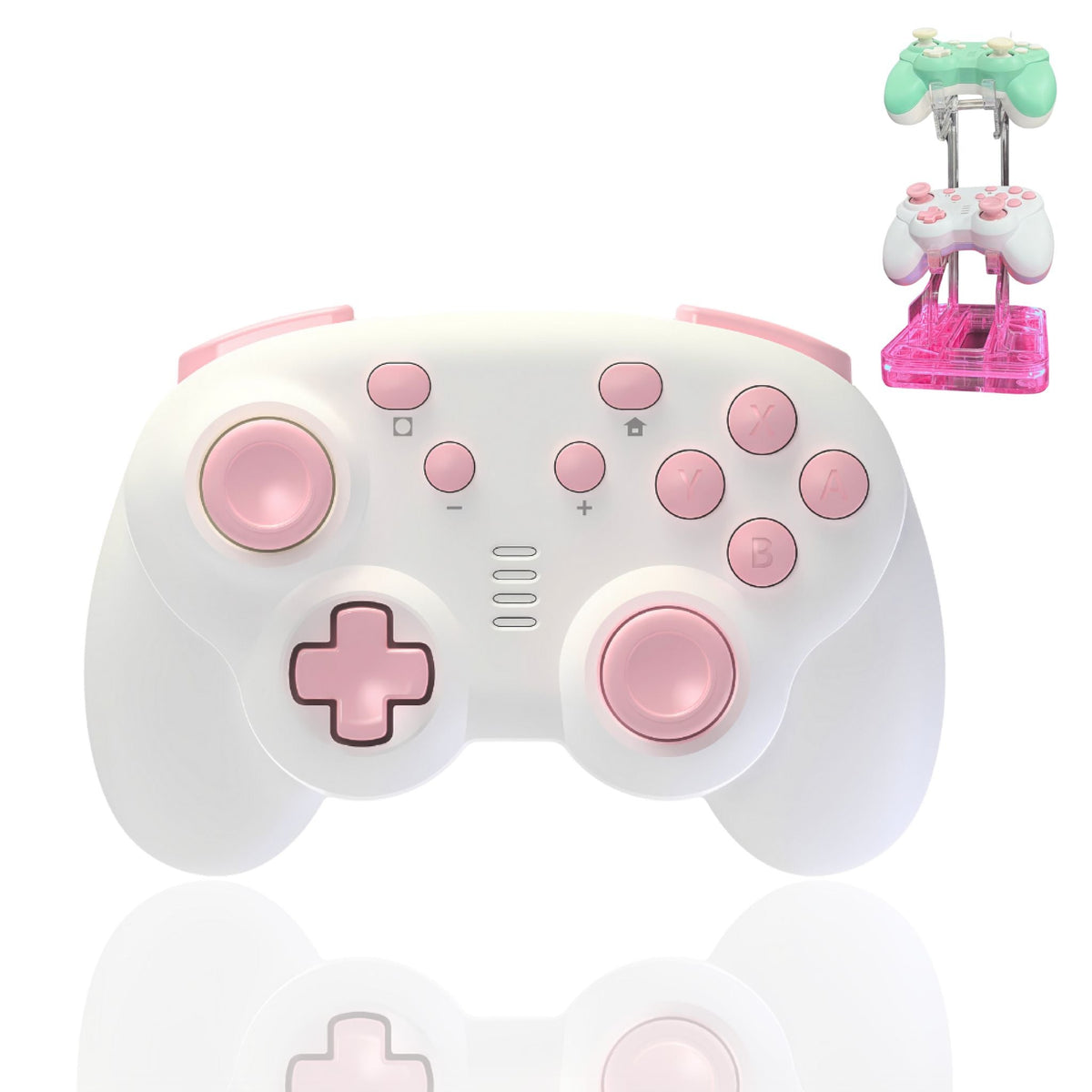
Astra helps because it offers PC modes and ABXY remap, but the correct fix still starts with choosing the right mode for the game.
Video Slot: PC Setup Demo
Still Fighting Your Controller?
If your old pad has no reliable PC mode or remap option, Astra gives you XINPUT, DINPUT, PC-SWITCH, Bluetooth, 2.4GHz, USB-C, and ABXY remap in one upgrade path.
Check Astra Compatibility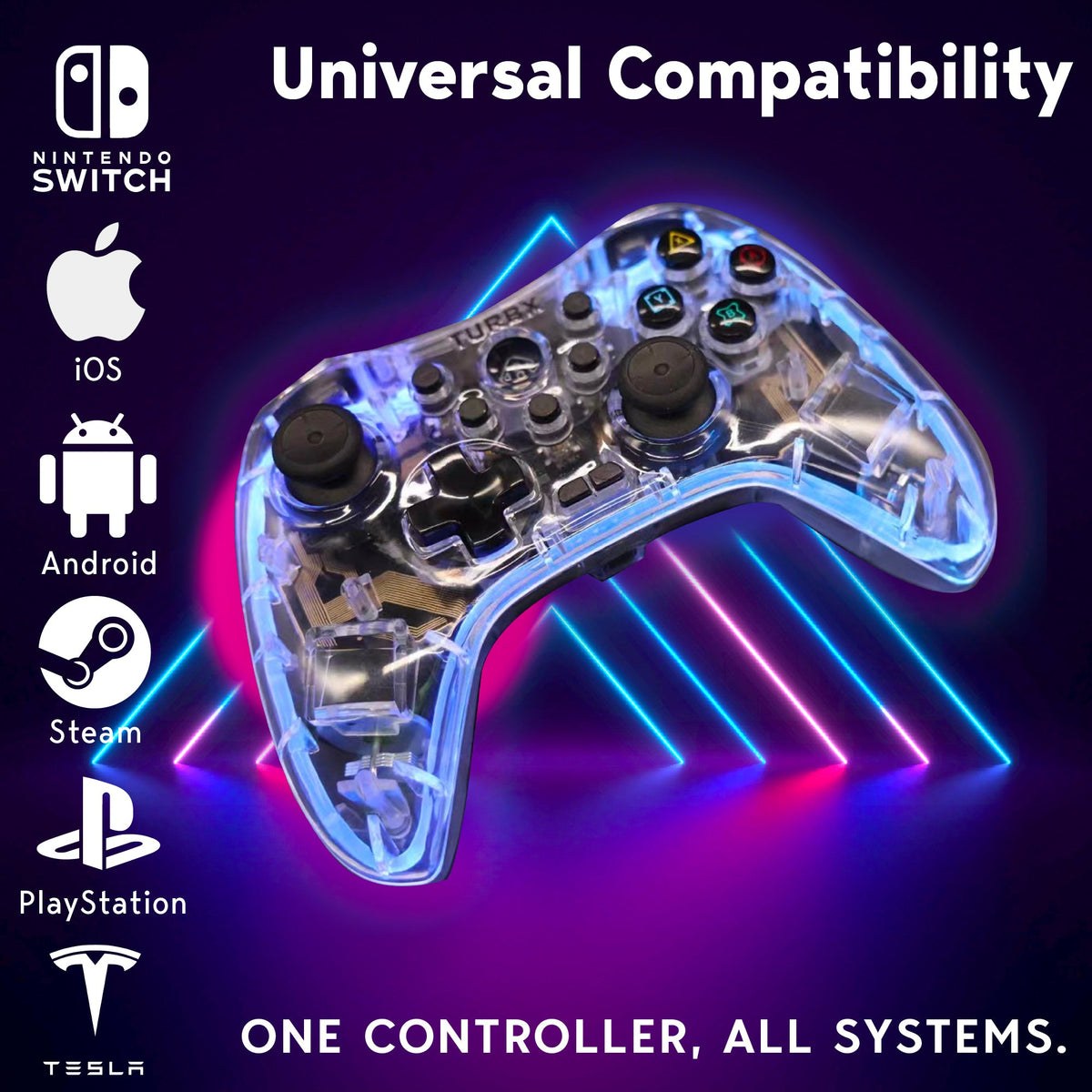


Leave a comment
This site is protected by hCaptcha and the hCaptcha Privacy Policy and Terms of Service apply.