Android TV / Smart TV Controller Buying Guide
Smart TV And Android TV Controller: Bluetooth, 2.4GHz, And USB-C Buying Guide
If you want cloud games, emulators, Steam Link, or couch PC play on a TV, choose a controller by connection path first. Bluetooth is convenient, 2.4GHz is often steadier in crowded TV setups, and USB-C wired backup saves the night when wireless gets weird.
Quick Answer
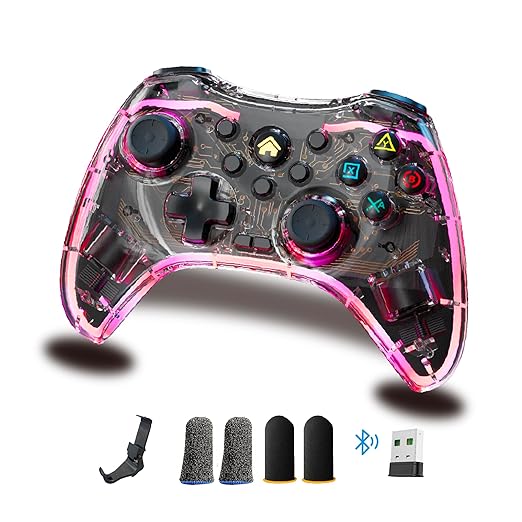
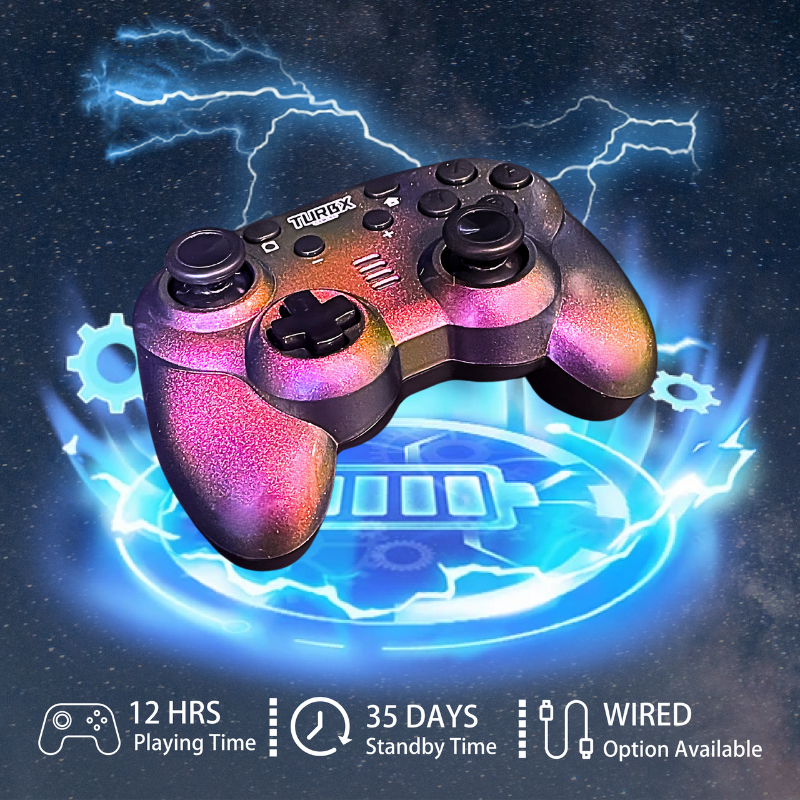
The best smart TV controller for most buyers is one with Bluetooth, a 2.4GHz receiver, and USB-C wired support. TurbX Astra fits that checklist with Bluetooth 5.3, an included 2.4GHz receiver, USB-C wired mode, Hall Effect / TMR-style sticks, Android TV support, and swappable magnetic Magshells.
Choose: What To Check Before You Buy
- TV platform: Android TV / Google TV is usually the easiest smart TV environment for controller pairing.
- Connection: Bluetooth for simple pairing, 2.4GHz receiver for lower-friction couch play, USB-C wired for fallback testing.
- Stick tech: Hall Effect / TMR-style sticks are designed to reduce wear-related drift risk compared with traditional contact-based sticks.
- Platform range: If you also play Switch, PC, Steam Deck, or mobile, avoid a TV-only controller.
- Setup look: If the controller lives on the coffee table or desk, swappable shells make it feel less like generic plastic.
Compare: Bluetooth Vs 2.4GHz Vs USB-C
| Connection | Best For | Tradeoff |
|---|---|---|
| Bluetooth | Simple smart TV pairing | Can be affected by crowded TV remotes, headphones, and nearby devices |
| 2.4GHz receiver | More consistent couch gaming when the TV has USB | Needs an open USB port or adapter |
| USB-C wired | Testing, charging, and backup play | Less couch-friendly unless your cable is long enough |
Use: Why Astra Fits TV Setups
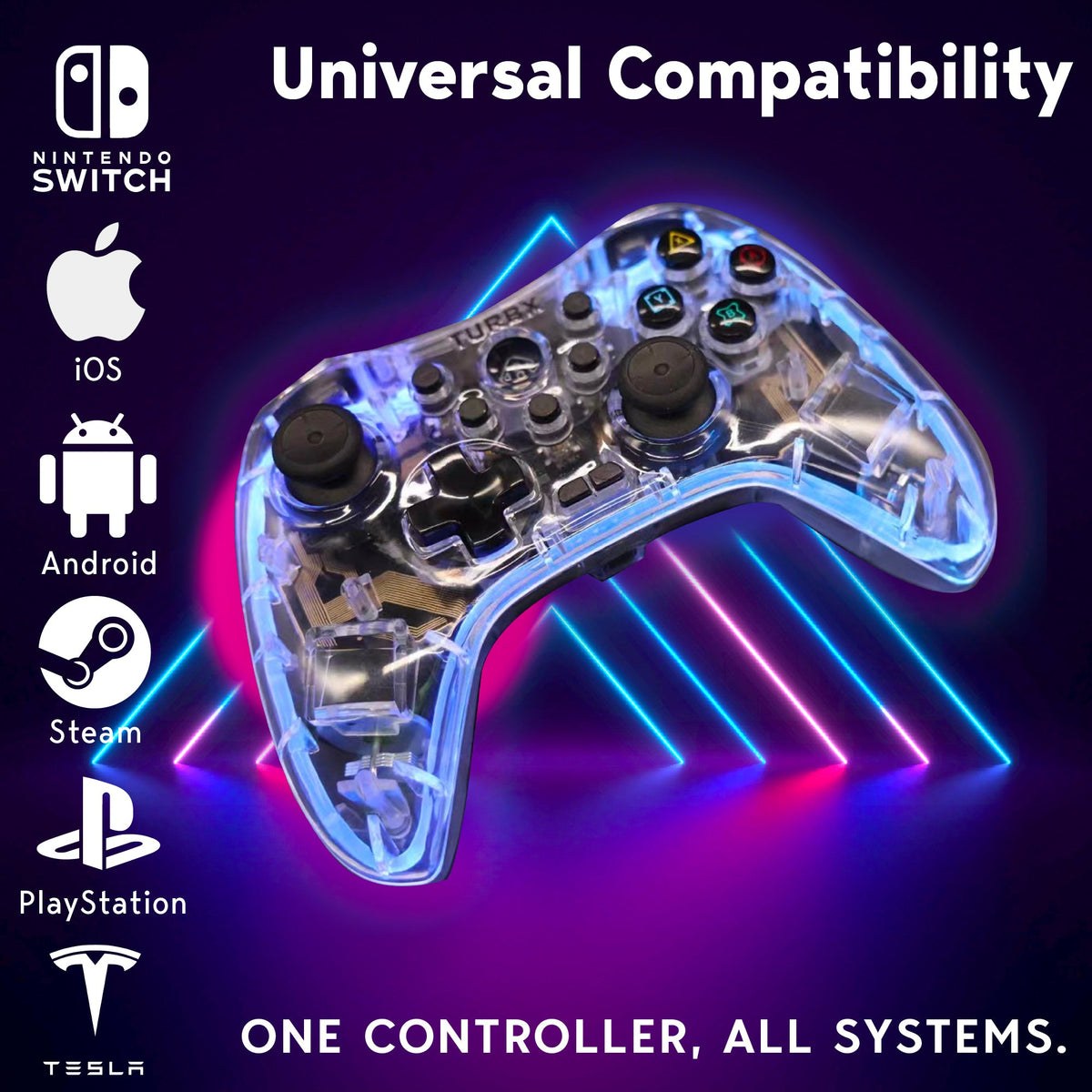
Astra is built for multi-platform play: Windows PC, Nintendo Switch, Steam Deck, Android, iOS, MacOS, Linux, and Android TV. It includes a 2.4GHz receiver in the box, supports Bluetooth 5.3, and can run wired over USB-C. For buyers who use the same controller across the couch, desk, and travel bag, that matters more than a single-platform spec sheet.
Fix: If Your TV Controller Feels Laggy
- Forget the controller from the TV Bluetooth menu and pair it clean again.
- Move Bluetooth headphones, remotes, and hubs away from the TV area.
- Try the 2.4GHz receiver if your TV or Android TV box has a USB port.
- Test USB-C wired mode to confirm the game recognizes inputs.
- If one app ignores the controller, test another game before blaming the hardware.
Buyer Q&A
Is Bluetooth enough for Android TV gaming?
Sometimes, yes. But if your setup has a TV remote, soundbar, headset, and multiple Bluetooth devices nearby, a 2.4GHz receiver can be the cleaner path.
Does Astra work beyond Android TV?
Yes. Astra is positioned for PC, Switch, Steam Deck, Android, iOS, MacOS, Linux, and Android TV.
Is this a good controller for cloud gaming?
It can be a strong fit if your cloud gaming app supports external controllers. Always confirm app-level controller support before buying.
Why choose Hall Effect / TMR-style sticks for TV play?
They use magnetic sensing and are designed to reduce wear-related drift risk, which is helpful if the controller becomes your main couch controller.
Image And Video
Social discovery: YouTube @turbXOfficial · TikTok @playturbx · Instagram @turbx_official · #PlayTurbX #turbx #TurbXVibes
Ready For Couch Mode Without The Guessing?
Choose Astra if you want one controller for Android TV couch play, Switch nights, PC desk sessions, and Steam Deck travel.


Leave a comment
This site is protected by hCaptcha and the hCaptcha Privacy Policy and Terms of Service apply.