Custom / Personalized Controller Guide
Personalized Gaming Controller For Desk Setups, Gifts, And Creator Drops
A personalized controller should do more than look cute in one photo. It should feel useful after the unboxing, match more than one setup mood, and avoid the sticker-edge regret that happens when skins start peeling.
Quick Answer
If you want a personalized gaming controller that can change over time, choose a modular controller with swappable shells instead of a one-and-done skin. TurbX Astra uses magnetic Magshells, artist-drop styling, Hall Effect / TMR-style sticks, and multi-platform support, so the controller can be both a setup piece and a daily-use pad.
Choose: Skin, Painted Controller, Or Magnetic Shell?
| Personalization Type | Best Fit | Watchout |
|---|---|---|
| Sticker skin | Low-cost color change | Edges can lift; harder to reset cleanly |
| Painted/custom build | One permanent look | Usually higher cost and longer wait |
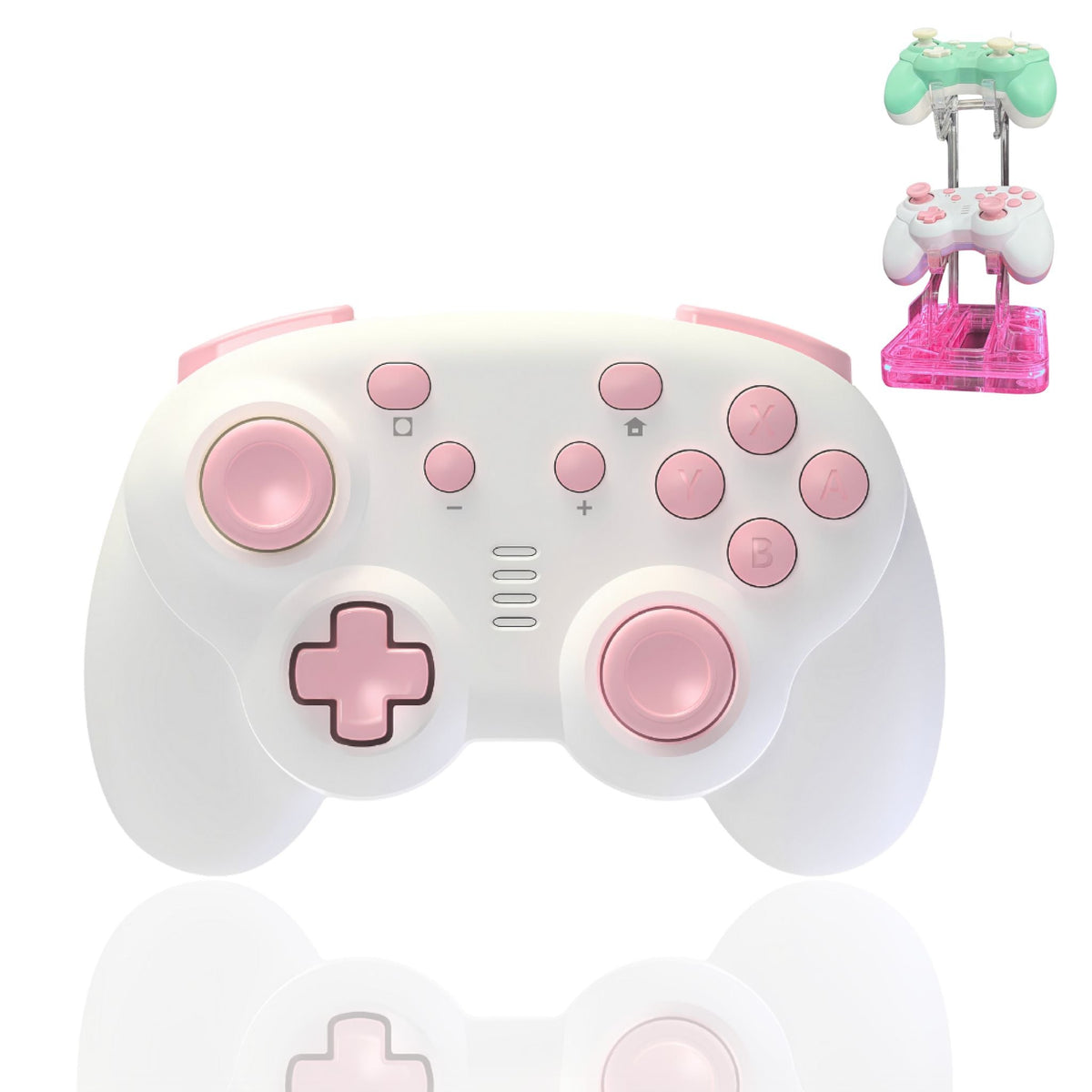
| Magnetic shell | People who change setups, gifts, and creator drops | Needs compatible shell ecosystem |
Compare: Why Astra Works For Setup-First Buyers
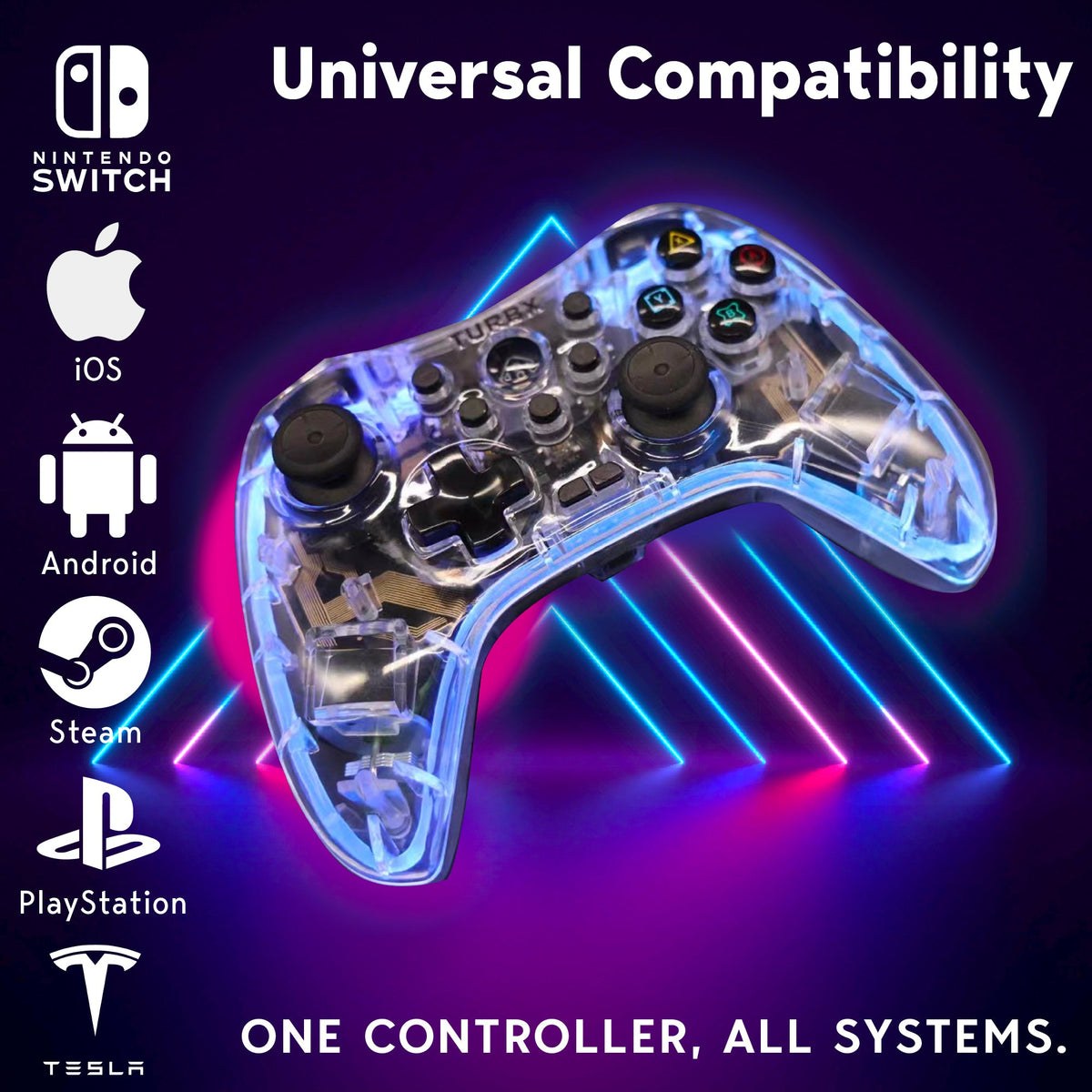
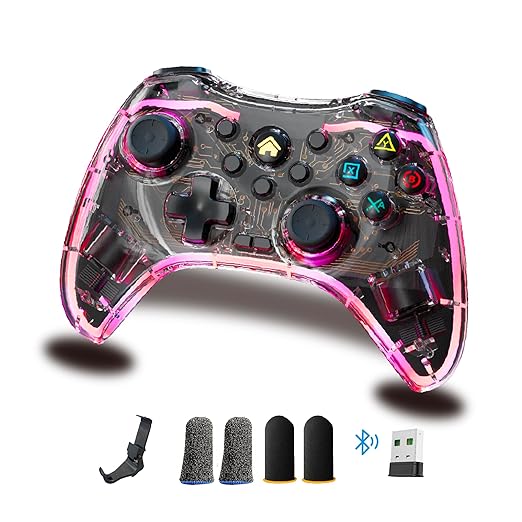
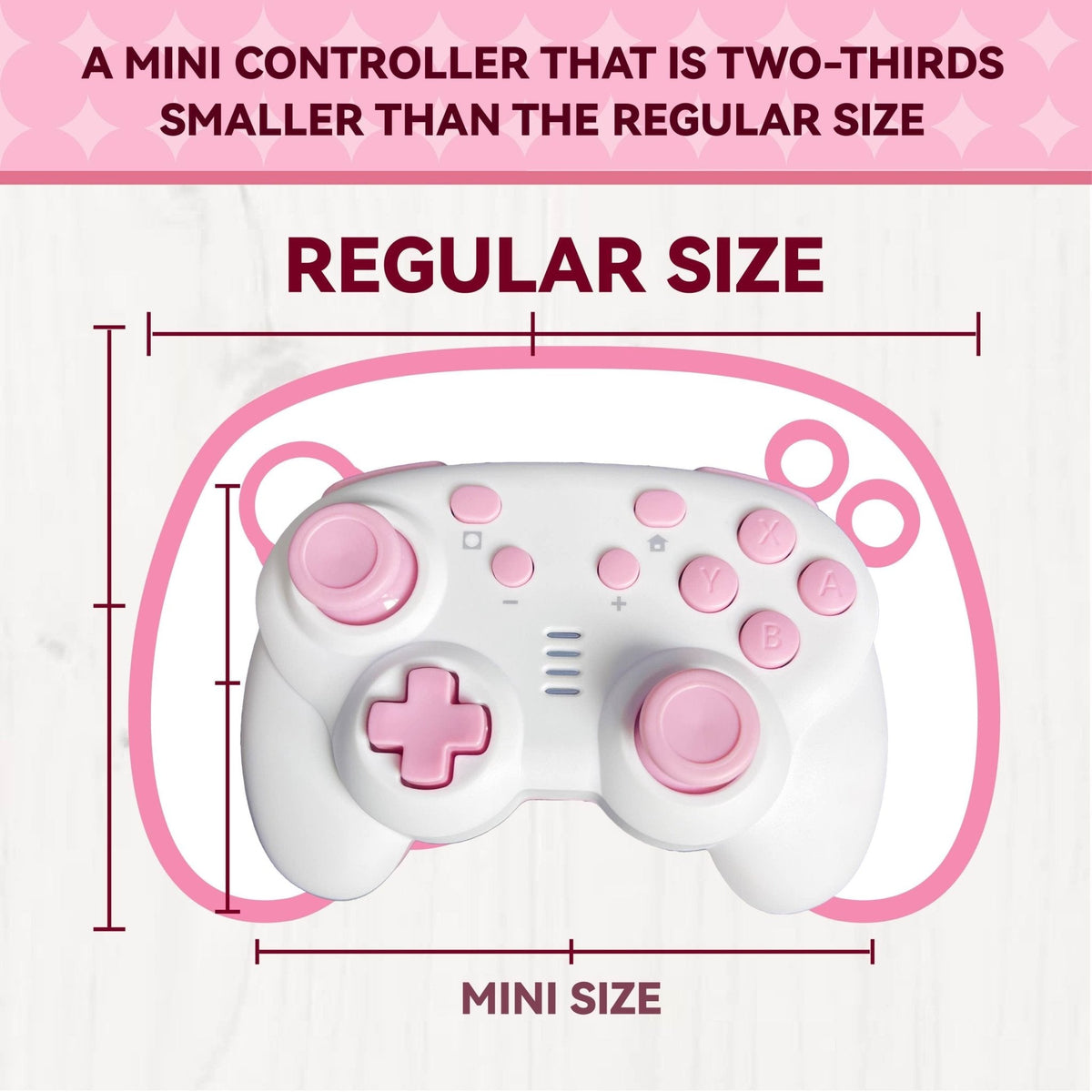
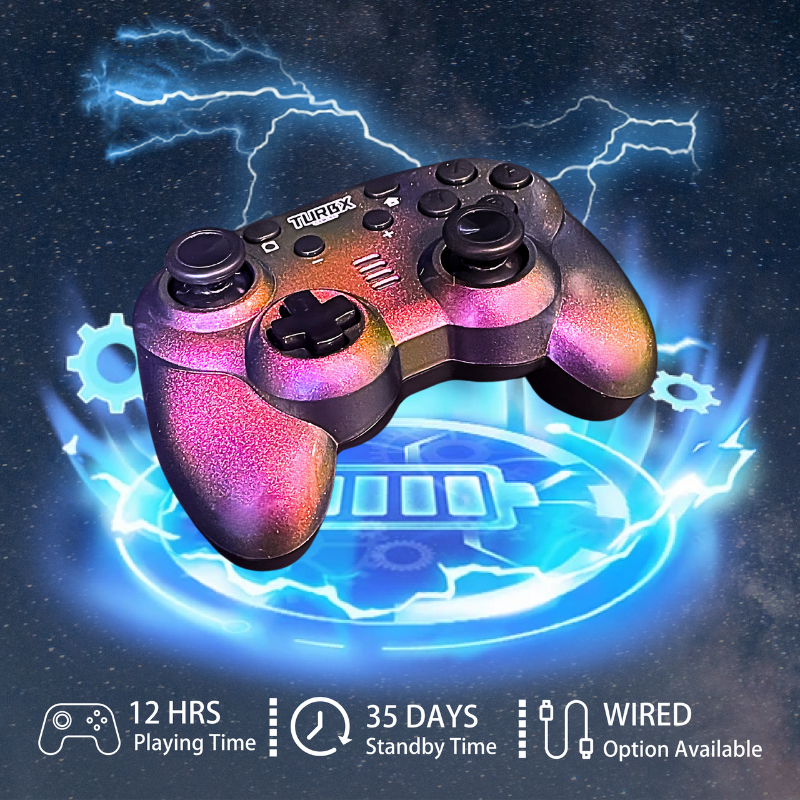
Astra’s main difference is that the shell is not a surface afterthought. The Magshell system is part of the product story, with swappable magnetic shells, artist collaborations, and a controller body that still covers core play needs: Hall Effect / TMR-style sticks, macro and Turbo functions, ABXY remap, gyro mapping, RGB, vibration control, and broad platform support.
Use: Best Personalized Controller Scenarios
- Desk setup refresh: match a pastel keyboard, clean white monitor arm, or creator shelf.
- Gift upgrade: choose a controller that feels more personal than another plain black rectangle.
- Creator drop: build content around shell reveals, unboxings, and magnetic swap videos.
- Shared living room: keep one controller body but swap the look when the setup changes.
Fix: Avoid Personalization Mistakes
- Do not choose aesthetics before checking platform compatibility.
- Do not buy a shell system if replacement designs are hard to find.
- Do not use “cute” as a substitute for stick quality, comfort, or connection options.
- Do not imply a controller is officially tied to a game, console, or character unless that license is verified.
Buyer Q&A
Is a magnetic shell better than a controller skin?
For people who change their setup often, yes. A magnetic shell is easier to swap and does not rely on adhesive edges.
Can a personalized controller still be performance-focused?
Yes. Astra pairs its shell system with Hall Effect / TMR-style sticks, macro, Turbo, remap, gyro mapping, RGB, and vibration controls.
Is this a good gift for a gamer?
It can be, especially when the buyer knows the recipient likes desk setups, cozy gaming, artist drops, or custom gear.
Can I use one personalized controller across platforms?
Astra is positioned for PC, Switch, Steam Deck, Android, iOS, MacOS, Linux, and Android TV, so it is built for cross-platform use.
Image And Video
Social discovery: Recent TurbX creator Reel · Instagram @turbx_official · TikTok @playturbx · #PlayTurbX #turbx #AestheticGamingSetup
Make The Controller Part Of The Setup
Choose Astra if you want a personalized controller that can change shells, play across platforms, and still bring serious controller features.


Leave a comment
This site is protected by hCaptcha and the hCaptcha Privacy Policy and Terms of Service apply.