
PlayTurbX support guide
Answer first: Most Switch controller connection failures come from pairing mode, old pairing data, battery state, wireless interference, or cable/dock issues. Start with the simple checks before assuming the controller is broken.
Last updated: June 28, 2026.
Quick troubleshooting table
| Symptom | First check | Next path |
|---|---|---|
| Controller will not appear in pairing | Confirm it is in Switch pairing mode | Use the PlayTurbX Switch connection guide |
| Controller connects then drops | Charge it and reduce wireless interference | Move closer and remove nearby interference sources |
| USB pairing fails | Try a different USB cable, port, or dock | Confirm the controller powers on normally |
| Buttons connect but mapping feels wrong | Check mode and layout | Open the button mapping guide |
Choose: wireless pairing or wired test?
If a wireless controller is not connecting to Switch, first separate two problems: pairing and power. Pairing means the console cannot discover or remember the controller. Power means the controller is not charged, not waking, or not responding reliably.
Start with pairing mode. Then test power with a known-good cable or charging path. This avoids replacing a controller when the issue is only a pairing flow, low battery, or USB accessory problem.

PlayTurbX path
Need a clearer Switch and PC controller path?
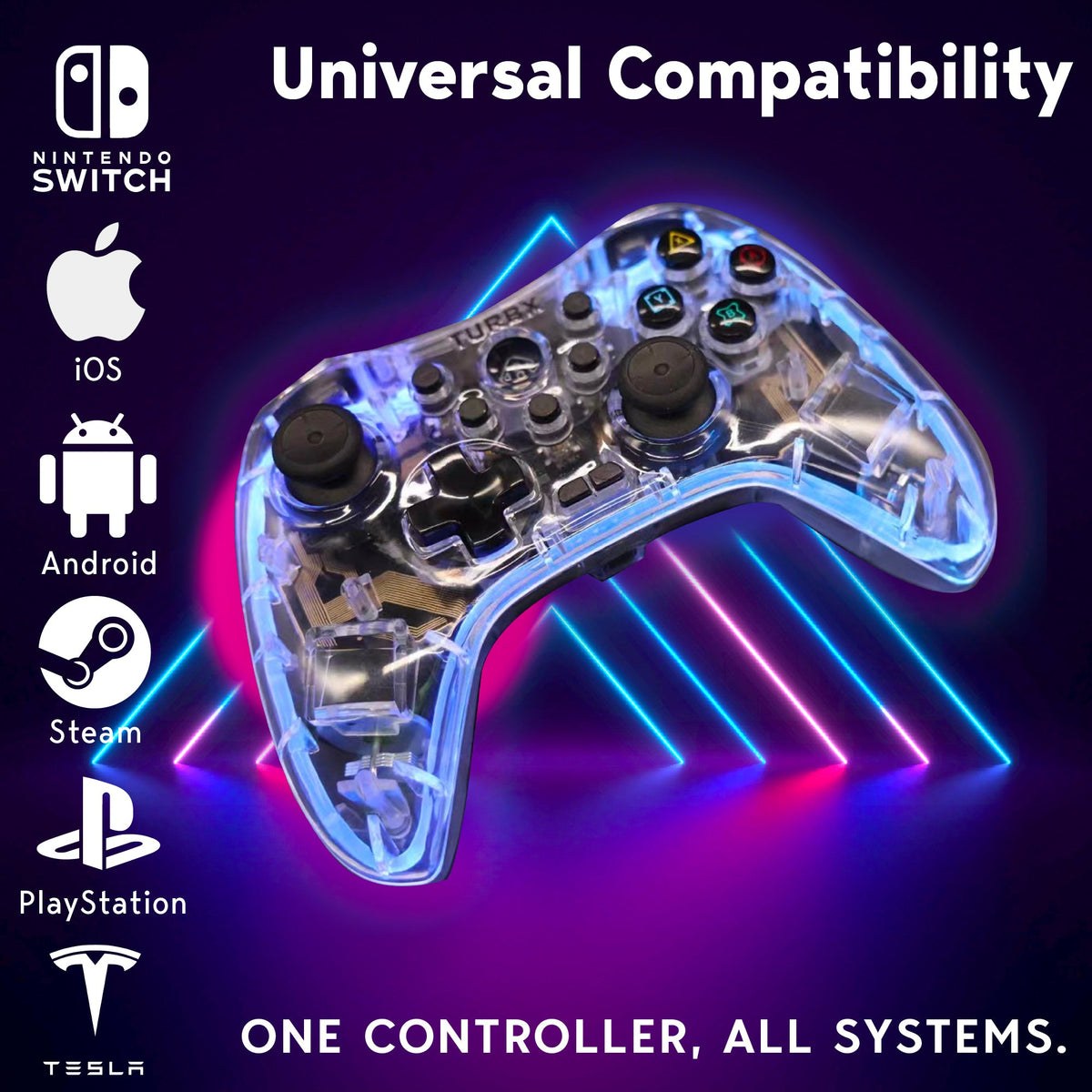
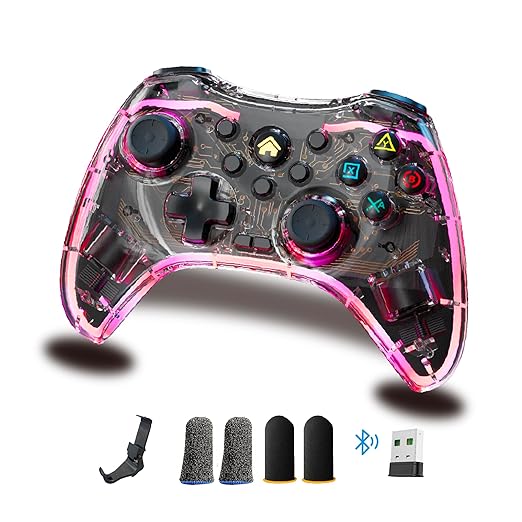
If you are replacing a controller because pairing, drift, or setup friction keeps getting in the way, compare TurbX Astra for Switch, PC, Steam Deck, mobile, Mac, Linux, and Android TV use.
Compare: common causes before replacement
- Pairing mode mismatch: the controller is awake, but not in the correct mode for Switch discovery.
- Old pairing data: the console remembers a stale controller state and needs a fresh pairing attempt.
- Battery or cable issue: the controller looks connected briefly, then drops or fails to wake.
- Wireless interference: distance, blocked line of sight, and nearby wireless devices can make pairing unstable.
- Dock or USB issue: a different port, cable, or dock can isolate whether wired detection is the problem.

Use: PlayTurbX Switch connection flow
- Charge the controller before testing.
- Open the Switch controller pairing screen.
- Put the controller into the correct Switch pairing mode.
- Keep the controller close to the console during pairing.
- If it fails, restart the flow and test another cable or USB path.
For the exact TurbX flow, use the Connect TurbX Controller to Nintendo Switch support page.
Fix: when to use support or replace
If the controller fails after charging, pairing mode, distance, interference, USB cable, USB port, and dock checks, move to brand support. If you are also dealing with stick drift, uncomfortable grip, or a controller that only works on one device, compare replacement paths from the no-stick-drift controller collection.
FAQ
Why will my wireless controller not connect to Switch?
Common causes include low battery, the controller not being in pairing mode, old pairing data, wireless interference, USB cable or dock issues, or trying to use a mode that does not match Switch pairing.
Should I reset the controller first?
Yes. Reset or wake the controller, then start the Switch pairing flow again. For TurbX controllers, use the PlayTurbX Switch connection guide for the exact button flow.
When should I try USB instead of wireless?
Try USB if wireless pairing fails repeatedly, if the battery might be low, or if you need to confirm whether the controller powers on and responds through the dock.
Does this mean the controller is defective?
Not automatically. Work through pairing mode, battery, distance, interference, cable, and dock checks first. If none of those work, use the brand support path.
Recommended next paths
| Link role | Destination | Purpose |
|---|---|---|
| Support page | connect a TurbX controller to Nintendo Switch | Give fix-intent readers the exact support flow. |
| Support hub | PlayTurbX controller support | Route unresolved issues to the support hub. |
| Primary PDP | TurbX Astra modular gaming controller | Capture replacement intent after troubleshooting. |
| Collection hub | no-stick-drift controllers | Capture replacement demand after connection or drift frustration. |


Dejar un comentario
Este sitio está protegido por hCaptcha y se aplican la Política de privacidad de hCaptcha y los Términos del servicio.