
Controller Deadzone Settings Guide
Use deadzone settings as a diagnostic tool, not a permanent crutch. If your controller needs constant compensation, the hardware is costing you precision.
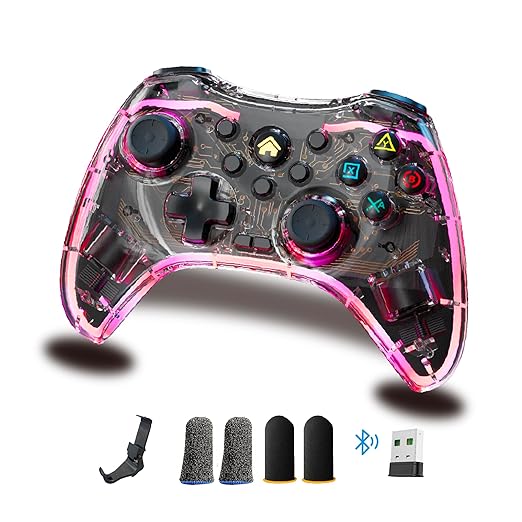
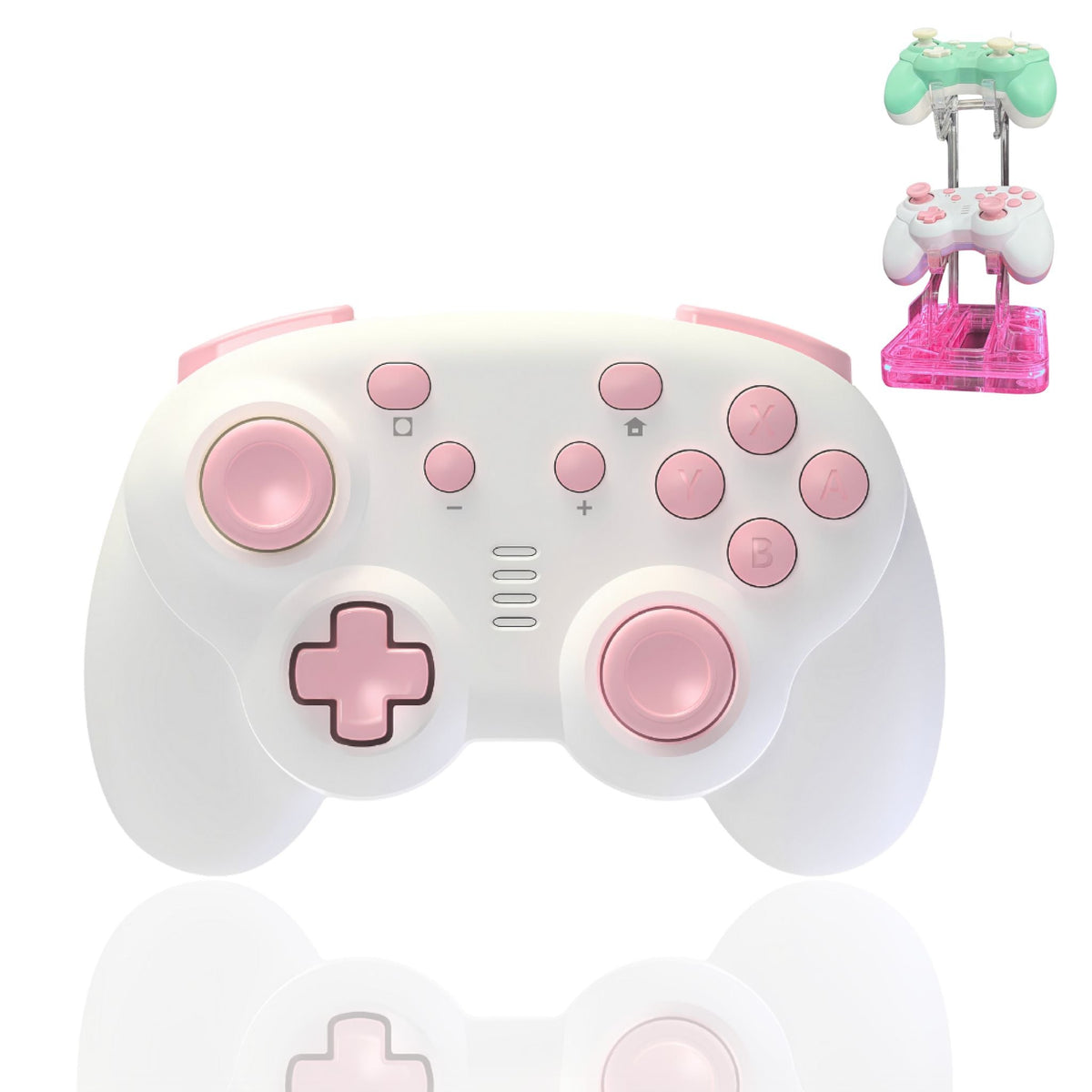
Primary product: TurbX Astra Modular Controller
Why deadzone settings only fix part of the problem
Deadzone settings can reduce visible drift, but they also make the controller less responsive when pushed too high. If the same drift keeps returning, the real decision is whether to keep compensating or move to Hall Effect hardware.
Fast fix
Increase deadzone slightly inside the game or platform settings until the camera stops creeping.
Permanent upgrade path
If calibration becomes a routine, move to a no-drift option like the TurbX Astra Modular Controller.
Deadzone troubleshooting flow
- Check if drift appears in one game or every game.
- Reset in-game sensitivity and deadzone to default.
- Increase inner deadzone by small increments, then test aiming.
- Clean around the stick base only if dust or debris is visible.
- Update firmware if your controller app or console offers it.
- If drift returns, stop chasing settings and consider Hall Effect sticks.
| Symptom | Likely cause | Best next step |
|---|---|---|
| Camera moves while stick is untouched | Stick drift or too-low deadzone | Raise deadzone slightly; replace if it returns. |
| Aim feels delayed | Deadzone set too high | Lower deadzone until movement feels responsive. |
| Drift only after long use | Wear or temperature/session instability | Test again after reset; upgrade if repeated. |
Image block ready for Shopify

Watch TurbX in real setups
Use these embedded creator and brand videos to keep the page visual, trust-building, and ready for Shopify publishing.
Internal linking table
| Destination | Anchor / reason |
|---|---|
| TurbX Astra Modular Controller | Main conversion page for all controller-intent traffic. |
| TurbX Home | Brand trust and product ecosystem entry point. |
| Controller & Gamepads Collection | Collection-level browse path for shoppers comparing form factors. |
| Customize Your Own Controller | Use when the reader cares about personalization or shell design. |
UGC phrase bank
- I raised deadzone and the drift stopped, but aim felt heavier.
- This is the point where I stopped fixing and replaced it.
- Hall Effect sticks make more sense than chasing settings forever.
- The controller finally feels predictable again.
FAQ
What is controller deadzone?
Deadzone is the stick movement range that your game ignores before registering input. Raising it can hide minor drift; lowering it can improve responsiveness.
Why does my controller drift even after cleaning?
Cleaning can help surface dirt, but it cannot fully reverse internal stick wear. If drift returns, the hardware may be the issue.
When should I replace instead of recalibrate?
Replace the controller when deadzone increases make aiming feel sluggish, drift comes back after resets, or the controller needs constant fixes.
Ready to upgrade?
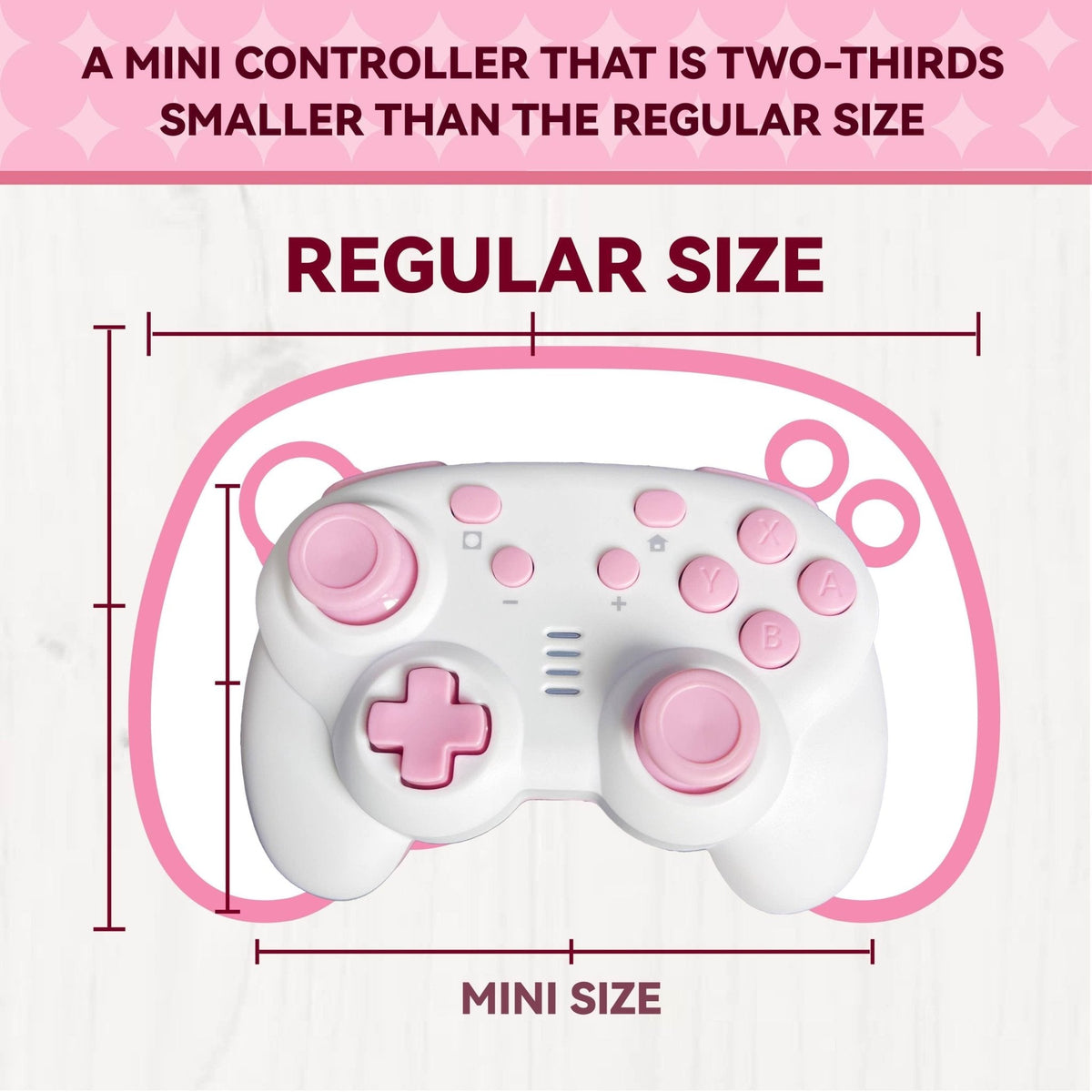
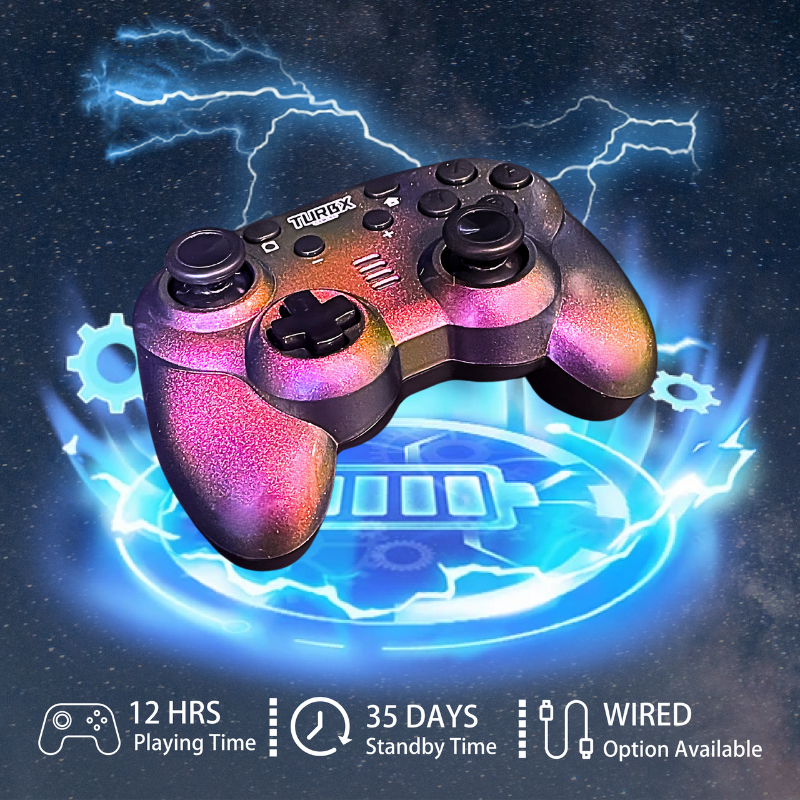
Choose the TurbX Astra Modular Controller if you want Hall Effect sticks, swappable magnetic shells, RGB, macro/turbo functions, and multi-platform play in one aesthetic setup.



Dejar un comentario
Este sitio está protegido por hCaptcha y se aplican la Política de privacidad de hCaptcha y los Términos del servicio.