
Topics: iPhone controller paired but not working, Bluetooth controller not working iPhone, how to pair controller to iPhone
iPhone Controller Paired But Not Working: Bluetooth, App, And Mode Fixes
If your iPhone says the controller is connected but the game ignores it, the controller may not be broken. The issue is often app support, Bluetooth permission, device software, or the wrong controller mode.
Choose: Confirm The Game Supports Controllers
Not every iPhone or iPad game supports external controllers, and some cloud apps handle controller input differently. Test in a known controller-supported game before replacing hardware.
Compare: Bluetooth Problem Or Game Problem?
- If the controller does not appear in Bluetooth: check pairing mode and battery.
- If it appears but will not connect: forget the device and pair again.
- If it connects but does nothing in-game: check app support and Bluetooth permissions.
- If buttons are wrong: check in-game settings and iOS game controller settings.
Use: Clean Re-Pairing Steps
- Update iOS or iPadOS.
- Charge the controller or connect it to power.
- Open Bluetooth settings and forget the controller.
- Restart the iPhone or iPad.
- Put the controller in the correct pairing mode.
- Select the controller in Bluetooth settings.
- Open a controller-supported game and test inputs.
Fix: When To Replace The Controller
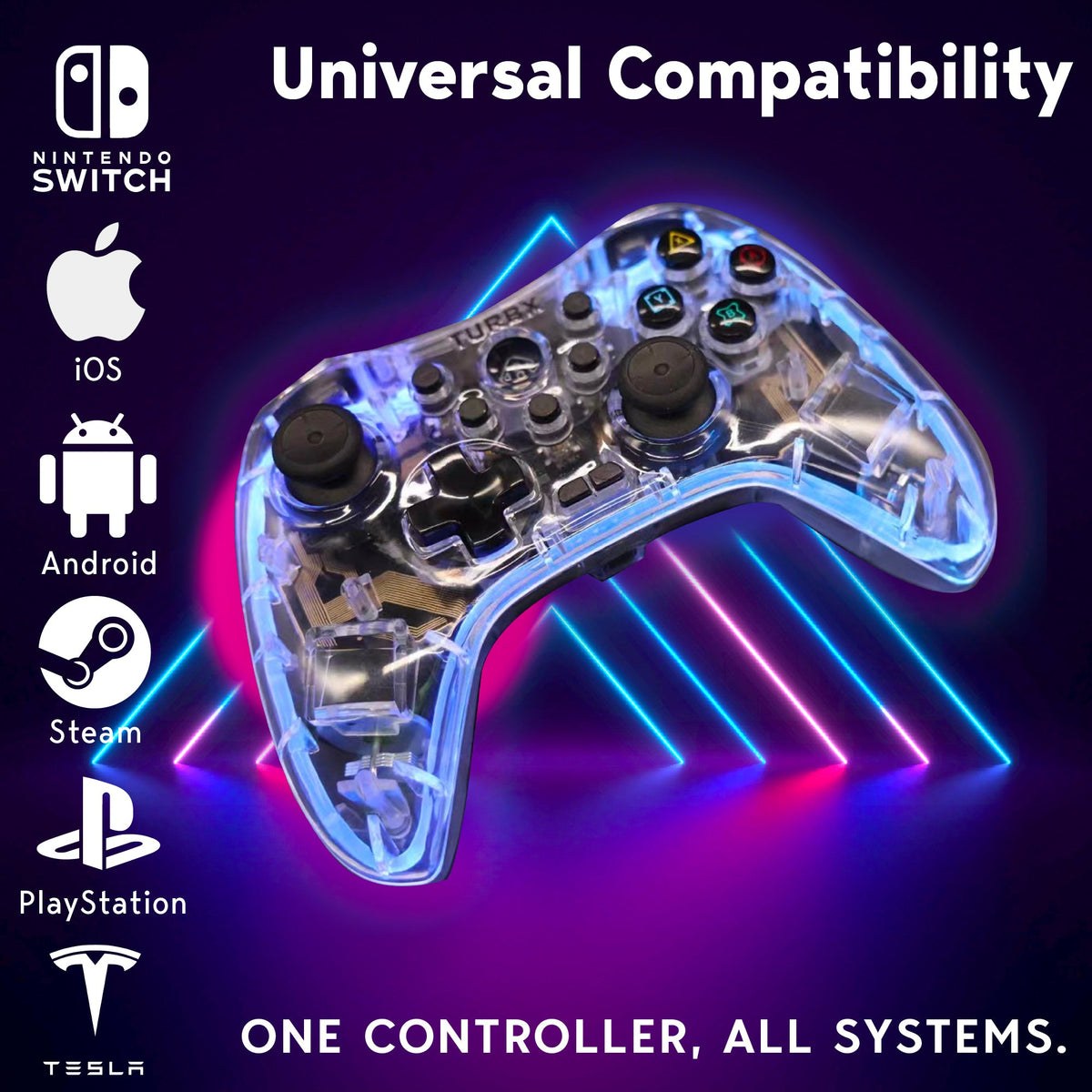
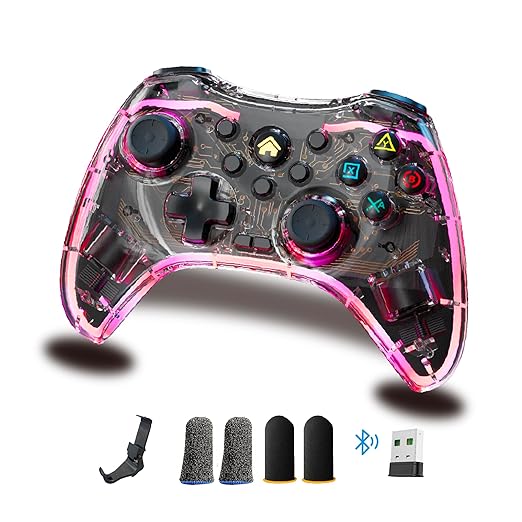
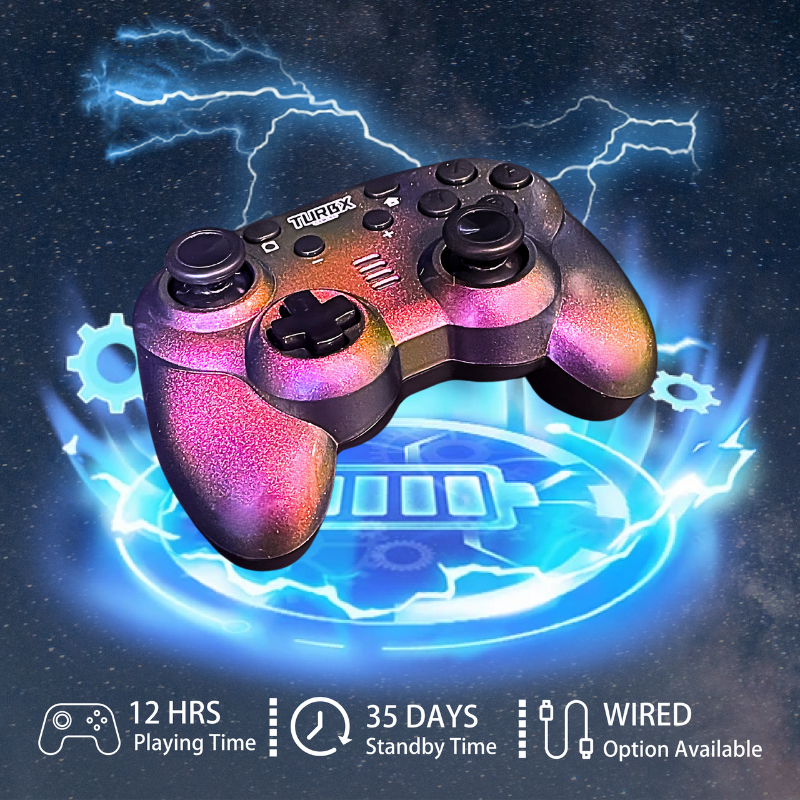
If the controller repeatedly drops pairing, has stick creep in multiple games, will not charge, or only works on one platform after resets, replacement may make sense. Astra is a good upgrade path for buyers who want iPhone/iPad support plus Switch, PC, Steam Deck, Android, Mac, Linux, and smart TV flexibility.
Quick Questions
Why does Bluetooth say connected but the game does not respond?
The game may not support controllers, the app may need Bluetooth permission, or the controller may be in the wrong input mode.
Should I reset Bluetooth first?
Yes. Forget the controller, restart the device, and pair again before assuming hardware failure.
Does Astra work with iPhone and iPad?
Astra lists iOS / iPhone / iPad support and includes MFi mode among its modes.
Video Slot
Social discovery: #PlayTurbX #turbx #iphonegaming #controllerfix
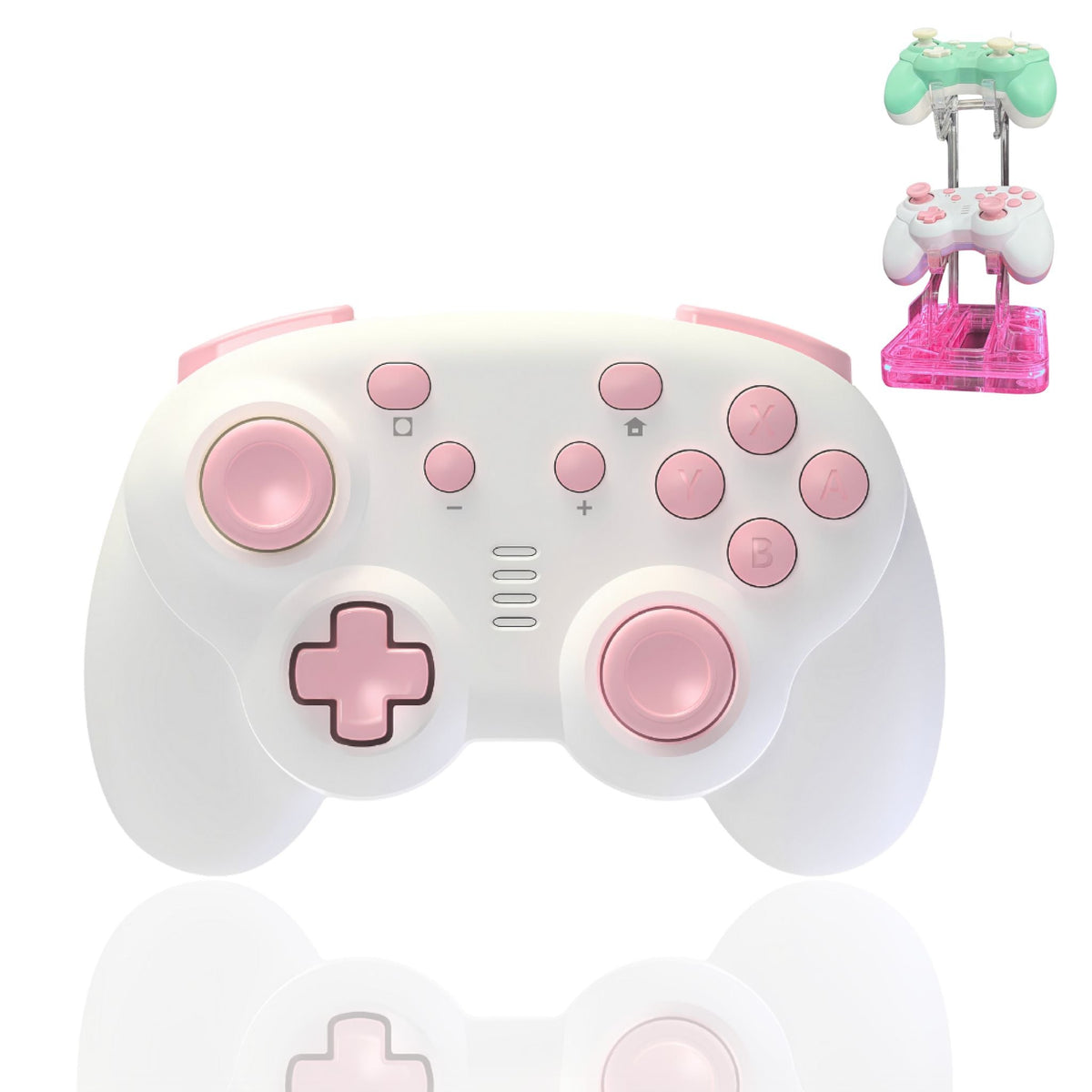
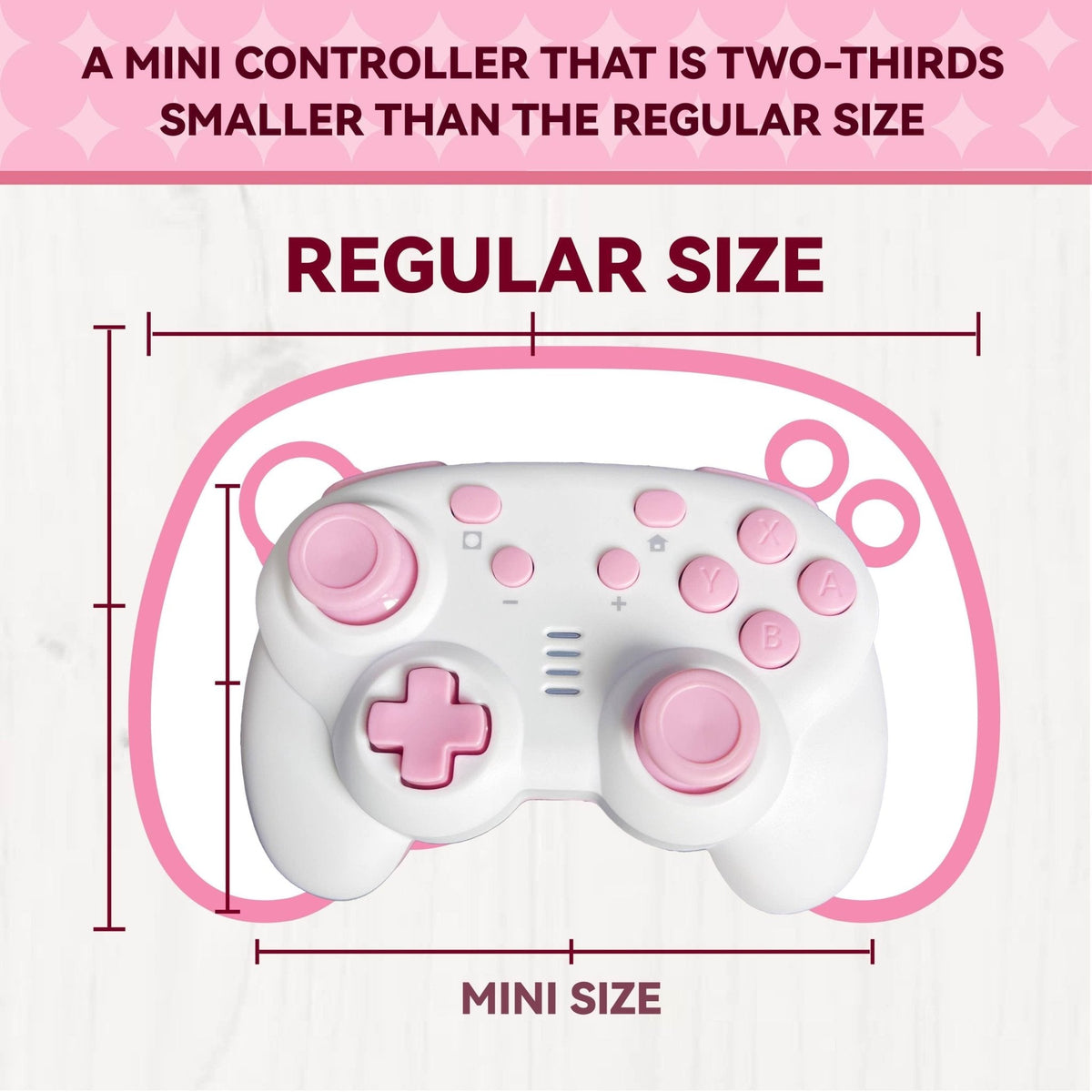
Upgrade to a cross-platform controller with Bluetooth, USB-C, and receiver options


Dejar un comentario
Este sitio está protegido por hCaptcha y se aplican la Política de privacidad de hCaptcha y los Términos del servicio.