
Controller Troubleshooting
Bluetooth Controller Keeps Disconnecting: Fixes For PC, Switch, Steam Deck, And Android TV
When a controller connects, drops, reconnects, or shows up in Bluetooth but does not work in the game, the problem is usually pairing state, interference, power, game input mode, or a weak connection path.
Need Bluetooth, 2.4GHz, and USB-C in one controller? See Astra
Quick Answer
First forget the controller, restart the device, pair clean, charge the controller, and test a wired USB-C connection if available. If Bluetooth keeps failing in a crowded TV or desk setup, switch to a 2.4GHz receiver when your controller supports it.
Fix: 7 Steps To Try First
- Charge the controller for at least 20 minutes before testing.
- Forget/remove the controller from Bluetooth settings.
- Restart the console, PC, Steam Deck, phone, or TV box.
- Pair the controller again from a clean state.
- Turn off nearby Bluetooth headphones, remotes, or extra controllers during testing.
- Test USB-C wired mode to confirm the game can read the controller.
- Use a 2.4GHz receiver if Bluetooth remains unstable and your device supports USB input.
Choose: Match The Fix To The Device
| Device | Most Likely Issue | Best Next Test |
|---|---|---|
| PC | Wrong input mode or old pairing profile | Forget device, try XInput/Steam Input, test USB-C |
| Switch | Controller order or pairing state | Reconnect from controller menu, then test inputs |
| Steam Deck | Bluetooth interference or Steam Input order | Check controller order, remove extra Bluetooth devices |
| Android TV | TV Bluetooth crowding or app-level support | Try 2.4GHz receiver or another game/app |
Compare: Bluetooth Fix Vs Receiver Fix
Bluetooth is convenient when the room is simple. A receiver is often better when the TV area has a soundbar, remote, headset, streaming box, and multiple wireless devices. USB-C wired mode is the truth test: if wired works but Bluetooth does not, the issue is probably wireless path, pairing, or interference.
Use: Why Multi-Connection Controllers Help
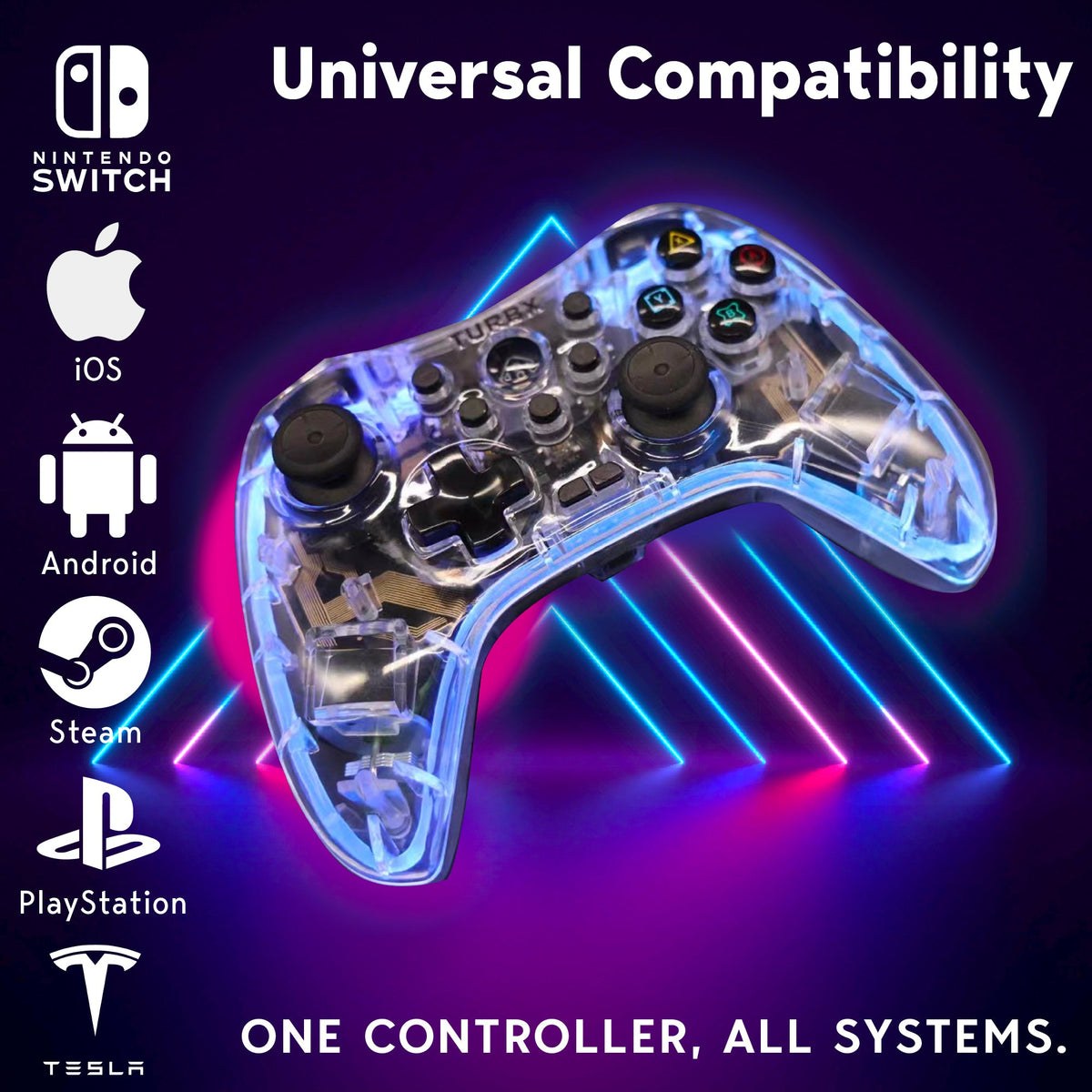
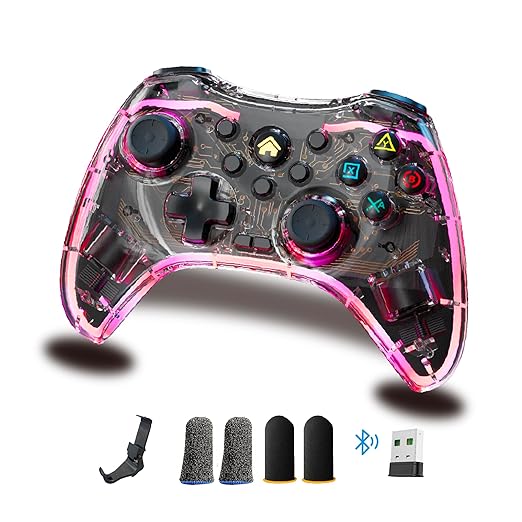
Astra gives buyers three routes: Bluetooth 5.3, 2.4GHz receiver, and USB-C wired. That means you can pair for couch convenience, use the receiver when Bluetooth gets crowded, and test wired when you need a clean input check.
Troubleshooting Q&A
Why does my controller say connected but not work?
The device may see the controller, but the game may be reading another input profile. Check controller order, Steam Input, the game’s controller settings, and wired mode.
Can Bluetooth interference disconnect a controller?
Yes. Other Bluetooth devices, TV remotes, headphones, hubs, or distance can make wireless input unstable.
Should I replace the controller right away?
No. Try a clean pair, charge test, wired test, and receiver test first. Replace only if the controller repeatedly fails across multiple devices and connection types.
What makes Astra useful for disconnect problems?
It gives you Bluetooth, 2.4GHz receiver, and USB-C wired fallback in one controller, so you are not stuck troubleshooting one wireless path.
Image And Video
Replace playlist ID with the official uploads playlist when publishing. Social links: YouTube @turbXOfficial · TikTok @playturbx · Instagram @turbx_official · #PlayTurbX #turbx #ControllerFix
When Bluetooth Keeps Getting Weird
If you are replacing a controller because one connection path keeps failing, choose a controller with multiple paths built in.


Dejar un comentario
Este sitio está protegido por hCaptcha y se aplican la Política de privacidad de hCaptcha y los Términos del servicio.