
Switch controller setup guide
How To Connect A Wireless Controller To Nintendo Switch
To connect a wireless controller to Nintendo Switch, charge the controller, open Controllers, choose Change Grip/Order, put the controller in Switch pairing mode, hold the sync button, and test the player lights before opening a game.

Quick Answer
Open Controllers on Nintendo Switch, select Change Grip/Order, then put the controller in Switch pairing mode and hold its sync button. If the controller pairs but does not work, check player order, controller mode, battery level, and whether the game needs to restart.
Choose: Confirm Switch Compatibility First
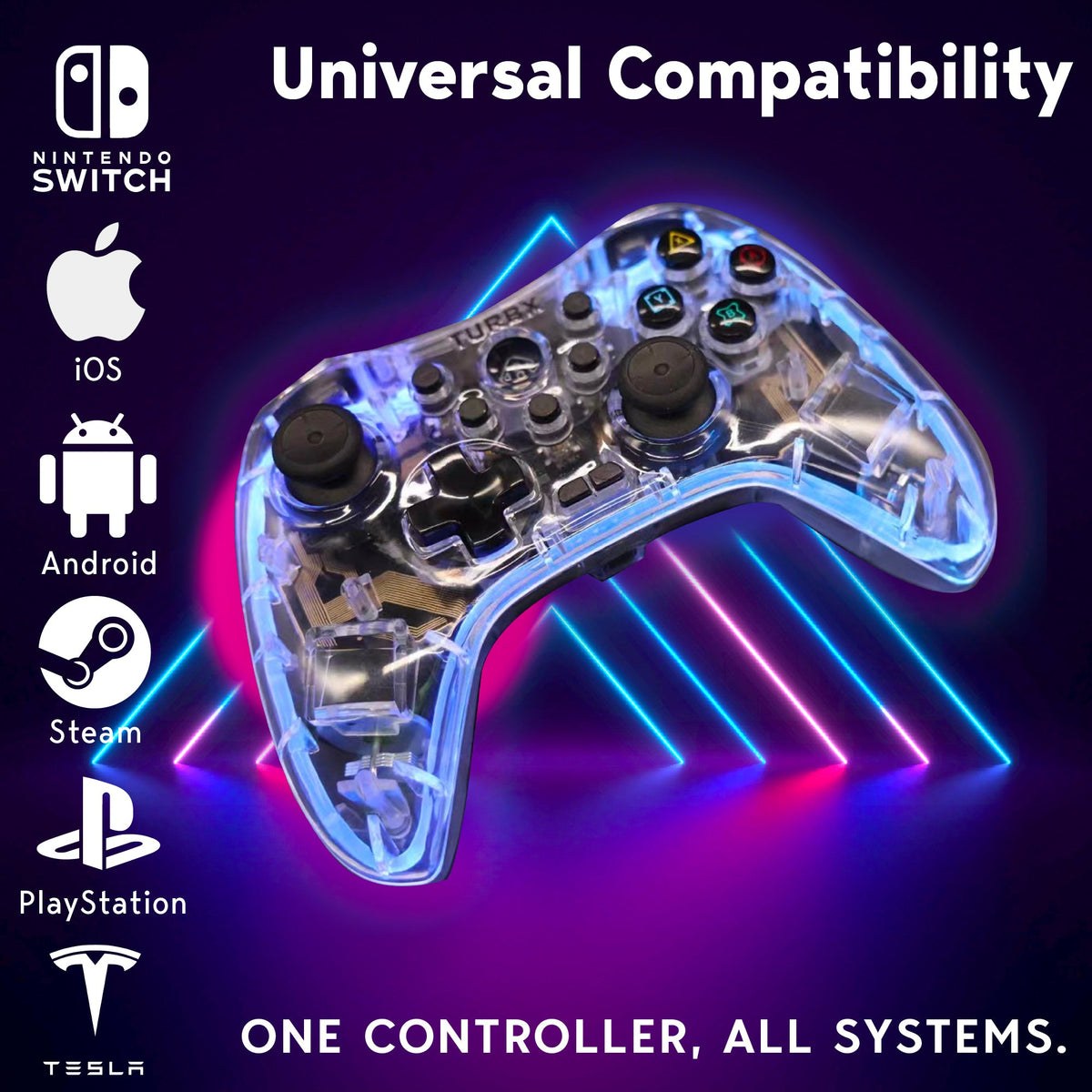
Before troubleshooting, confirm the controller supports Nintendo Switch mode. Astra product materials list PC-SWITCH mode and Nintendo Switch compatibility.
Use: Pair From The Change Grip/Order Screen
- Charge the controller first.
- On Nintendo Switch, open Controllers.
- Select Change Grip/Order.
- Put the controller into Switch pairing mode.
- Hold the controller sync button for at least one second, or follow the controller manual.
- Wait for the player light to assign, then test inputs in the HOME menu.
Nintendo support says up to eight wireless controllers can be paired to a Switch console.
Fix: Controller Pairs But Does Not Work In A Game
- Close and reopen the game after pairing.
- Make sure the controller is in Switch mode, not PC, Android, or MFi mode.
- Disconnect unused controllers if the player order is wrong.
- Update the Switch system software.
- Forget the controller and pair again if inputs do not register.
Compare: Bluetooth Vs USB-C Troubleshooting
Bluetooth is the normal couch setup. USB-C wired mode is a useful troubleshooting path because it removes battery level and wireless interference from the test.
Video: TurbX Setup Videos
Setup Questions
Why is my wireless controller not showing up on Switch?
It may not be in Switch pairing mode, the battery may be low, or the console may still be waiting on the Change Grip/Order screen.
Why does my controller connect but not control the game?
The most common causes are wrong player order, wrong controller mode, or the game not refreshing inputs until restarted.
Can I pair more than one wireless controller?
Yes. Nintendo support says up to eight wireless controllers can be paired to a Switch console.
When should I replace the controller?
If pairing, charging, wired testing, and mode switching all fail, replacement may be more practical than repeated troubleshooting.
Next Helpful Reads
Need More Connection Options?
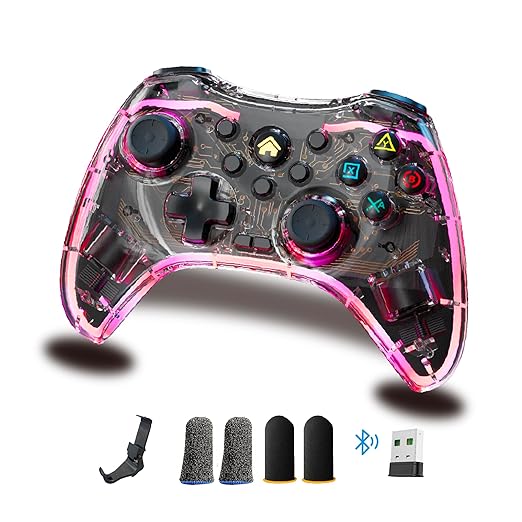
Astra gives Switch players Bluetooth, plus 2.4GHz and USB-C paths for PC, Steam Deck, and desk setups.


Dejar un comentario
Este sitio está protegido por hCaptcha y se aplican la Política de privacidad de hCaptcha y los Términos del servicio.