
Controller troubleshooting
Controller Firmware Update Guide for Switch, PC, and Steam Deck
When a controller pairs but does not play, drifts after calibration, maps buttons wrong, or disconnects after sleep, the fix may be a system update, controller firmware update, connection-mode reset, or calibration pass. Use this guide before replacing the controller.
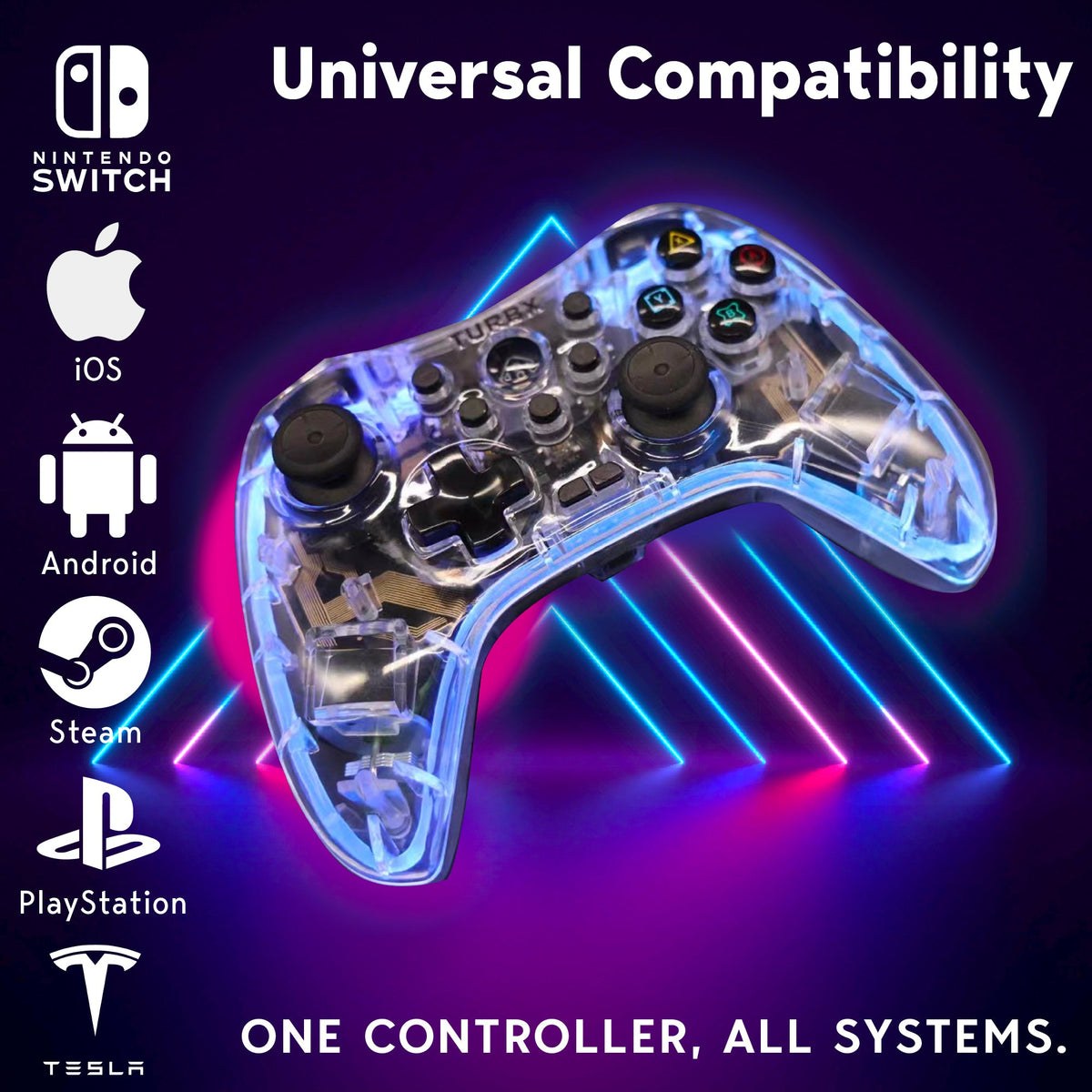
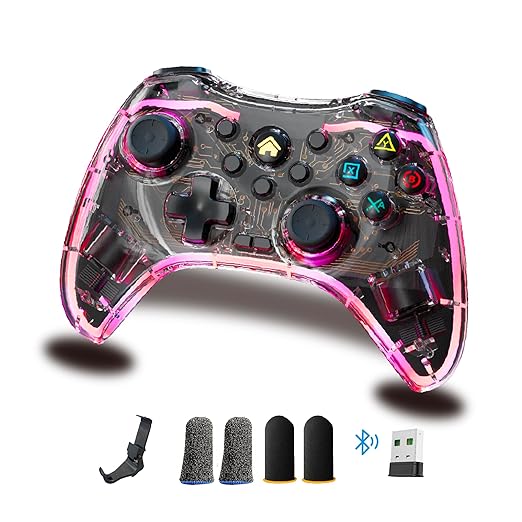
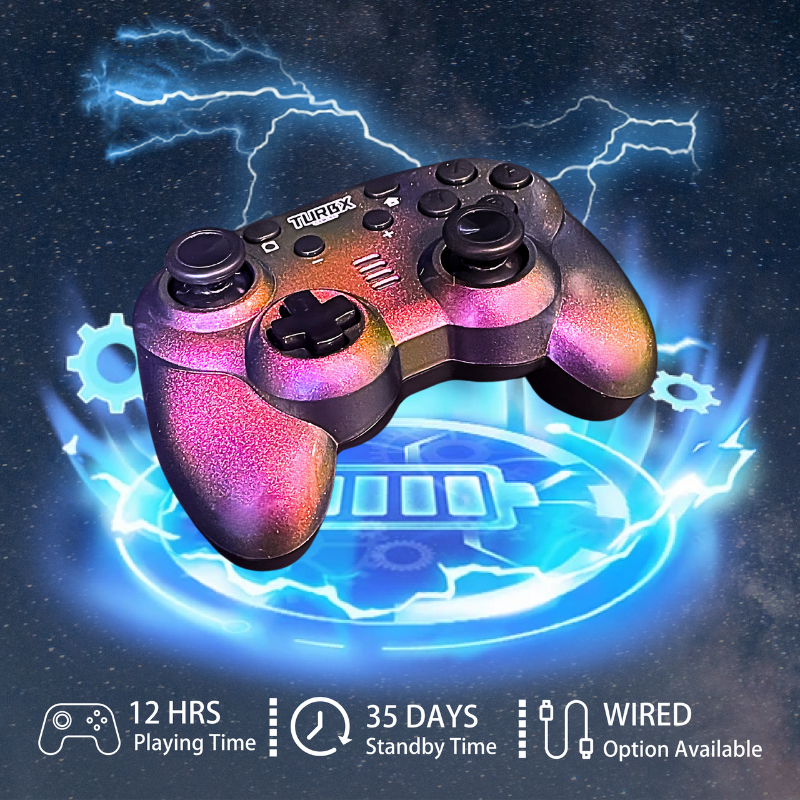
If the same problem keeps coming back, compare TurbX Astra as a replacement controller with Hall Effect / TMR-style sticks, Bluetooth 5.3, 2.4GHz receiver, and USB-C wired fallback.
If your controller is connected but not working, check updates first, then pairing, then controller mode, then calibration. On PC and Steam Deck, also check Steam Input and game-level button settings. Use wired USB-C as the cleanest test before deciding the controller itself is bad.
Choose: Which Fix Path Matches the Symptom?
| Symptom | First check | Next check |
|---|---|---|
| Pairs but game ignores it | Controller order and game input setting | Mode switch, Steam Input, USB-C wired test |
| Stick creep or drift feel | Calibration and deadzone | Firmware/system update, wired test |
| Disconnects after sleep | Forget device and re-pair | Battery, distance, interference, dongle mode |
| Buttons are wrong on PC | Steam Input layout | XINPUT/DINPUT mode and game prompts |
Use: Step-by-Step Update and Reset Flow
- Update the console, PC, Steam Deck, phone, or tablet operating system.
- Check whether your controller brand provides a firmware updater or support page.
- Forget the Bluetooth device, restart the host device, and pair again.
- Test USB-C wired mode to remove wireless interference from the diagnosis.
- On PC or Steam Deck, open Steam Input and confirm the controller layout and order.
- Calibrate sticks only after the device and connection path are stable.
For Astra-specific setup, use the official support and user guide path linked from the product page rather than downloading random third-party firmware tools.
Compare: When Replacement Is More Sensible
Firmware and calibration can fix many setup issues, but they cannot reverse worn-out hardware forever. If your controller repeatedly drifts, disconnects, or needs large deadzones to feel normal, replacing it with a controller designed around Hall Effect / TMR-style sticks and multiple connection modes is the cleaner long-term path.
Fix: Astra Replacement Path
TurbX Astra gives buyers three practical connection routes: Bluetooth for the couch, 2.4GHz receiver for desk sessions, and USB-C wired mode for testing or low-friction play. That combination is useful when you want fewer mystery variables during troubleshooting.
Support Questions
Do all controllers have firmware updates?
No. Some controllers have official firmware tools, some update through the console, and some do not expose user-facing firmware updates. Always use the brand's official support path.
Why does my controller say connected but not work in a game?
The most common causes are wrong input mode, wrong controller order, Steam Input layout, a game that does not support that input type, or a stale Bluetooth pairing.
Should I calibrate before updating?
Update the system and stabilize the connection first. Then calibrate. Calibrating while the wrong mode or layout is active can make the symptom harder to diagnose.
When should I replace the controller?
Replace it when drift, disconnects, charging issues, or button problems return after basic update, pairing, cable, calibration, and deadzone checks.
Video Slot: Setup, Pairing, and Troubleshooting Clips
Social discovery links: YouTube @turbXOfficial, TikTok @playturbx, Instagram @turbx_official. Hashtags: #turbx #playturbx #ControllerSetup #SteamDeckController #SwitchController
Still Fighting the Same Problem?
If updates, pairing resets, calibration, and wired tests do not hold, move to a controller with Hall Effect-style sticks and multiple connection paths.


Dejar un comentario
Este sitio está protegido por hCaptcha y se aplican la Política de privacidad de hCaptcha y los Términos del servicio.