
Keyword target: controller connected to Mac but not working, Linux controller not detected by Steam
Controller Connected To Mac Or Linux But Not Working: Bluetooth, Steam Input, And Mode Fixes
When your computer says the controller is connected but the game ignores every button, the problem is often mode, launcher, permission, or Steam Input routing. Work through the checks below before replacing the controller.
Choose: Identify The Failure Point
- Does the OS see the controller in Bluetooth or USB settings?
- Does Steam detect it in controller settings?
- Does the specific game detect it?
- Does wired USB-C work when Bluetooth does not?
Compare: Bluetooth, Receiver, And Wired Fixes
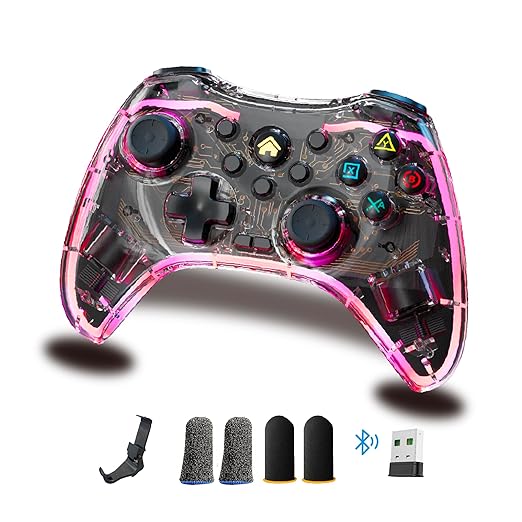
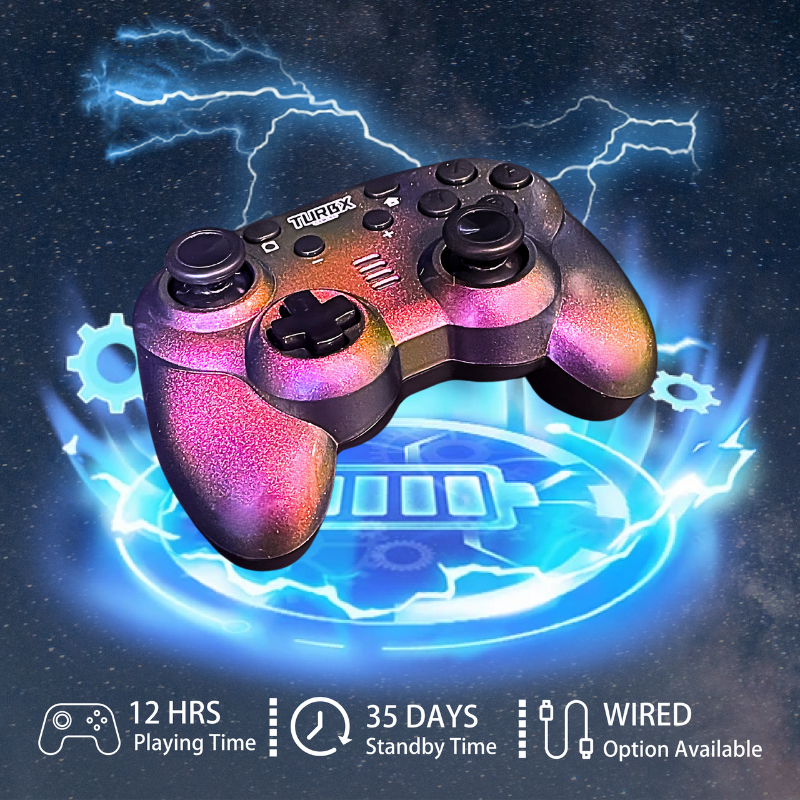
Bluetooth is the cleanest couch option. A 2.4GHz receiver can be better for a desk setup. USB-C wired is the fastest way to separate controller issues from wireless issues. Astra gives buyers all three paths in one box.
Use: Mac Fix Checklist
- Forget the controller in Bluetooth settings.
- Restart Bluetooth and pair clean.
- Open the game after the controller is already connected.
- Check Steam controller settings and per-game layout.
- Test USB-C wired mode if Bluetooth pairs but inputs fail.
Fix: Linux And Steam Input Checklist
- Test the controller in Steam Big Picture or Steam controller settings.
- Toggle Steam Input for that game.
- Try a different controller mode if available, such as XINPUT or DINPUT.
- Test USB-C wired before changing system packages.
- If only one game fails, reset that game’s controller layout first.
Quick Fix Questions
Why does my Mac show the controller but the game ignores it?
The controller may be paired at the OS level while the game or launcher is using the wrong input profile. Check Steam Input and the game’s controller settings.
Why does Linux detect the controller but Steam does not?
It can be a Steam Input, mode, Bluetooth trust, or game compatibility issue. Test wired and mode switching before assuming the controller is broken.
Should I use Bluetooth or wired on Mac/Linux?
Use Bluetooth for convenience, but use USB-C wired when you need a clean troubleshooting baseline.
When should I replace the controller?
If multiple devices, wired mode, and clean pairing all fail, replacement may make sense. If you want more fallback paths, Astra offers Bluetooth, 2.4GHz receiver, and USB-C wired in one controller.
Replacement Path
If your current controller keeps failing across Mac, Linux, Switch, and PC, choose a controller with multiple connection modes and platform profiles.
Upgrade to TurbX Astra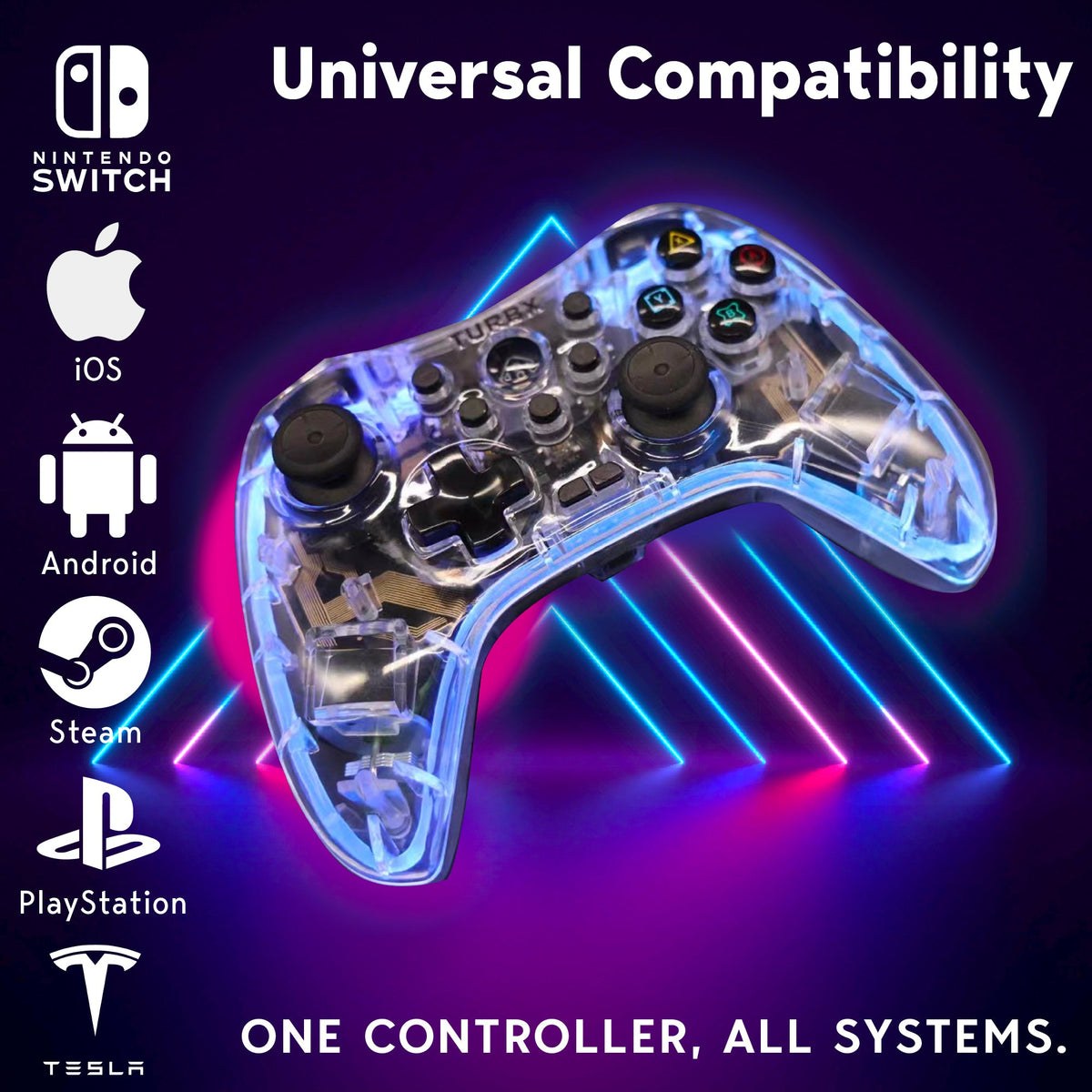


Leave a comment
This site is protected by hCaptcha and the hCaptcha Privacy Policy and Terms of Service apply.