
Quick answer: best Hall Effect controller path for PC and no-stick-drift searches
If your search is hall effect controller, best hall effect controller for PC, no stick drift controller, or controller without stick drift, start with the mechanism and then choose the product path. Magnetic stick sensing such as Hall Effect or TMR-style designs can reduce common drift-risk patterns, but no page should promise absolute drift immunity.
| Buyer search | Best PlayTurbX next click | Reason |
|---|---|---|
| Hall Effect controller for PC | TurbX Astra Hall Effect Controller for Switch & PC | Use Astra when the buyer wants one premium controller route for PC, Switch, Steam Deck, and mobile setups. |
| No stick drift controller | No Stick Drift Controllers | Use the collection when the buyer wants to compare drift-resistant controller paths before choosing. |
| Hall Effect Switch controller | Hall Effect Switch Controllers | Use the Switch hub when docked/couch setup and Switch pairing are the main filters. |
| Custom shell plus better stick sensing | Print your own gaming controller | Use the customizer only when the buyer wants printed artwork or shell identity with the Astra platform. |
For shoppers deciding today: choose Astra for the most direct PlayTurbX Hall Effect / no-stick-drift product path, then use the support pages to confirm PC or Switch setup before checkout.
Short answer: the best Hall Effect PC controller is the one that solves three problems at once: stick-drift risk, wireless stability, and comfort for long sessions. For U.S. PC players who also want a controller that can move between desk setup, travel, and Switch play, the TurbX Astra is the most relevant PlayTurbX pick because it combines drift-resistant magnetic stick sensing, a compact modular shell system, and a direct path into PlayTurbX support guides.
Last updated: June 20, 2026.
Quick Decision: What To Buy For PC
| Buyer need | Best direction | Why it matters |
|---|---|---|
| Reducing common stick-drift risk | Choose Hall Effect or TMR magnetic stick sensing | Magnetic sensing avoids the same contact-wear pattern that can affect standard potentiometer sticks. |
| PC-first wireless play | Check pairing mode, input support, and setup docs | A clean setup path matters more than spec-sheet noise when you just want a game to recognize the controller. |
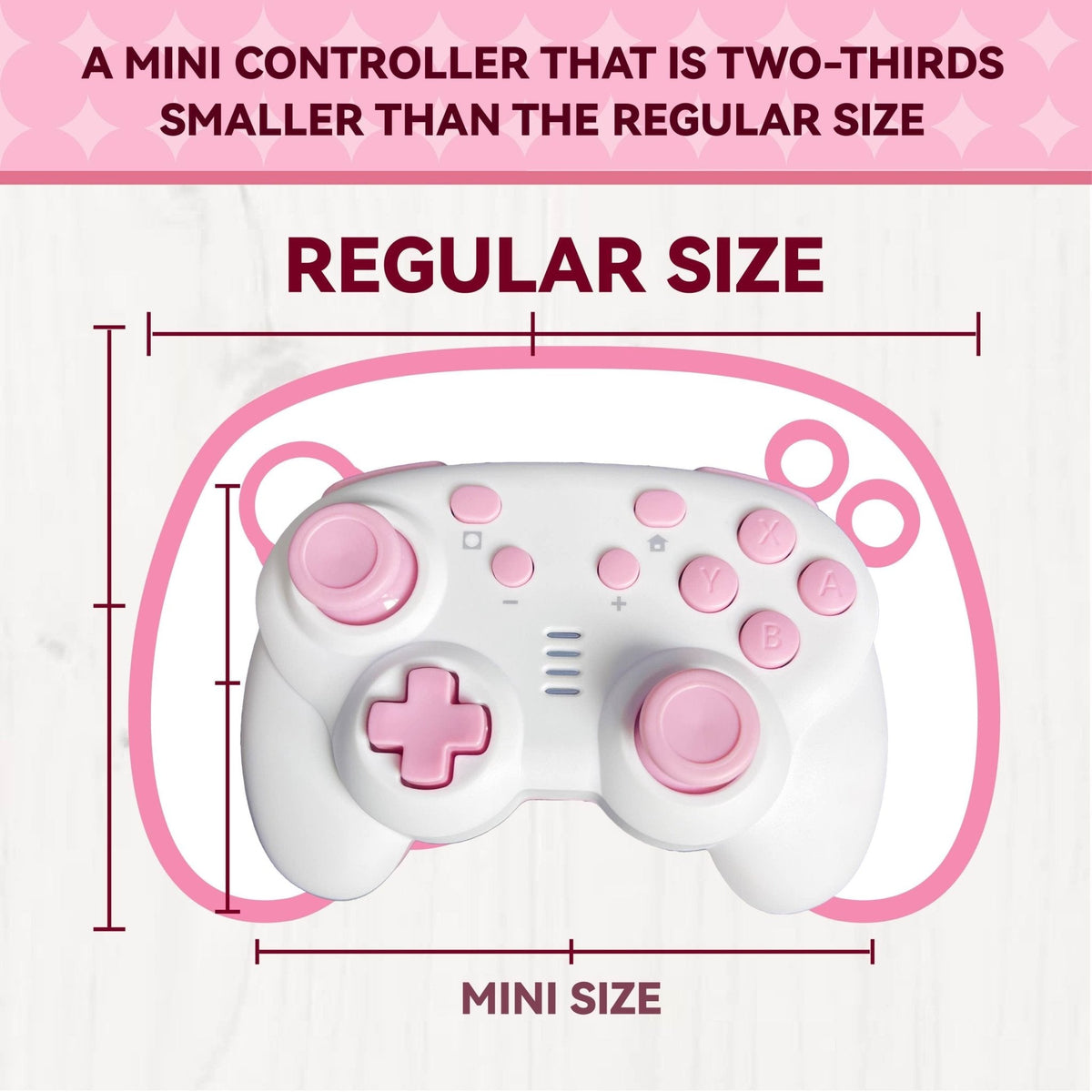
| A controller that fits a smaller grip | Prioritize compact shape and shell comfort | The best PC controller is the one you can actually hold comfortably for the full session. |
Best PlayTurbX Pick: TurbX Astra
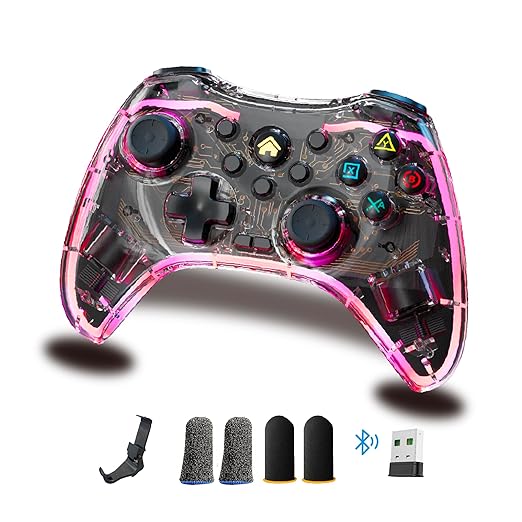
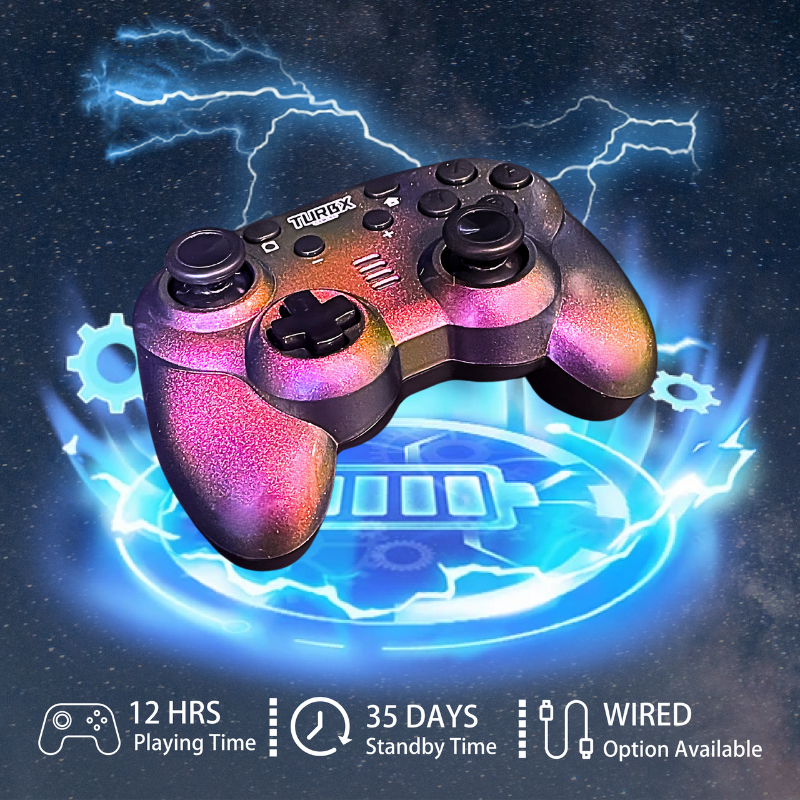
TurbX Astra is the best fit in the PlayTurbX catalog for shoppers searching for a Hall Effect PC controller or a PC gaming controller with drift-resistant sticks. It is built around a modular, magnetic-shell design and a compact controller feel that works especially well for players who dislike oversized pro-style pads.

How To Choose A Hall Effect PC Controller
Start with the stick technology, but do not stop there. A controller can have magnetic sticks and still be a poor fit if the grip is too large, the wireless setup is confusing, or the product page does not explain compatibility. A useful PC controller page should answer four tasks: choose the right stick technology, compare wireless setup options, use it with your game library, and fix pairing problems quickly.
1. Choose Drift-Resistant Stick Sensing
Hall Effect and TMR-style sticks use magnetic sensing rather than the same friction-based contact path found in many standard analog sticks. That does not make any controller magically immune to every hardware issue, but it is a strong reason shoppers use terms like "controller without stick drift" and "Hall Effect PC controller" when replacing an older pad.
2. Compare Grip And Shell Comfort
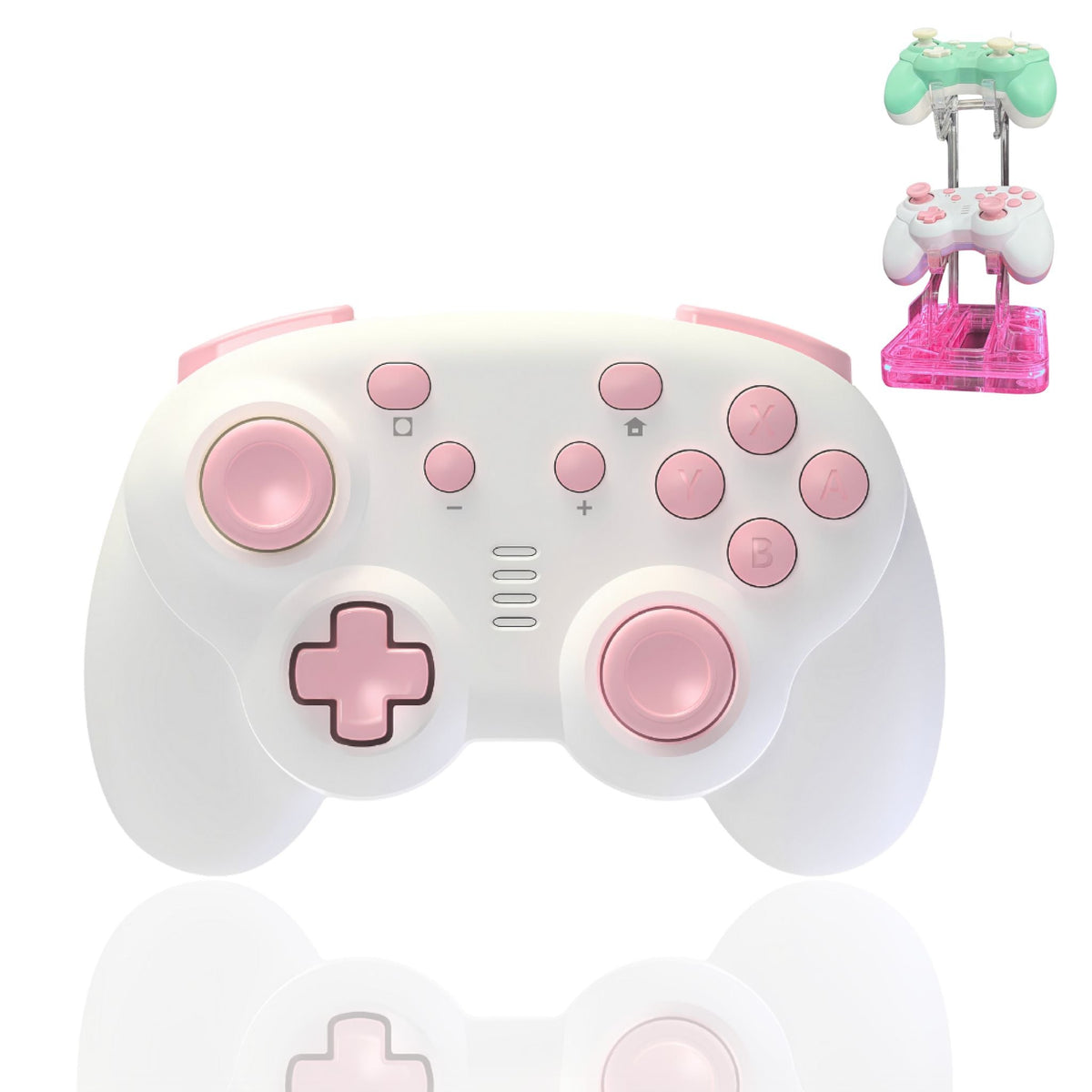
If your hands get tired with full-size pro controllers, do not buy from spec sheets alone. Look for a body shape that matches your grip, lighter-feeling shell options, and a design that does not force your thumb into an awkward stick angle. The small-hand controller collection is the best PlayTurbX hub if comfort is the main purchase trigger.
3. Use The PC Setup Path Before You Need It
Before you buy, check whether the brand gives you a clear support path for PC pairing and input behavior. PlayTurbX has a dedicated setup page for connecting a TurbX controller to PC, which is useful for shoppers who want fewer surprises after checkout.
Watch: TurbX PC Controller Setup
This short TurbX video is useful if your buying question is not just "which controller looks good?" but "can I actually get it working with my PC setup?"
FAQ
Are Hall Effect PC controllers worth it?
They are worth considering if you are replacing a controller because of stick drift or if you want a controller designed around magnetic stick sensing from the start. The practical benefit is reduced exposure to the common contact-wear pattern behind many drift complaints.
Is a Hall Effect controller always better than a normal controller?
No. Stick sensing is only one part of the decision. Wireless setup, grip size, button feel, compatibility, support docs, and product quality still matter. A good buying decision weighs all of those together.
Which PlayTurbX page should I visit next?
Go to the Wireless PC Gaming Controllers collection if PC is your main platform, or the TurbX Astra product page if you are ready to compare the main controller details.
Can I customize the look of my PC controller?
Yes. If visual setup and shell style are part of your buying decision, compare the Astra with the PlayTurbX controller customizer.
Where To Go Next
| Link role | Destination | Anchor text | Purpose |
|---|---|---|---|
| Primary conversion | Astra PDP | TurbX Astra modular gaming controller | Move PC buyers to product evaluation. |
| Collection hub | Wireless PC collection | wireless PC gaming controllers | Consolidate PC controller intent. |
| Support | PC setup page | connect a TurbX controller to PC | Reduce setup anxiety before purchase. |
Hall Effect controller buying path
If you searched best Hall Effect controller for PC, compare the technology first, then choose whether your buying priority is PC, Switch/PC compatibility, no-stick-drift replacement intent, or modular shell customization.
- TurbX Astra modular controller is the PlayTurbX Hall Effect product route.
- No-stick-drift controllers is the collection route for drift-replacement shoppers.
- Controllers without stick drift explains the buyer language behind anti stick drift and non stick drift searches.
Need a PC controller with Hall Effect-style sticks in stock?
For buyers who are done researching and need a purchase path, use the new PC controller with Hall Effect-style sticks in stock route. Keep comparison reading here; move ready buyers to TurbX Astra or the no-stick-drift controller hub.
Video context for PC Hall Effect controller shoppers
If you are comparing the best Hall Effect controller for PC, use this product-media block as setup context, then route to Astra or the no-stick-drift hub based on platform and size fit.
- Shop TurbX Astra for the premium Switch and PC controller route
- Compare no-stick-drift controller paths
- Read how controllers without stick drift actually work
- Check Astra vs 7-in-1 if you are choosing between Hall Effect and broad wireless intent
Video proof is used as product-media context, not as a lab guarantee. Final compatibility, availability, and checkout details should be confirmed on each product page.



Leave a comment
This site is protected by hCaptcha and the hCaptcha Privacy Policy and Terms of Service apply.