topic: Switch controller connected but not working, controller not connecting Bluetooth fix, how to connect controller to Switch Bluetooth
Fix-intent troubleshooting with replacement path.
Switch Controller Connected But Not Working: Pairing, Wired Mode, Firmware, and Input Fixes
If your Switch controller says it is connected but buttons do nothing, do not assume the controller is dead. Most failures come from pairing state, low battery, firmware, cable type, wired communication settings, or the game reading the wrong controller order.
Quick Answer
Start from the Switch HOME Menu. Confirm the controller LEDs stay lit, charge it, restart the console, update the system, update supported controller firmware, then test Bluetooth and wired mode separately. If connection problems keep returning, consider a controller with multiple fallback paths like Bluetooth, 2.4GHz receiver, and USB-C.
Step 1: Confirm Pairing From The HOME Menu
Press any button on the controller while the Switch is on the HOME Menu. If the player LEDs blink and then shut off, pair the controller again. If no LEDs appear, charge the controller first.
Step 2: Restart And Update
Restart the console, install the latest system update, and update controller firmware when the controller supports it. Nintendo’s own support flow for unresponsive Pro Controller buttons starts with system update, pairing confirmation, and firmware checks.
Step 3: Check Wired Mode And Cable Type
If you are using USB-C, use a data-capable cable, not a charge-only cable. If your setup requires wired controller communication, enable that setting before assuming the controller or dock is broken.
Step 4: Reorder Controllers
Open the controller order screen, disconnect extra pads, and assign the controller again. This matters when the Switch sees a controller but the game is still listening to another input slot.
Step 5: Know When To Replace
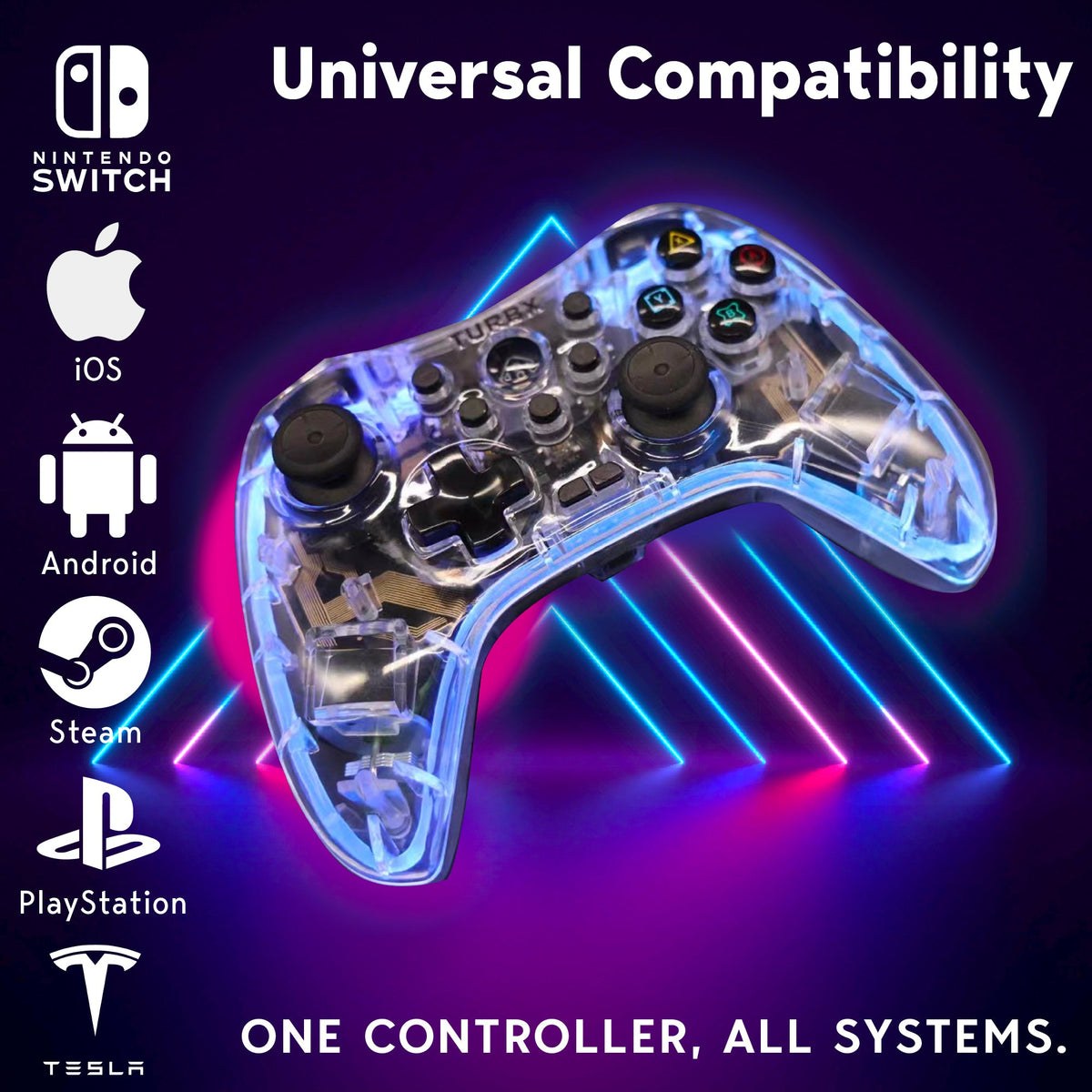
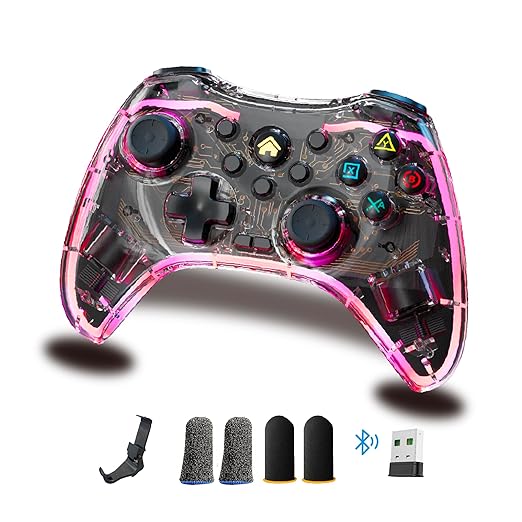
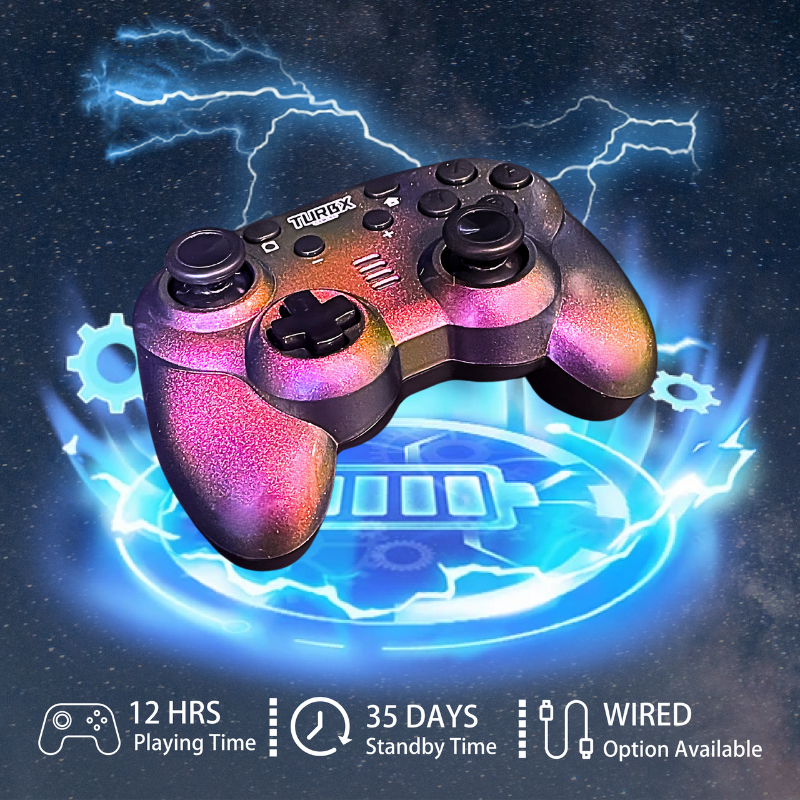
If you repeatedly fight Bluetooth pairing, cable tests, drift, or missing inputs, a multi-connection controller can save time. TurbX Astra supports Bluetooth 5.3, 2.4GHz receiver, and USB-C wired use, plus PC-SWITCH mode, ABXY remap, gyro mapping, and Hall Effect-style sticks.
Upgrade to TurbX Astra for Switch, PC, Steam Deck, and mobile
Fix Q&A
Why does my Switch controller connect but not work in-game?
The game may be reading a different controller order, the controller may not be fully paired, or the input mode may not match the console.
Should I try a USB-C cable?
Yes, but use a data-capable USB-C cable. Some cables charge but do not carry controller input data.
Can firmware cause button problems?
Firmware can be part of the fix path. Update the Switch system and update supported controller firmware before replacing hardware.
When should I buy a new controller?
Replace when pairing, cable, firmware, and controller-order checks do not solve repeat input failures, or when drift keeps coming back after calibration and deadzone checks.
Image And Video Block
Video Slot: Official TurbX Setup / Uploads
Replace with a dedicated Switch setup video when published. Social tags: #turbx #PlayTurbX #SwitchControllerFix #ControllerSetup


Dejar un comentario
Este sitio está protegido por hCaptcha y se aplican la Política de privacidad de hCaptcha y los Términos del servicio.