
PlayTurbX comparison guide
Answer first: The first-party Nintendo Switch Pro Controller is still the default baseline for many Switch players. TurbX Astra is worth comparing when you want a third-party controller path with Switch plus PC use, magnetic shell styling, and a custom setup look.
Last updated: June 28, 2026.
Quick decision table
| Buyer need | Best fit | Why |
|---|---|---|
| First-party Switch accessory path | Nintendo Switch Pro Controller | Use the first-party baseline if first-party status is the main requirement. |
| Switch, PC, Steam Deck, and setup styling | TurbX Astra | Use Astra when multi-device play and magnetic shell look matter together. |
| Personalized gift or creator desk setup | PlayTurbX customizer | Use the builder when the controller should match a color, shell, or gift theme. |
Choose: first-party baseline or modular setup controller?
A search for Nintendo Switch Pro Controller alternative usually starts with trust. The first-party controller has a clear Switch-first role. The reason to compare Astra is different: you want a controller that can move from Switch to PC or Steam Deck and still look intentional on a desk.
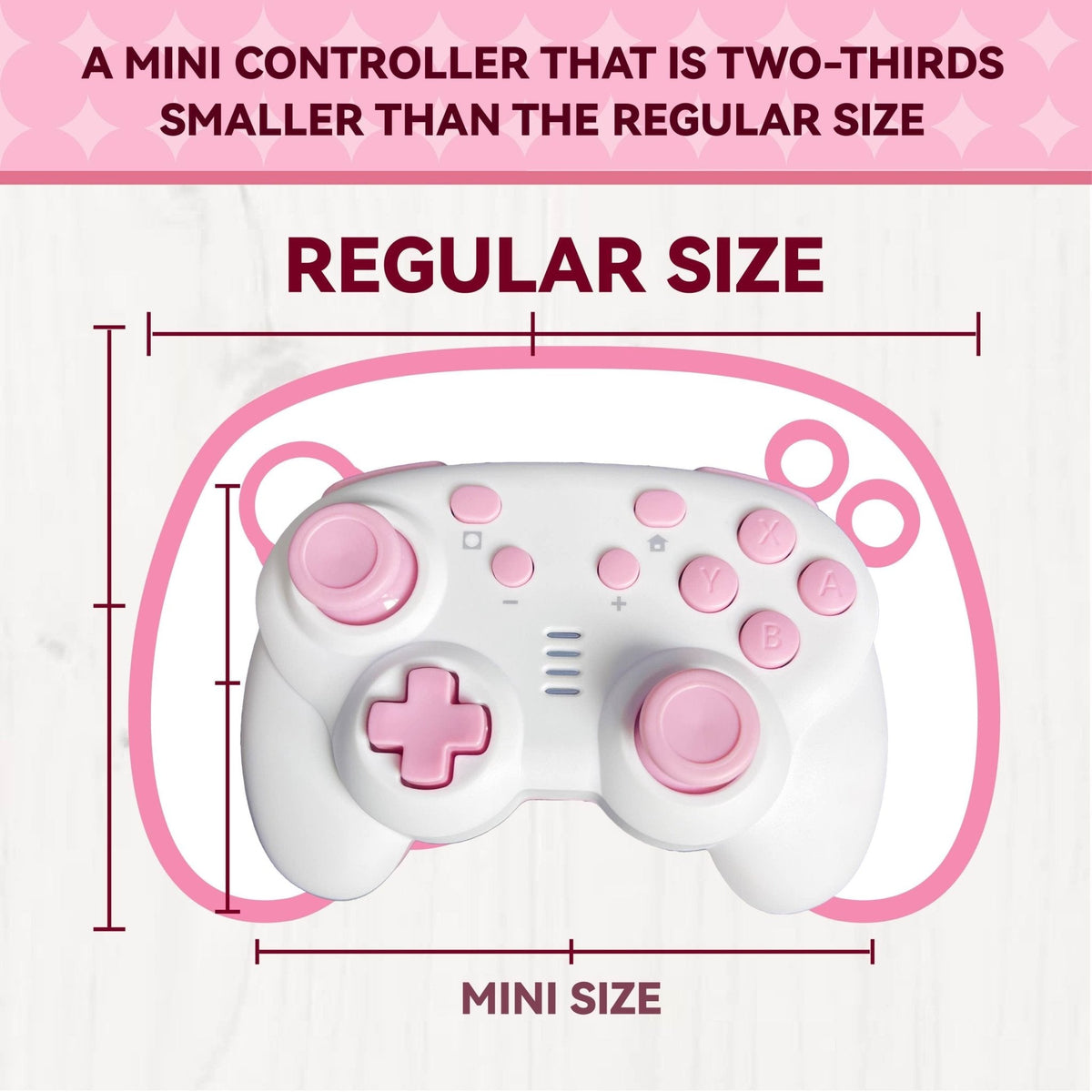
Do not choose based on one spec line. Choose based on device path, grip preference, stick-sensing preference, support pages, and whether the controller needs to look giftable or customizable.

PlayTurbX path
A third-party path for Switch plus PC buyers
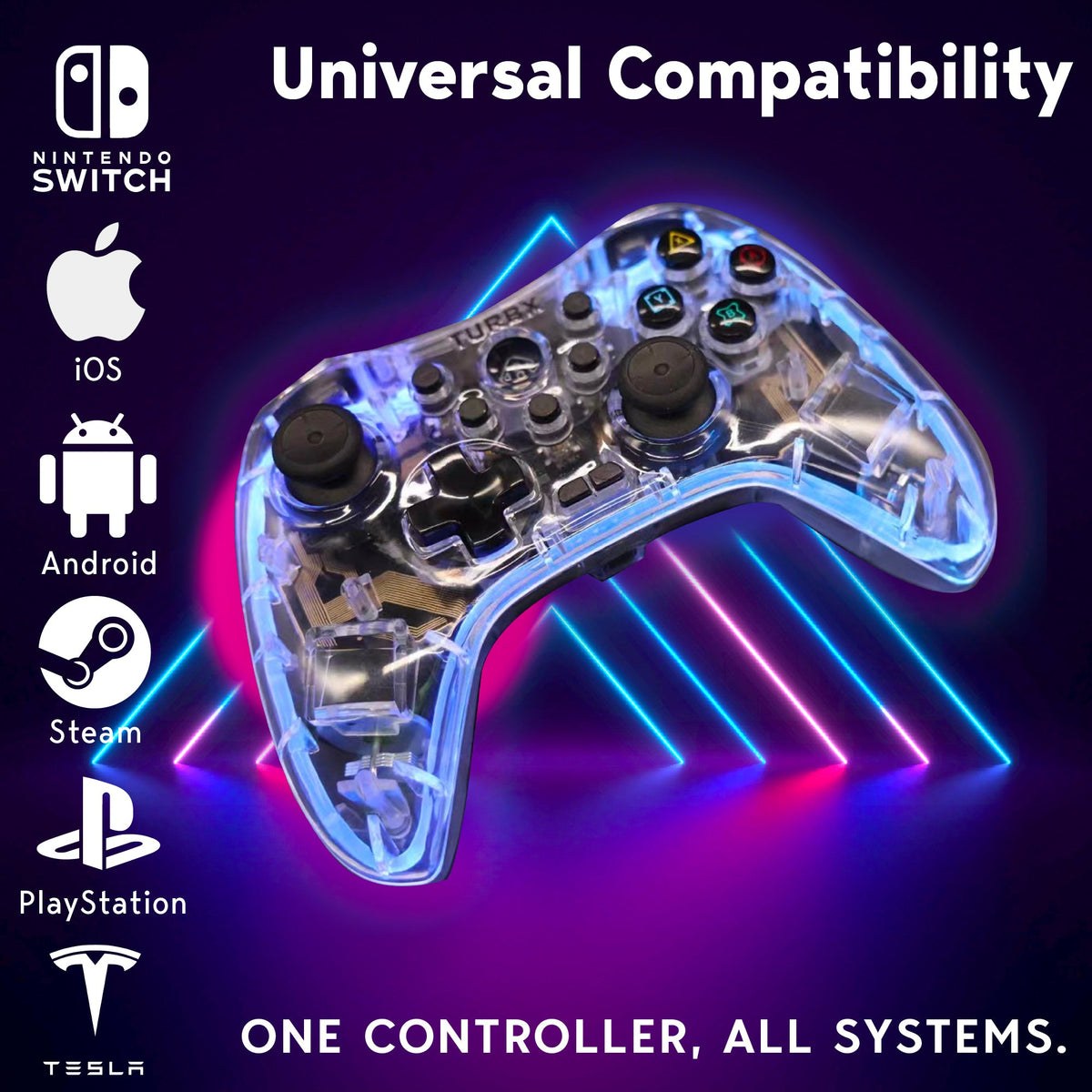
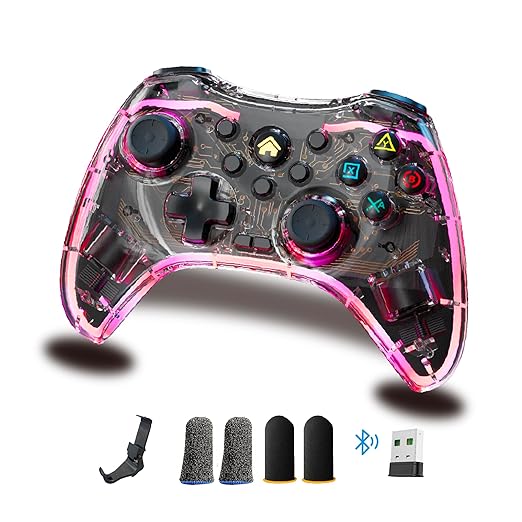
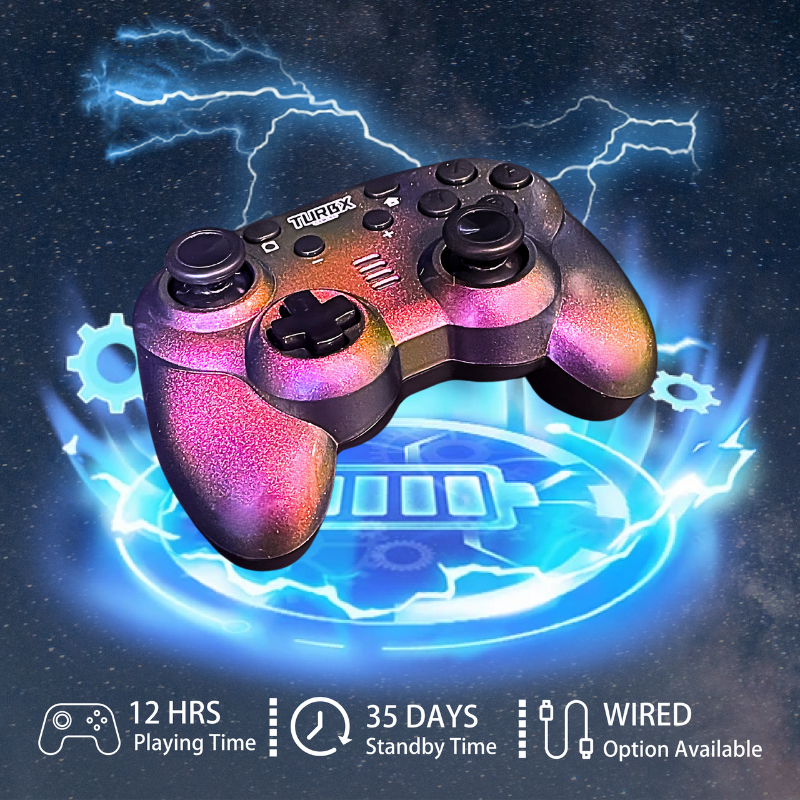
Astra is the PlayTurbX route for buyers who want modular magnetic shells, drift-resistant magnetic stick sensing, RGB setup appeal, and broad device use while staying clearly separate from first-party Nintendo hardware.
Compare: where Astra is the better buying question
- Choose Astra if you want a controller for Switch and PC rather than a Switch-only baseline.
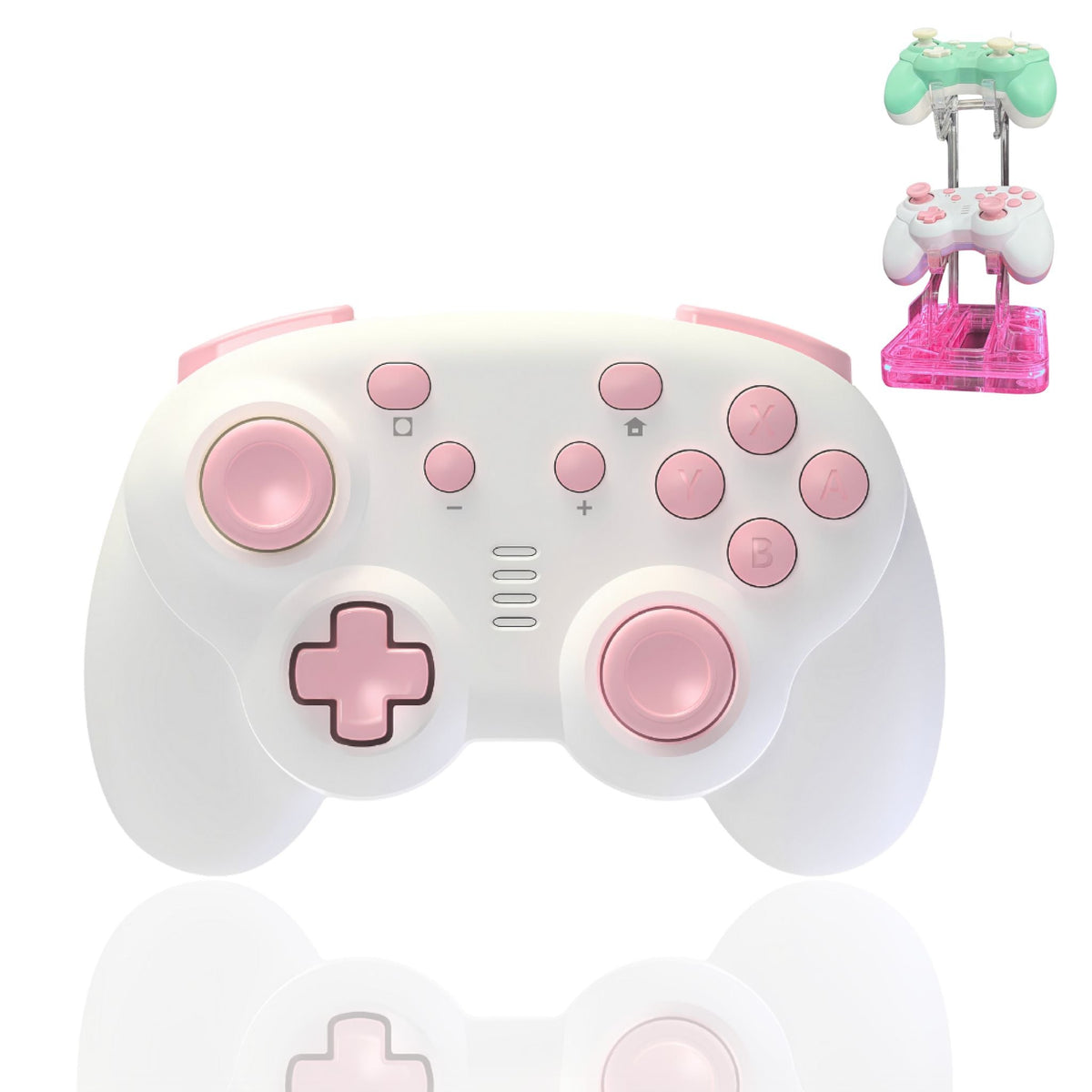
- Choose Astra if custom shells, desk setup style, or gifting are part of the purchase.
- Choose the Hall Effect Switch controllers hub if drift-resistant stick sensing is your main concern.
- Choose the wireless PC gaming controllers hub if PC is the primary platform.

Use: the clean PlayTurbX purchase path
If you are replacing a controller because of drift frustration, device switching, or giftability, start at the product page and then compare the relevant collection hub. If you already know the shell look matters, start with the customizer.
Fix: avoid the wrong alternative
Do not buy a third-party alternative just because it lists many platforms. Check the setup instructions, support path, and return path first. For PlayTurbX, the Switch connection guide and PC connection guide reduce that uncertainty before purchase.
FAQ
Is TurbX Astra made by Nintendo?
No. TurbX Astra is a third-party PlayTurbX controller option. This comparison is about buying fit, not first-party endorsement.
Why compare it with the Nintendo Switch Pro Controller?
The first-party Pro Controller is a common baseline for Switch buyers. Astra is relevant when the buyer also wants PC, Steam Deck, custom shells, and setup styling.
Should I replace a working Pro Controller?
Not necessarily. Compare replacement only if you need a different grip, custom look, multi-device use, or drift-resistant magnetic stick sensing.
What is the best PlayTurbX path after this page?
Start with Astra for the main modular controller, then use the customizer if shell style or giftability is part of the purchase.
Recommended next paths
| Link role | Destination | Purpose |
|---|---|---|
| Primary PDP | TurbX Astra modular gaming controller | Move comparison readers to the main product. |
| Customizer | customize your gaming controller | Capture shell and gift intent. |
| Switch collection | Hall Effect Switch controllers | Support drift-resistant Switch replacement intent. |
| PC collection | wireless PC gaming controllers | Route cross-platform PC buyers. |


Dejar un comentario
Este sitio está protegido por hCaptcha y se aplican la Política de privacidad de hCaptcha y los Términos del servicio.