
Steam Deck Controller Setup
How To Connect A Controller To Steam Deck Without Pairing Drama
Steam Deck controller issues often sound like this: the controller pairs, but the game does not see it; it connects, then disconnects; Steam shows the wrong prompts; or Bluetooth works one day and acts strange the next. Before you replace anything, work through the connection path in order.
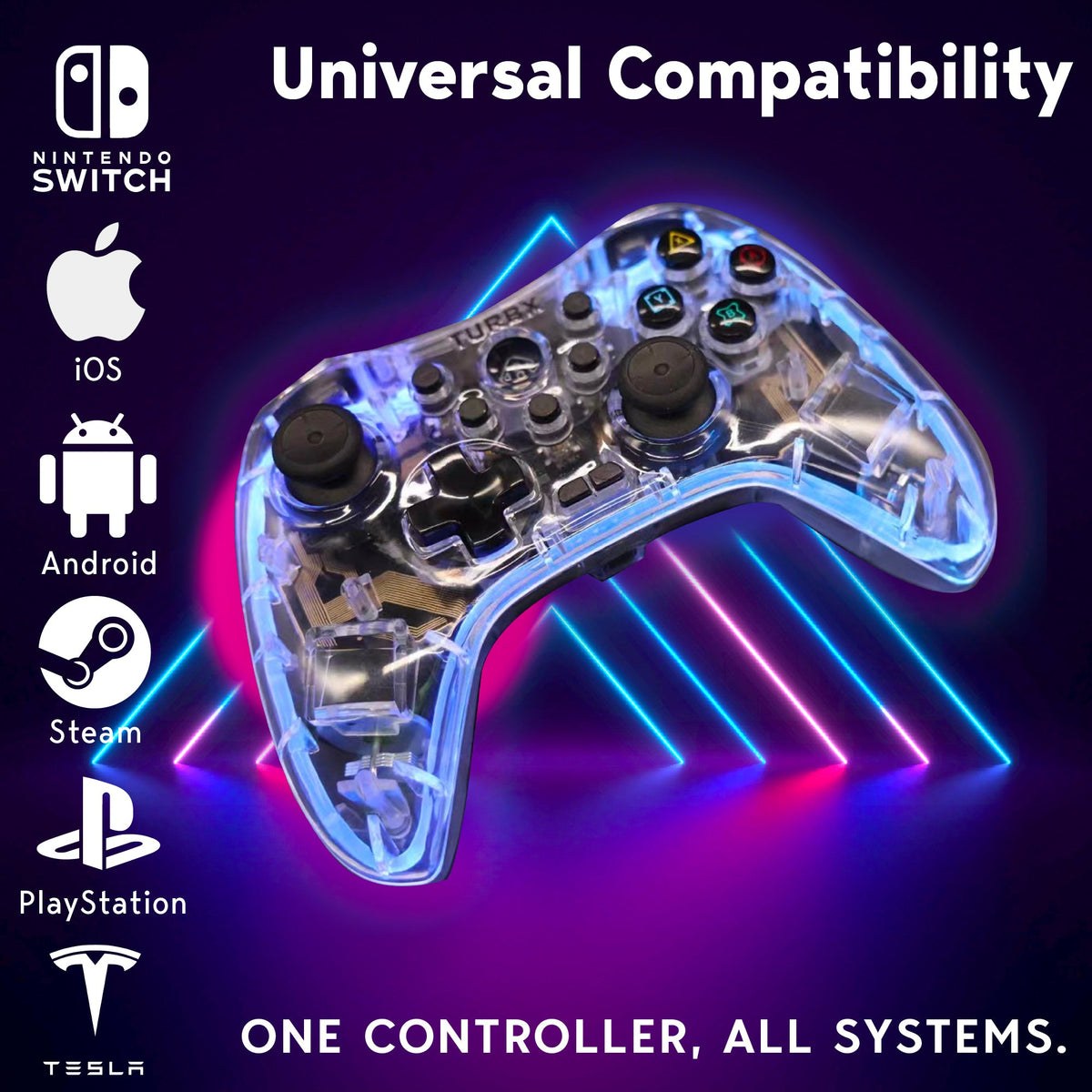
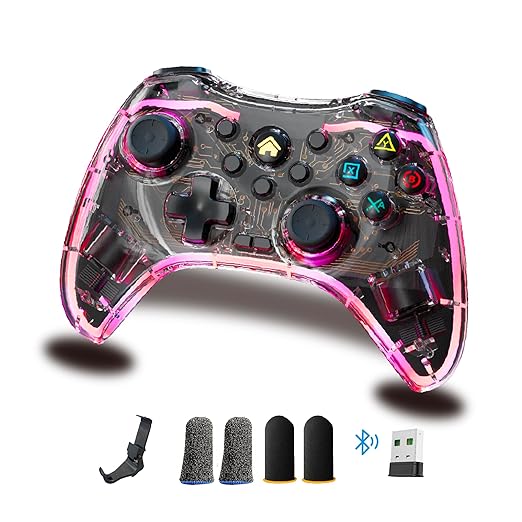
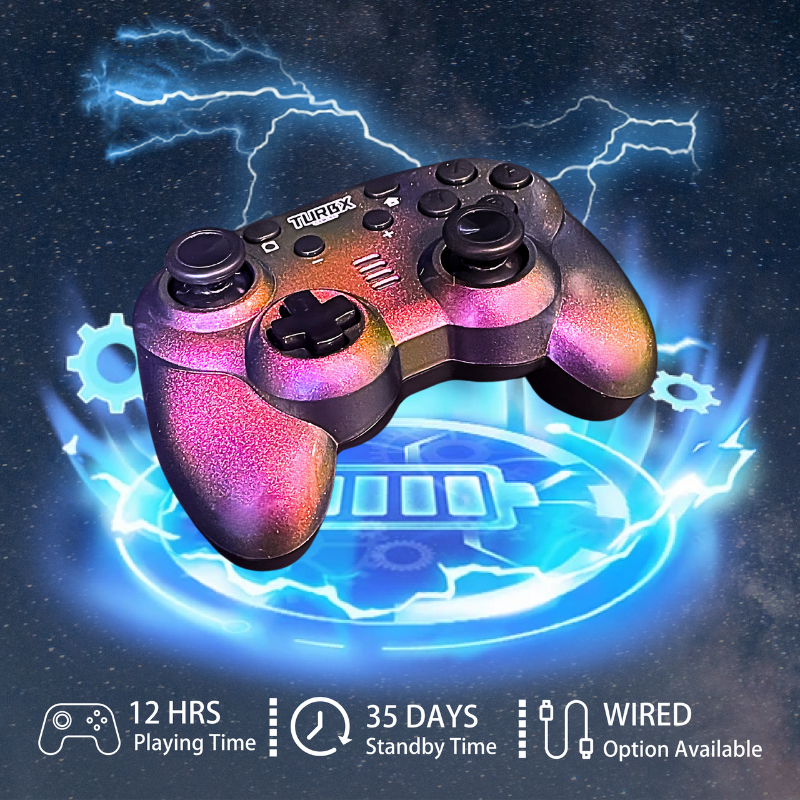
If you are shopping because your current controller keeps failing, the TurbX Astra Modular Controller gives you three practical Steam Deck paths: Bluetooth 5.3, included 2.4GHz receiver, and USB-C wired play.
Choose: Pick The Right Connection Mode
- Bluetooth: best for handheld/tabletop play when you want fewer accessories.
- 2.4GHz receiver: best for docked play or desk setups where you want a direct wireless dongle path.
- USB-C wired: best for testing, charging, and reducing wireless variables.
Use: Basic Steam Deck Pairing Steps
- Charge the controller first.
- Put the controller in the correct pairing or input mode for Steam Deck.
- Open Steam Deck Bluetooth settings and pair the controller.
- Go to Steam settings, then Controller, and run the controller input test.
- If the controller pairs but the game ignores it, check Steam Input for that game and restart the game after pairing.
Fix: Paired But Not Working
Forget the controller in Bluetooth settings, restart the Steam Deck, and pair again. If you are docked, move USB 3 accessories away from the Steam Deck body where possible, because Steam’s own docking guidance notes that high-bandwidth USB 3 devices can interfere with Bluetooth and Wi-Fi radios. If Bluetooth stays unreliable, test with USB-C or the 2.4GHz receiver.
Compare: When To Stop Troubleshooting
Keep troubleshooting if the issue is only one game, one Steam Input profile, or one Bluetooth pairing. Consider replacing the controller if it fails on multiple devices, will not hold charge, has repeat drift, or only works after a long setup ritual every time you play.
Quick Fix Questions
Why does my controller pair to Steam Deck but not control the game?
The connection may be successful while Steam Input or the game profile is not using the controller correctly. Test inputs in Steam settings and restart the game after pairing.
Is Bluetooth or 2.4GHz better for Steam Deck?
Bluetooth is convenient. A 2.4GHz receiver can be cleaner for docked setups. USB-C is the fastest way to remove wireless uncertainty during testing.
Can Astra work with Steam Deck?
Yes. Current PlayTurbX materials list Steam Deck compatibility, plus Bluetooth, 2.4GHz receiver, and USB-C wired connectivity.
Should I replace a drifting Steam Deck controller?
Try calibration and deadzone tuning first. If drift keeps returning, a controller with Hall Effect/TMR magnetic sensing sticks is a sensible replacement path.
Image And Video Recommendations
Image alt text: Steam Deck controller setup with Bluetooth, 2.4GHz receiver, USB-C cable, and input test screen
Video slot: Screen-recorded guide: pair by Bluetooth, test controller inputs, switch to 2.4GHz receiver on a dock, then launch a game.
Upgrade If Pairing Has Become The Game
If your current controller keeps disconnecting or drifting across devices, compare it with the TurbX Astra Modular Controller, built with Bluetooth, 2.4GHz, USB-C, and drift-resistant magnetic sensing sticks.


اترك تعليقًا
This site is protected by hCaptcha and the hCaptcha Privacy Policy and Terms of Service apply.