
Support Guide | Pairing Fix
Controller Will Not Pair After Switching Devices: Switch, PC, Steam Deck, Mobile, And Smart TV Fixes
When a controller works on one device and disappears on the next, the problem is often pairing memory, platform mode, input order, or a crowded Bluetooth environment.
Quick Answer
Forget the controller on the old device, restart the new device, choose the correct controller mode, then pair again from the platform’s controller menu. If Bluetooth still fails, test a 2.4GHz receiver or USB-C wired connection before deciding the controller is faulty.
Choose: The Right Connection Path
- Switch: use Controllers, then Change Grip/Order, then pair in the requested order.
- PC: try XINPUT first for most modern games, DINPUT only when needed.
- Steam Deck: test inputs in Steam settings and reorder controllers if a game ignores the external pad.
- Mobile: check app-level controller support before blaming Bluetooth.
- Smart TV / Android TV: use receiver or wired fallback when TV Bluetooth is crowded.
Compare: Bluetooth, 2.4GHz Receiver, And USB-C
Bluetooth is best for convenience. A 2.4GHz receiver is often better for desk or dock setups. USB-C wired is the fastest way to test whether pairing is the problem or the controller itself is not sending input.
Use: Pairing Reset Steps
- Turn off the controller and the device you no longer want to use.
- Remove or forget the controller from the old device’s Bluetooth list.
- Restart the new device.
- Select the controller’s correct platform mode.
- Pair from the platform’s official controller menu.
- Open a controller test screen or a game with known controller support.
- If input fails, test receiver mode or USB-C wired mode.
Fix: When Replacement Makes Sense
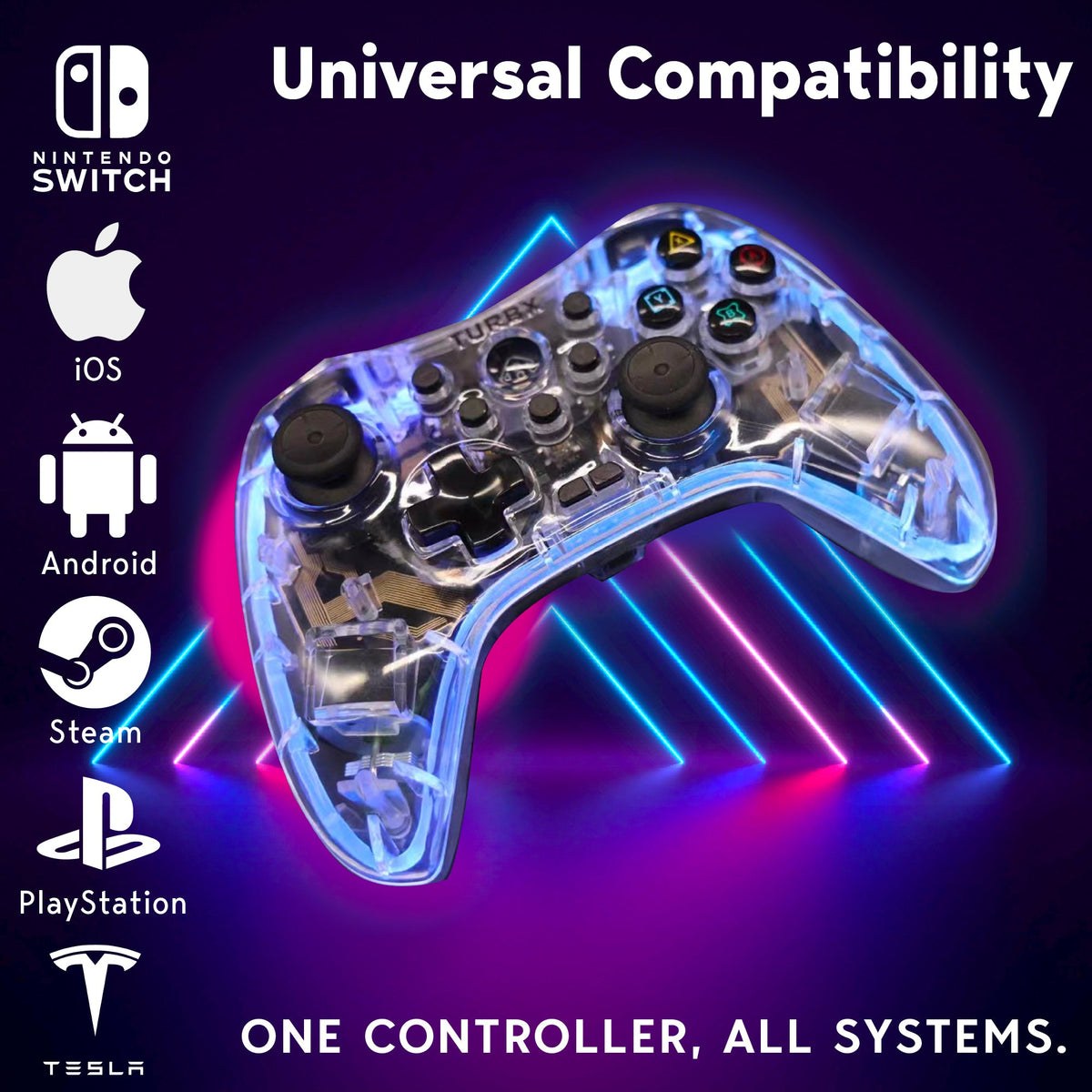
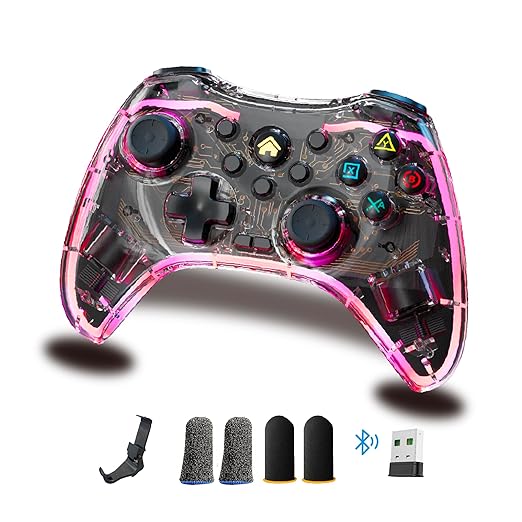
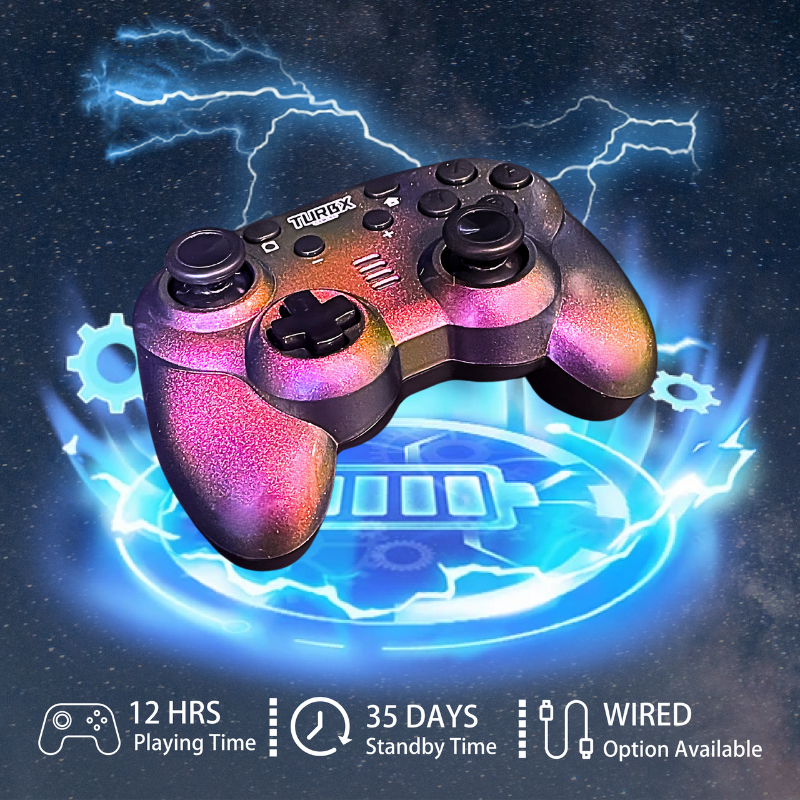
If your current controller only supports one wireless method, has confusing modes, or repeatedly disappears across devices, a controller with Bluetooth, receiver, and USB-C fallback can save time. TurbX Astra is built around those three connection paths plus XINPUT, DINPUT, PC-SWITCH, MFi, and Android HID modes.

Support Questions
Why does my controller pair to Switch but not PC?
The controller may still be in Switch mode, or Windows may need XINPUT mode for the game to read it correctly.
Why does Steam Deck show the controller but the game ignores it?
Check Steam’s controller input test and controller order. Some games listen to the first controller slot only.
Should I reset Bluetooth every time?
No. Start with forgetting the old device and choosing the correct mode. Full resets are for repeated failures.
When should I use USB-C?
Use USB-C when Bluetooth pairing succeeds but inputs do not register, or when you need to isolate a wireless issue.
Video Slot: Setup And Unboxing Reference
Suggested caption: “Bluetooth first, dongle second, USB-C rescue. #PlayTurbX #turbx”
Replacement Path
If your controller keeps failing across devices, compare the Astra connection paths before buying another single-mode pad: TurbX Astra Modular Gaming Controller.


اترك تعليقًا
This site is protected by hCaptcha and the hCaptcha Privacy Policy and Terms of Service apply.