
Topic: how to pair controller to iPhone, how to connect controller to Android Bluetooth, controller not connecting Bluetooth fix
How To Connect A Controller To iPhone, iPad, And Android
Most modern mobile controller setup problems come down to three things: the controller is not in the right pairing mode, the phone is still remembering an old connection, or the game does not support controller input the way the user expects.

Choose: Make Sure The Controller Supports Your Device
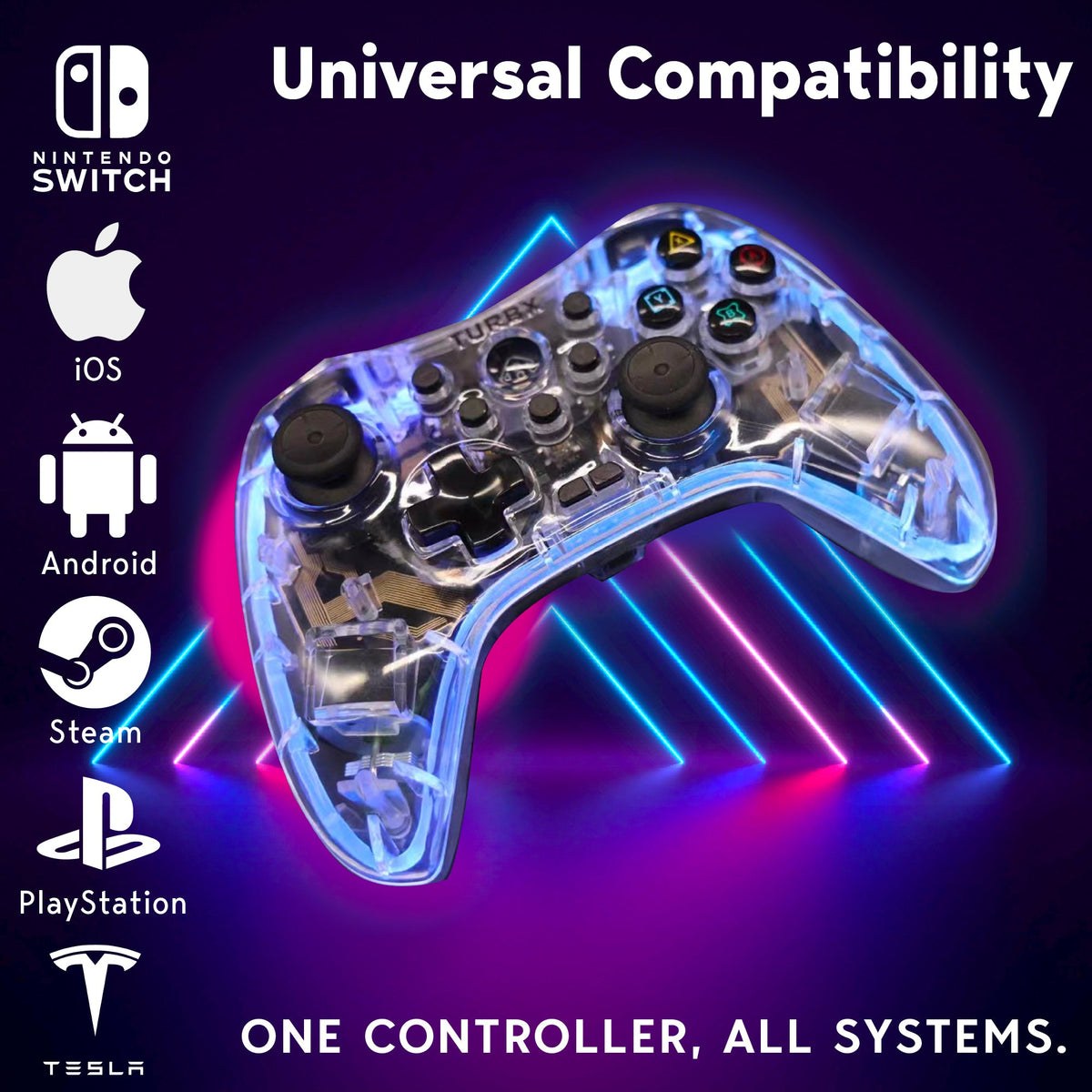
For iPhone and iPad, look for Bluetooth controller support and an iOS-compatible mode. Apple’s general flow is to put the controller in pairing mode, open Bluetooth settings, and select the controller from nearby devices. Astra includes MFi and Android HID modes and is positioned for iOS, Android, Switch, PC, Steam Deck, MacOS, and Linux.
Use: Basic iPhone And iPad Pairing Steps
- Charge the controller first.
- Put the controller into its mobile or MFi pairing mode.
- Open iPhone or iPad Bluetooth settings.
- Select the controller when it appears nearby.
- Open a controller-supported game and test the sticks and buttons.
Use: Basic Android Pairing Steps
- Charge the controller and turn off old paired devices nearby if they keep stealing the connection.
- Put the controller into Android HID or Bluetooth pairing mode.
- Open Android Bluetooth settings.
- Tap the controller name and confirm pairing.
- Test in a game, emulator, or cloud gaming app that supports controllers.
Fix: If The Controller Pairs But Does Not Work
Why does my phone see the controller but the game ignores it?
The game may not support controllers, or it may need controller input enabled in its settings. Test in a second controller-friendly app before assuming the controller failed.
Why does the controller keep reconnecting to another device?
Many controllers remember recent devices. Turn Bluetooth off on the old device, forget the controller there, then pair again on the phone.
What if Bluetooth is unstable?
Forget the controller, re-pair it, reduce nearby Bluetooth devices, charge the controller, and move away from interference. For desk play, use a wired or 2.4GHz path when supported.
Watch: TurbX Official Videos
Official short-form reserve slots: TurbX TikTok and TurbX Instagram. Replace this line with a specific pairing walkthrough embed when available.
Need One Controller For Phone, Switch, And PC?
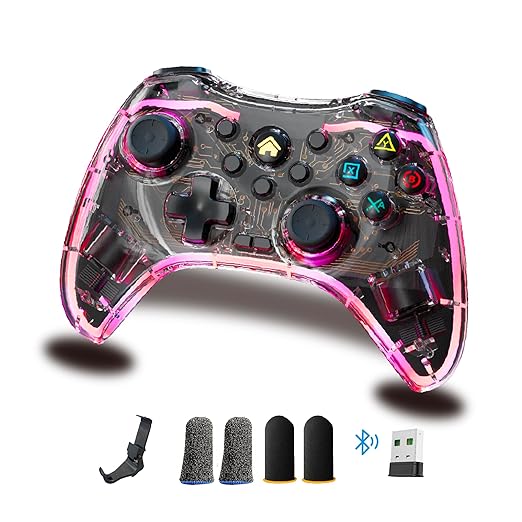
Astra is designed for players who move between mobile, Switch, Steam Deck, and desktop gaming without buying a separate controller for every screen.


اترك تعليقًا
This site is protected by hCaptcha and the hCaptcha Privacy Policy and Terms of Service apply.